UPerfect NxtLED GR185BF 18.5″ 120Hz Gaming Monitor Review – Eye Care And Low Gloss Of One Plus
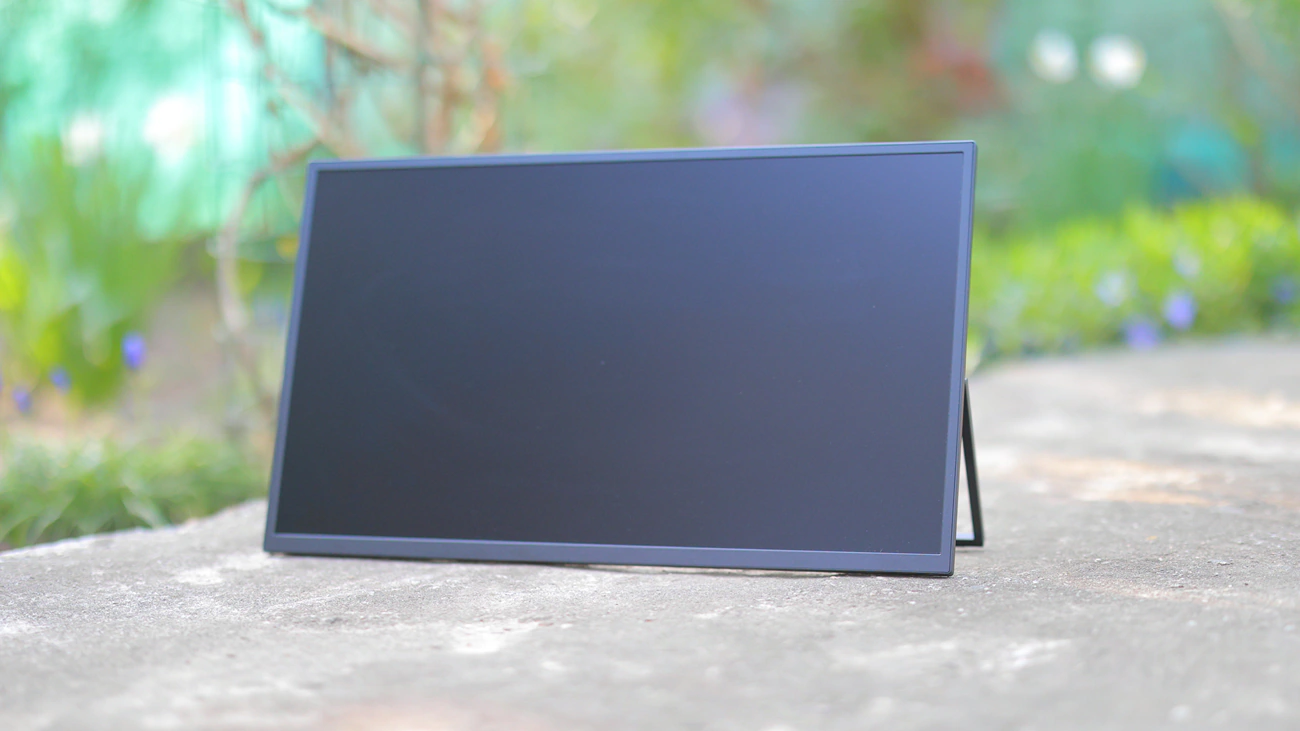
UPerfect NxtLED GR185BF is a $219 USD portable gaming monitor with a 1080p display resolution, 120 Hz refresh rate, Eye Care display and with the original name UPerfect nXTLED One Plus. Today we will review the nxtLED and also compare it with UPerfect’s own O Lite Monitor (329 USD).
Introduction
UPerfect is a really popular company for external monitors that has a lot of products under their belt, and in fact it is actually a bit hard for me to understand each one of their products and even as a reviewer I had to spend around 10 hours just to research their website, understand all of their models and to get a better idea of what you would have to purchase for each usage scenario. The model we’re reviewing today, as well as most models from the UPerfect company are available on the company’s own website, Amazon, Aliexpress and are well received by customers, the UPerfect company having made a name for themselves in the portable monitor industry.
As an Amazon Influencer, I earn from qualifying purchases, and using the purchase links in my reviews helps me maintain this website and Youtube Channel. Audiophile-Heaven has no Ads and our Youtube Channel has no midroll ads, and our work is supported by Affiliate Links and Donations. Huge thanks to UPerfect for providing the sample for this review, in exchange for my honest opinion.
Product Link
Amazon – https://amzn.to/4wu6BoS
Aliexpress – https://s.click.aliexpress.com/e/_c35y7EHz
Build Quality – Design
Uperfect designed the large 18.5″ NxtLED Monitor for gaming, combining a detailed FHD resolution, and smooth 120Hz high refresh rate with the improved clarity of NxtLED technology. The webpage still carries the One Plus model name which I feel was a bit catchier than the GR185BF monitor, but alas most monitors have this kind of name where you’re supposed to understand most of the specs straight from the name of the product.
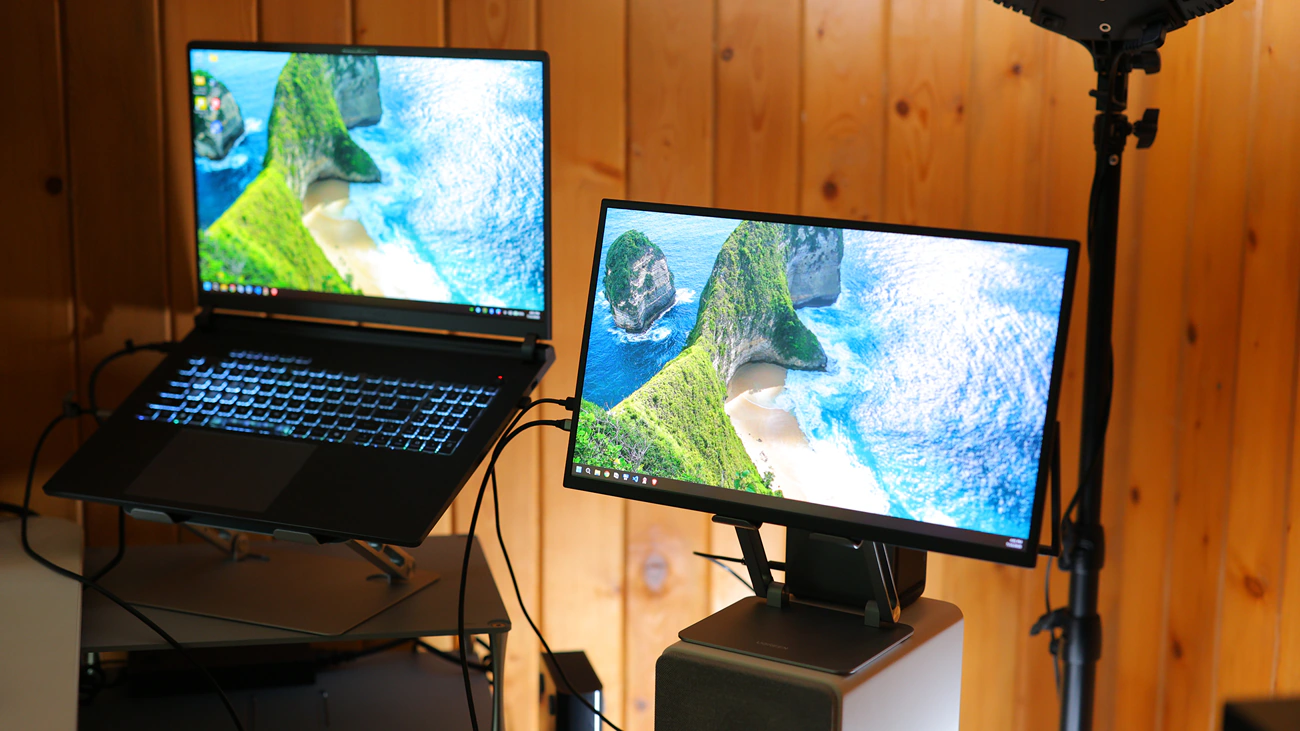
With a large 18.5″ size, NxtLED one Plus is one of the biggest portable monitors you can purchase, and it even is wider and a bit shorter than my Asus G815 laptop, offering superb viewing space. It is built around the nxtLED by UPerfect which combines Omni Visible and DC dimming, basically ensuring both wide viewing angles and that there’s no flicker as you typically see with OLED displays or LED displays that use PWM dimming. The construction diagram is interesting with a backlight, NxtLED layer which is the actual pixel matrix, then a soft light film and then a glass front. This results in a diffuse reflection, 178 degree viewing angle, strong anti-glare effect and a paper-like display with low blue light, flicker-free image.
As most displays have a glossy display, they will create a mirror-like surface with strong glare which makes most information on the display invisible. I tried buying a laptop with an OLED display but they all had this issue, so it is nice to see UPerfect’s NxtLED tech offer a strong matte display surface that has minimal reflections. Thanks to this surface, viewing angles are 178 degrees, and it feels like reading information from paper. Technically, NxtLED GR185BF has a 120 HZ refresh rate with low ghosting and low trailing.
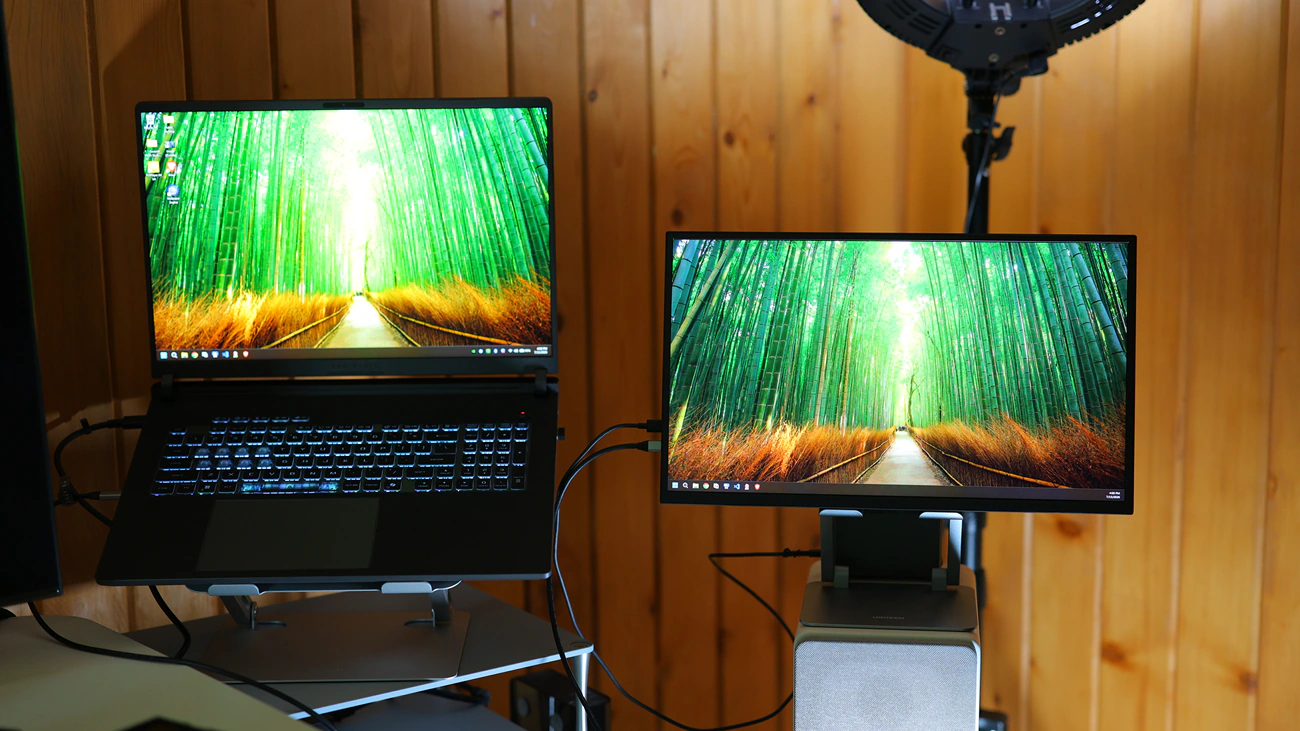
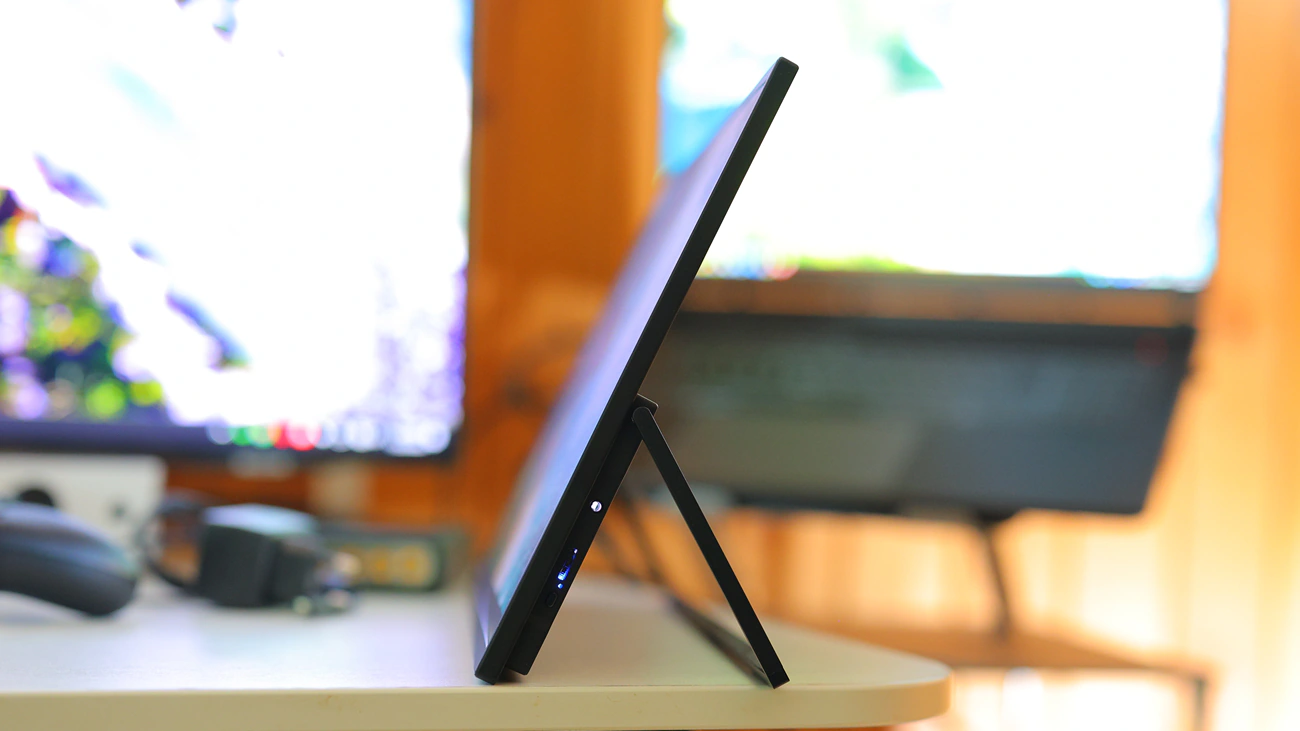
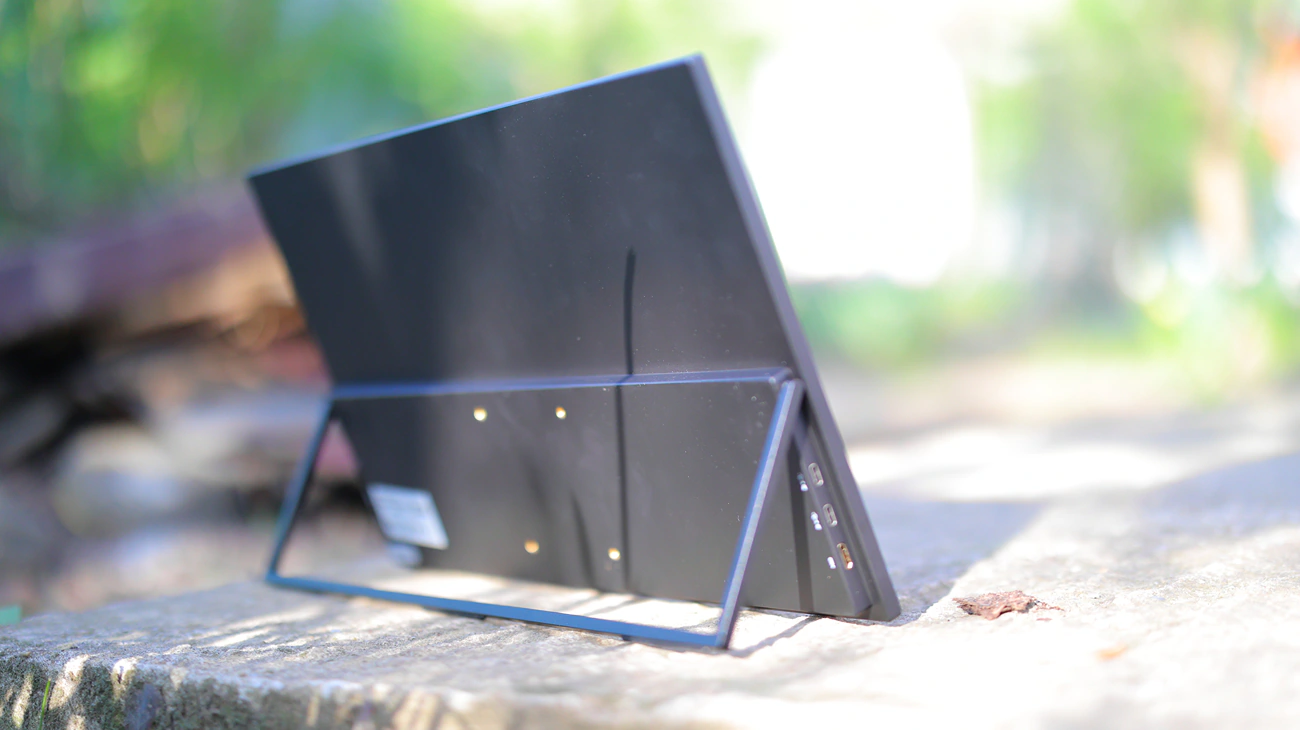
Portability is hugely increased compared to O Lite that we’ve reviewed as GR185BF has a metallic back with a strong texture that will make it safe from scratches, and 3 sides of the bezels are super narrow creating the feeling of premiumness. NxtLED even comes with a monitor transport soft case, and it has a leg at the back that you can use to adjust the viewing angle. There is no risk of permanent burn-in as there is no organic layer in the display and you can use NxtLED for gaming, work, productivity, watching movies, as it is easy to transport and pack. Technically, we have a 18.5 portable gaming monitor, with a 120 hz refresh rate, FHD resolution of 1920×1080, with an IPS panel at the back, matte display and no touchscreen or built-in battery. This means that it needs external power for the 2 1W speakers as well as the image, being rated for 14W, far more than what any smartphone can offer, but easily manageable for most laptops. The net weight of the monitor is 1.12 kG, and it is not light, but not very heavy either.
UPerfect offers Free delivery with 2-7 days shipping from overseas warehouses, or 15-25 days delivery times with international express. NxTLED One includes a 2-Year warranty, with a 60-Day Risk-Free trial, so you can easily return the monitor if you don’t fully like it. You can even pay with AfterPay and Klarna even in 4 interest-free payments. Inside the full package you can find the monitor, one mini HDMI to HDMI cable, two USB Type-C to Type-C cables, 4 M4x4mm screw, one power adapter and one manual.
Subjective Usage – Quality
Overall Image Quality – It is of extreme importance that you use two type-c cables, one for data and a separate power source, to really understand the image of the NxTLED. I am saying this because once it has proper power, it has a superb image, extreme contrast ratio, a 100% sRGB, and a measured 95% adobeRGB color space coverage with perfect color saturation and a sharp image. The resolution is ideal for its size, it is not too dense, so it would consume power in vain, but it is sharp, so you cannot see individual pixels, and it has extreme maximum brightness and a deep, albeit with IPS glow black. The viewing angles are extreme and the paper texture makes it really easy on the eyes. There is zero flicker and zero PWM, so it looks and feels super natural. The pixel matrix is a very standard RGB, so text looks sharp without issues and with all operating systems.
Blacks and Deep Color Saturation – Black levels are IPS standard and while O Lite had dead blacks characteristic of the OLED display, NxtLED has standard black levels for an IPS panel, around 1-3 cd /m2. It also has a bit of IPS glow, characteristic of the display type used inside, but maximum contrast is still insanely high at over 1200. This means that the image has a lot of pop and contrast and there’s plenty of white brightness to counter the slightly elevated black level.
Colors and MidTones – Color is excellent, with over 100% sRGB and about 95% adobeRGB coverage, excellent contrast and depth for all colors, with no banding and no FRC Oversampling for any color. It is insane how much color Ucolor squeezed from this portable monitor, but it was in their name, UColor. It looks sharp, color pops, but it is not oversaturated and it looks more natural than with O Lite Mini, which was a bit oversaturated unless your OS was aware that O Lite was a wide color space monitor. Basically, O lite looks more saturated, but NxtLED has plenty of color and has the right colors, not oversaturated nor undersaturated. It is at the sweet spot of being able to render enough color but also looking correct for photo and video work.
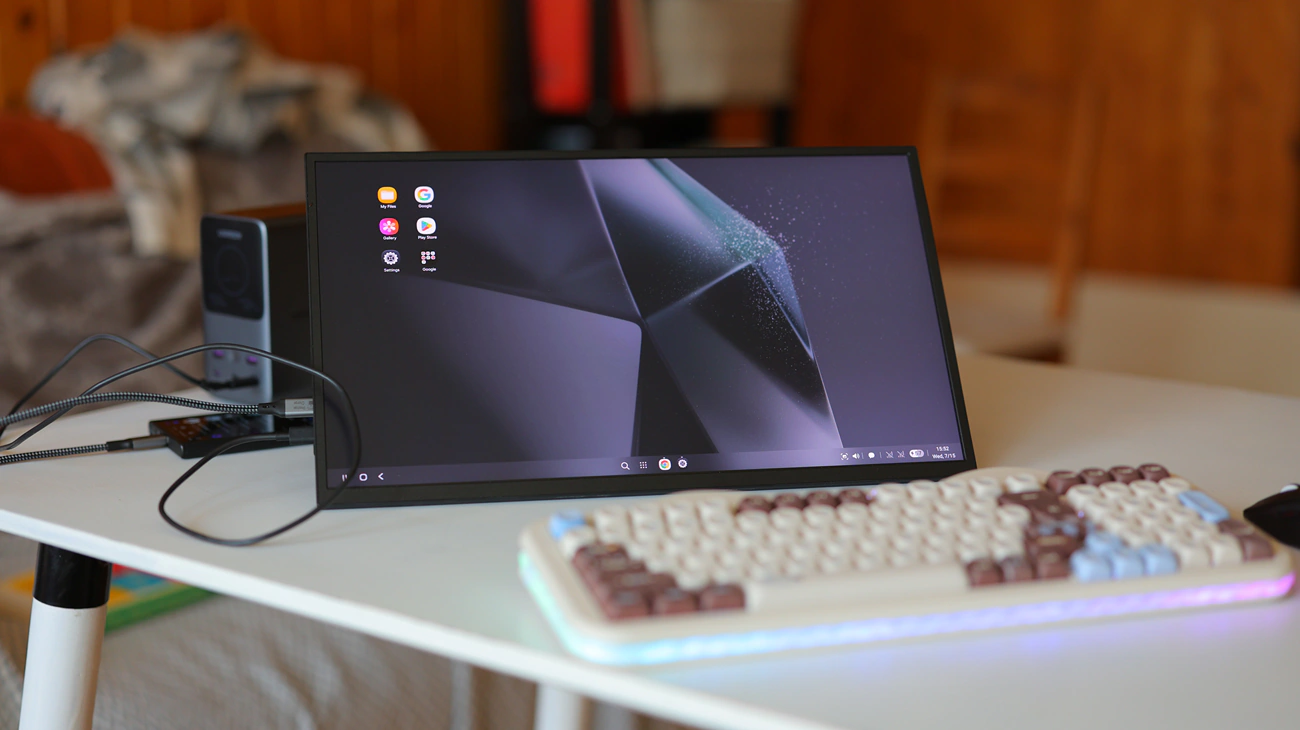
Highlights And Whites – White levels are quite high for pure white and brighter colors, and I like what I am seeing when it comes to manga panels and white pages. It is able to render up to 320 cd/m2, over what is promised, for a fully white page at full brightness. I find it interesting that it has almost no ABL, so brightness is not more limited for a full white page, and instead it is rendering a similar brightness regardless of how large the white space is. In fact, it is opposite from ABL, and the more white space is in the image, the brighter the whole image gets.
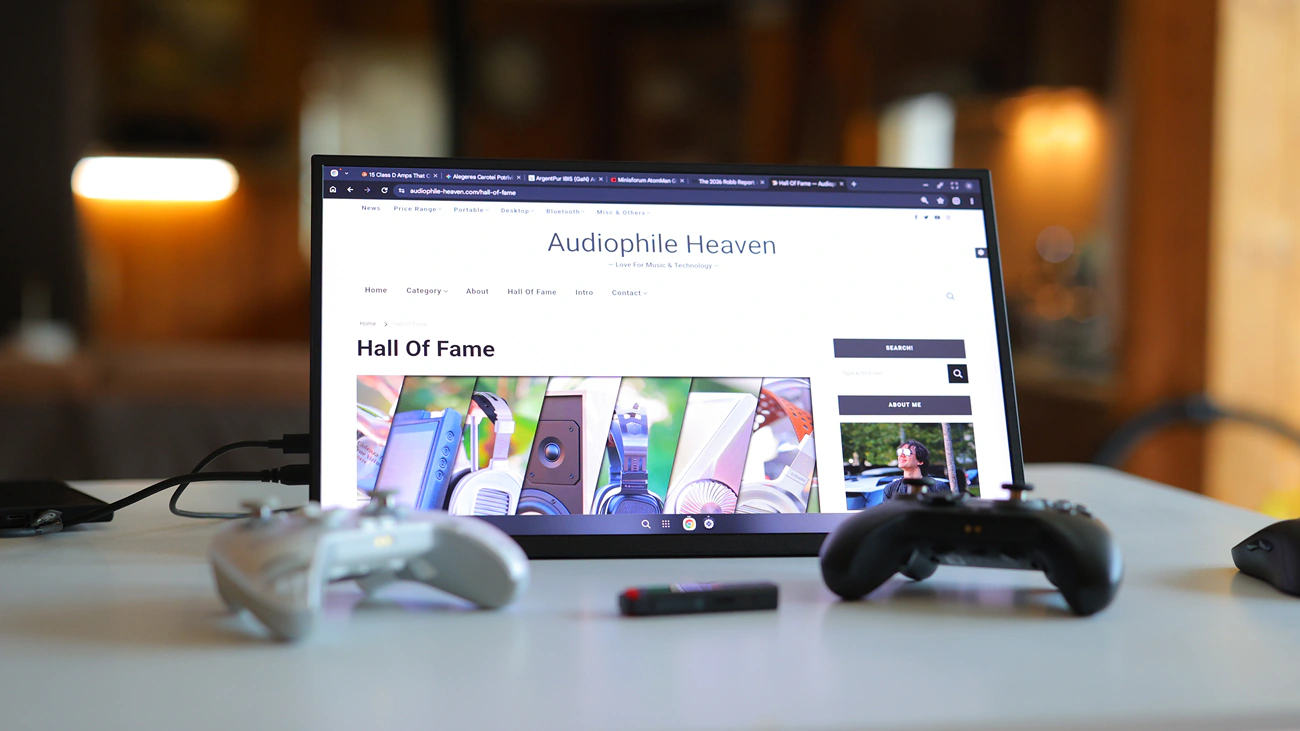
Viewing Angles – Viewing Angles are insane, and you could be seeing the image from literally side, like stuck to one side and there would be zero contrast change, zero brightness loss or color loss. It remains visible perfectly and UPerfect delivers totally on their promise. The only downside is that there is IPS glow, and the image feels like glowing once you are at an exaggerated angle, but that’s for extreme angles. Overall it has superb performance for viewing angles.
Dynamic Range and Dithering – Dynamic Range is excellent, and with 8bit Colors, NxtLED has no dithering, as I tested for it. This means smooth colors, and it has no visible banding effects. Actually, contrast is superb with zero oversaturation or undersaturation for all colors, and color gradient is perfect on all colors, including greyscale. It has superb performance that my Samsung 65qn95c wishes it had.
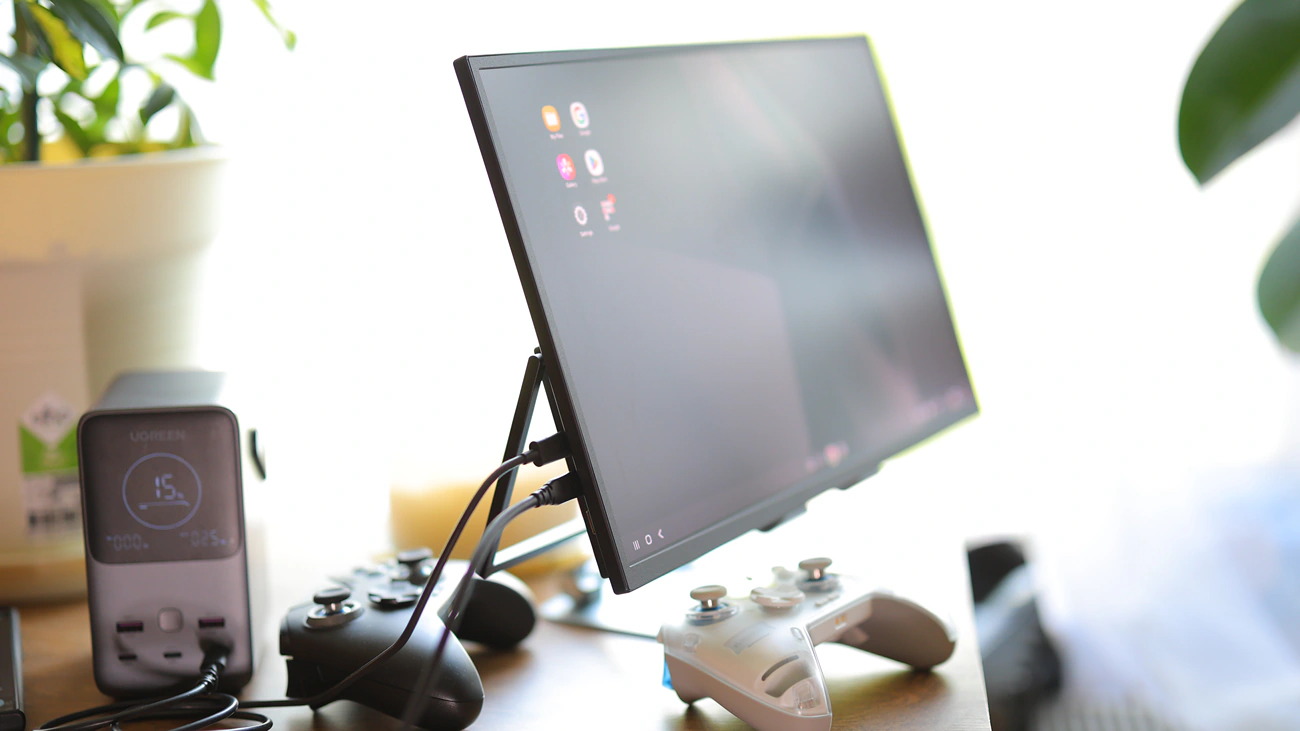
Maximum Brightness and Screen Burn-In – There is no possibility of screen burn-in as the monitor uses an IPS matrix, but it has a somewhat medium maximum brightness as it tops up at 290 CD / m2 on the technical page. In actual experience, there are 2 levels of maximum brightness, and if you use an external power brick or type-c charger, it can achieve higher than 290 cd/m2, up to around 350 cd /m2, which while it sounds small, is really good and more than enough for outdoor usage, but if you use just one cable, regardless of the source and don’t provide external power, then the brightness is limited to around 220 cd/m2, which will be really dim. To add to the limited brightness, the paperlike texture and anti-reflective coating actually further dims the image slightly, so it feels like paper does not glow very strong. On the bright side, this lowers the power consumption considerably and makes it work for hours with a normal external battery, it does not get hot and has zero changes of screen burn-in.
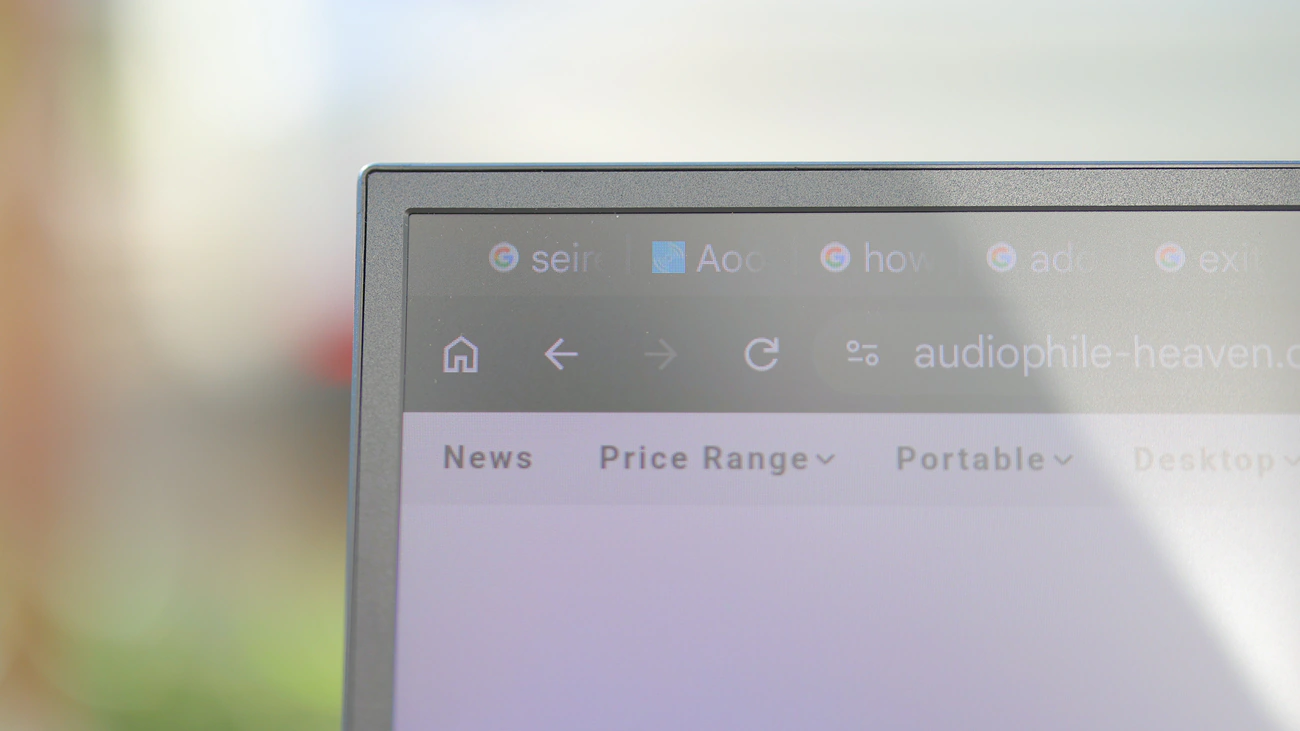
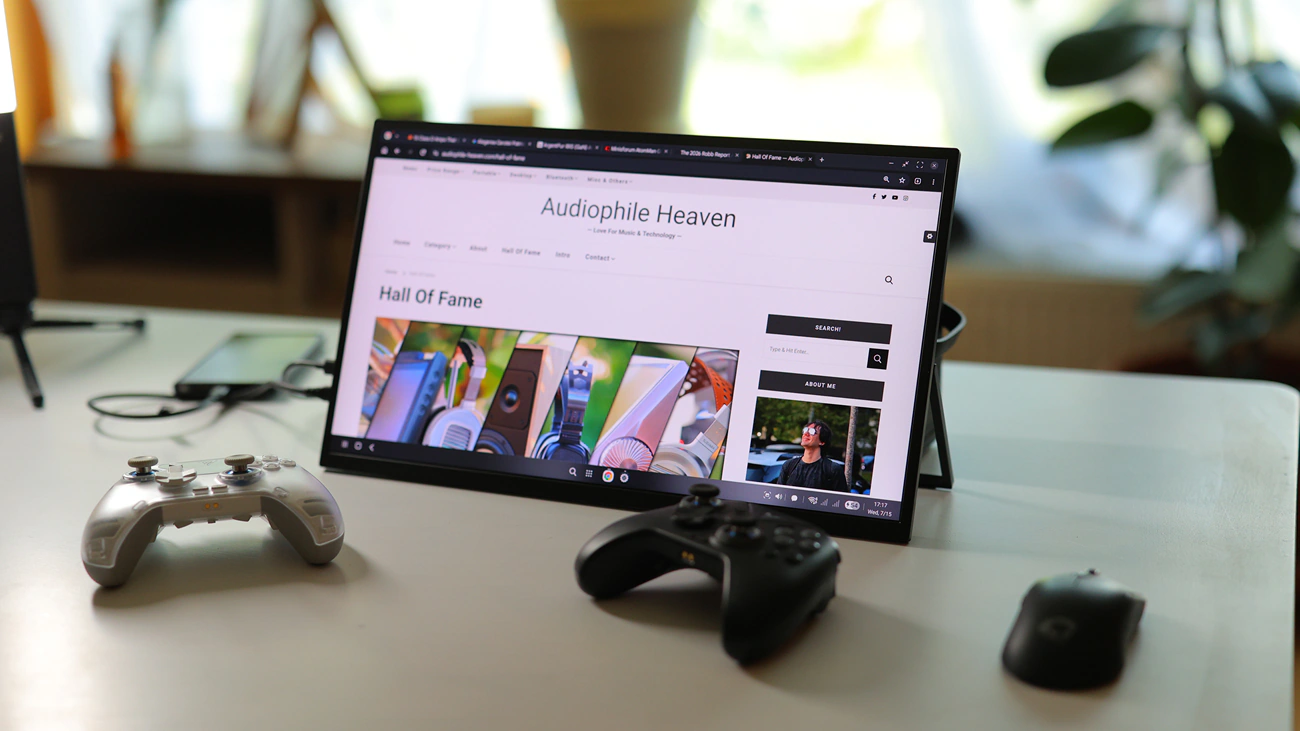
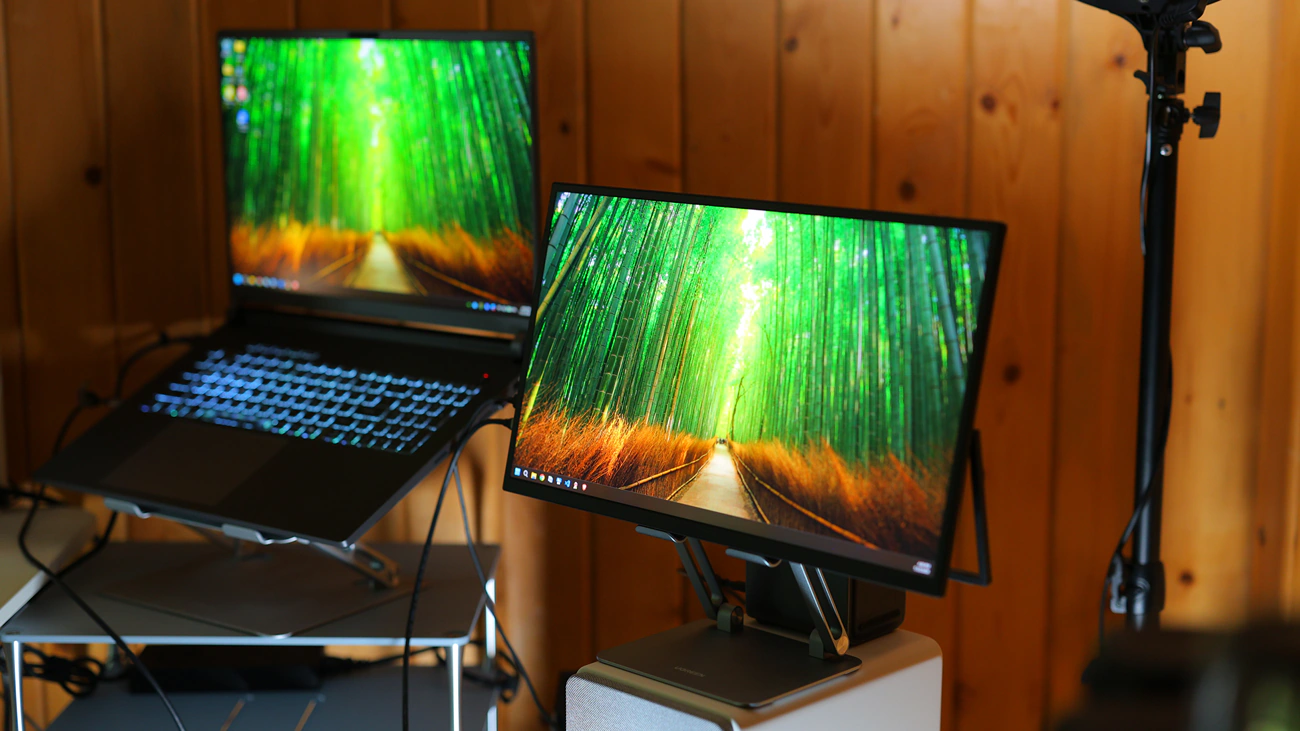
Refresh Rate And Response Times – NxtLED is fast, and at 120 Hz, it feels snappy, and while not quite 144 Hz snappy or 240 Hz, it is much faster than any monitor that is running at 60 Hz and will feel fluid. For games, it is wonderful, and while most smartphones will not output more than 60 Hz, as they are limited to that, a mini PC computer like Khadas Mind 1 will, and it will make this monitor feel fast, snappy and eager to play. I have used it for gaming and it is excellent, but for me it is the overall responsiveness of my system that helps me with work as I love everything moving fast and snappy. Using it side by side with my 240 Hz laptop I can barely feel the difference, but I can see a huge difference between it at monitors running at 60 fps that feel stuttery for my eyes, as I grew used to 144 Hz from my main monitor. The image has no ghosting pre or post, and it feels snappy, making the ghosting on my Samsung monitor really visible and ugly in comparison. If your image is stuttery on the NxtLED and you’re using windows, make sure to disable this Settings -> Display -> Ease Cursoer Movement between Displays. It seems that having this enabled makes my mouse feel stuttery.
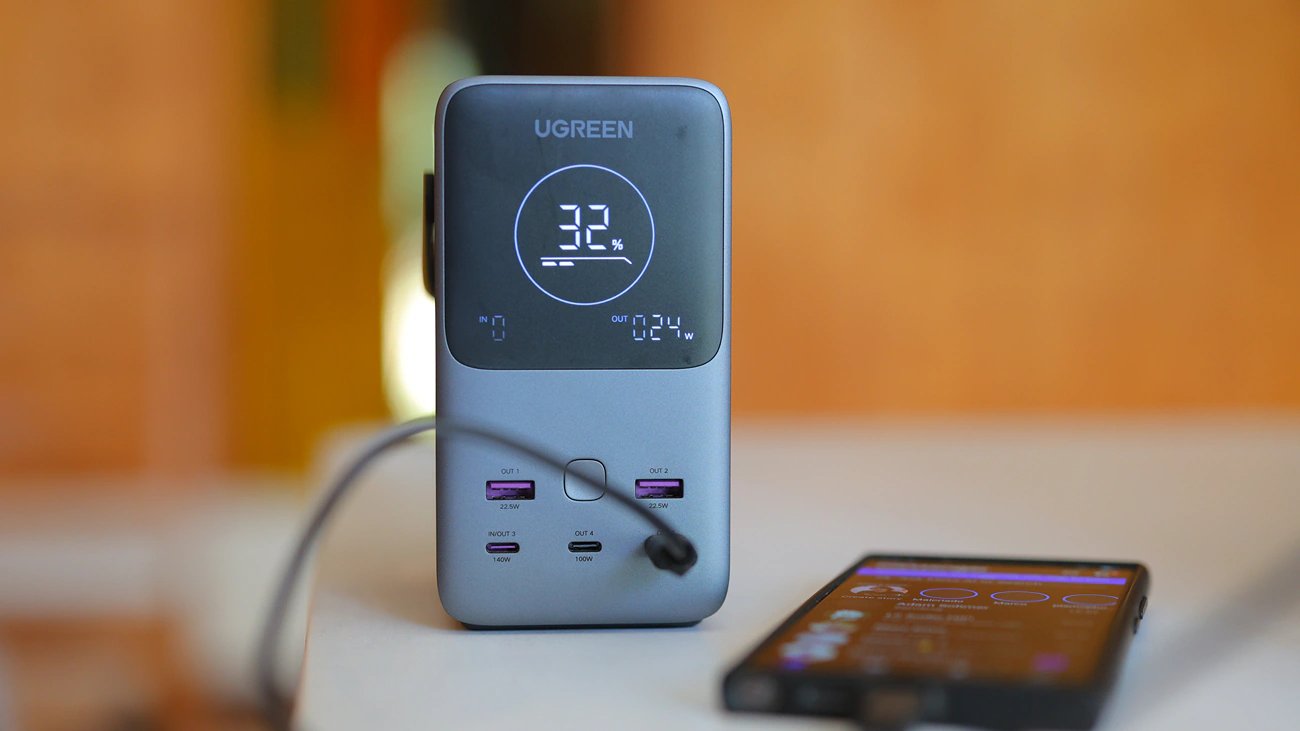
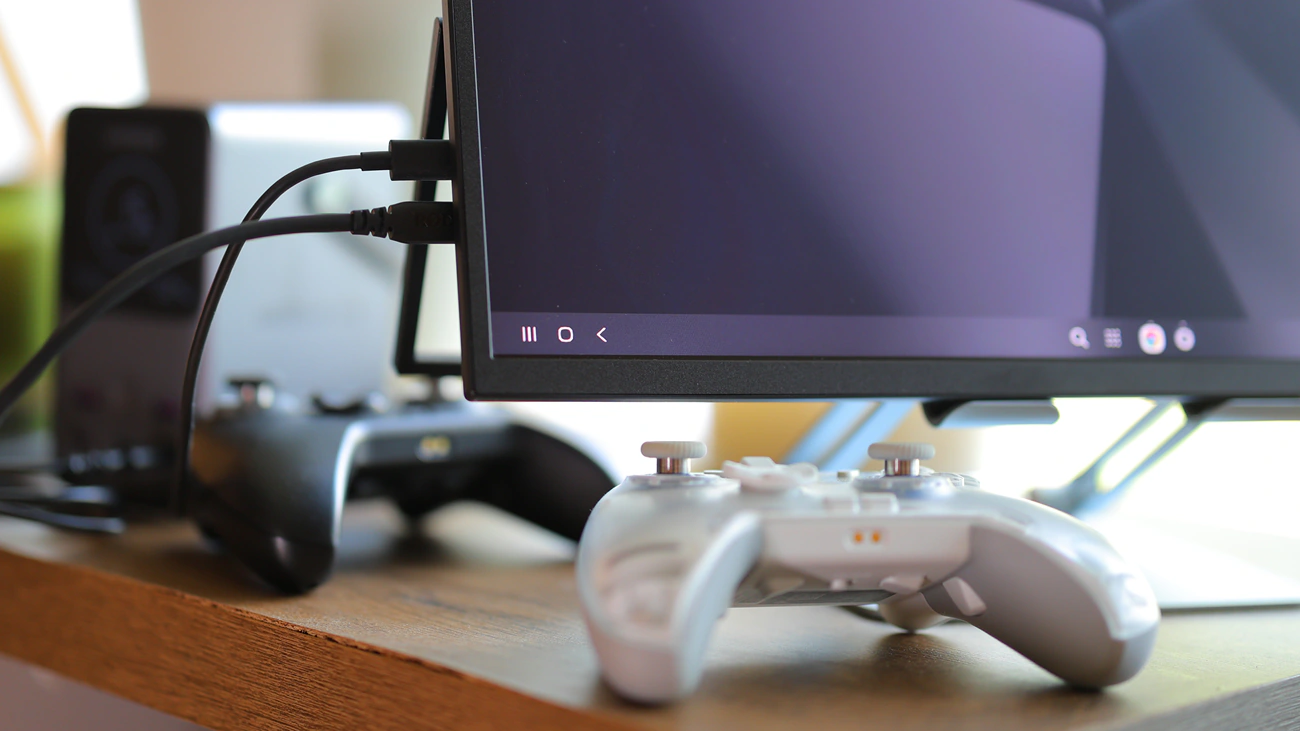
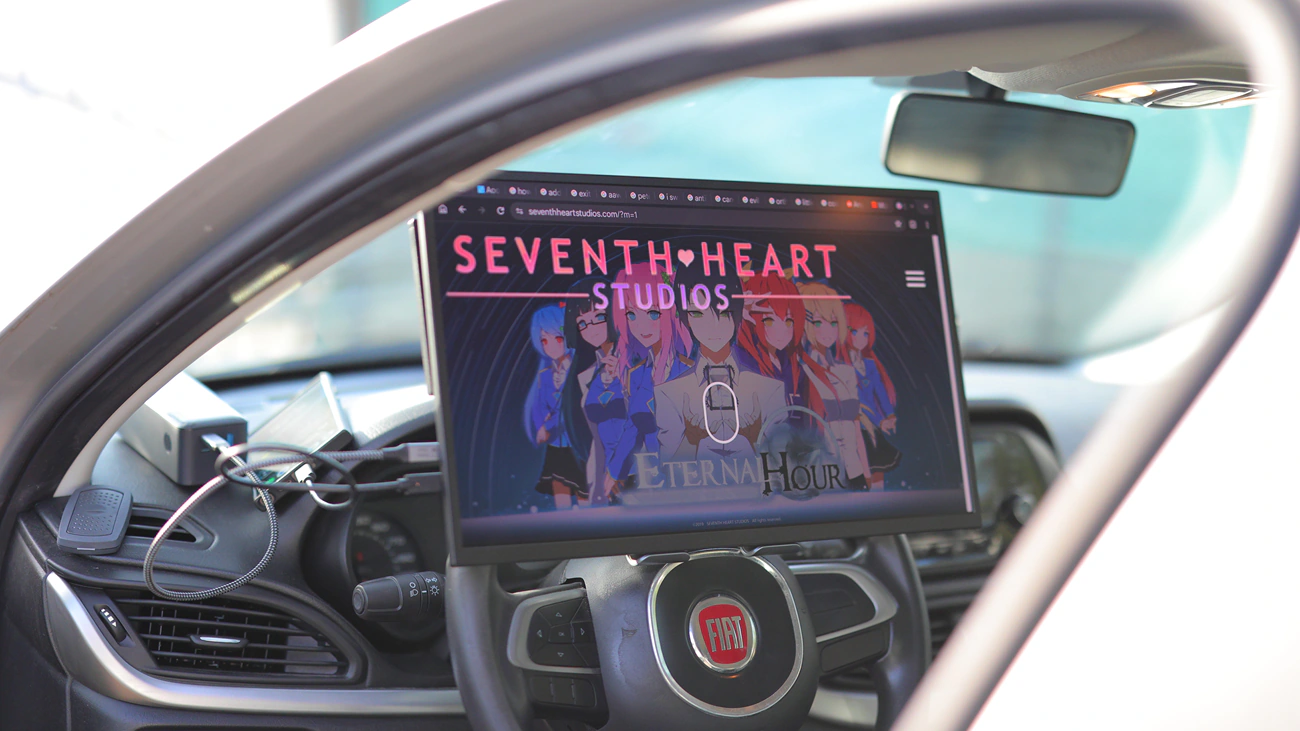
Pairing And Power Needs – It is a good idea to not dive head-in into external monitors without taking note of the power needs they have. Every single external monitor that I reviewed or used needs external power, so you will not be able to power it from a smartphone or laptop, and will need to use both Type-C ports, one for power and one for data. You can use most external batteries as well as any kind of Type-C charger, and it does not consume a lot, so even a car charger for a lighter type-c converter works just fine and any USB Type-C power brick will do wonders. If you do not do this, it tends to keep negotiating with the laptop or smartphone, the image is not as bright, it is around half brightness, or depending on the smartphone or laptop, you may simply get no signal and no image. While not a big issue in any way, it is something to take note of and something to keep in mind, just NxtLED and any other external monitor. I just found that S24 Ultra and my laptop don’t like negotiating the power with the monitor and it just works flawlessly if you use an external, 2nd power source different from the data input. One of the fun parts is that my PC computer does not need to negotiate power or use a 2nd power source, so likely my laptop would not need either, but I always run it on battery and then likely the battery saving features don’t allow it to spend too much power onto the type-c Ports. One thing that I noticed and is quite obvious is that max brightness is limited to around half if you don’t use the 2nd power input. It draws 25 Watts continously at max brightness if the battery can sustain it, and with this it achieves best overall image quality.
Comparisons
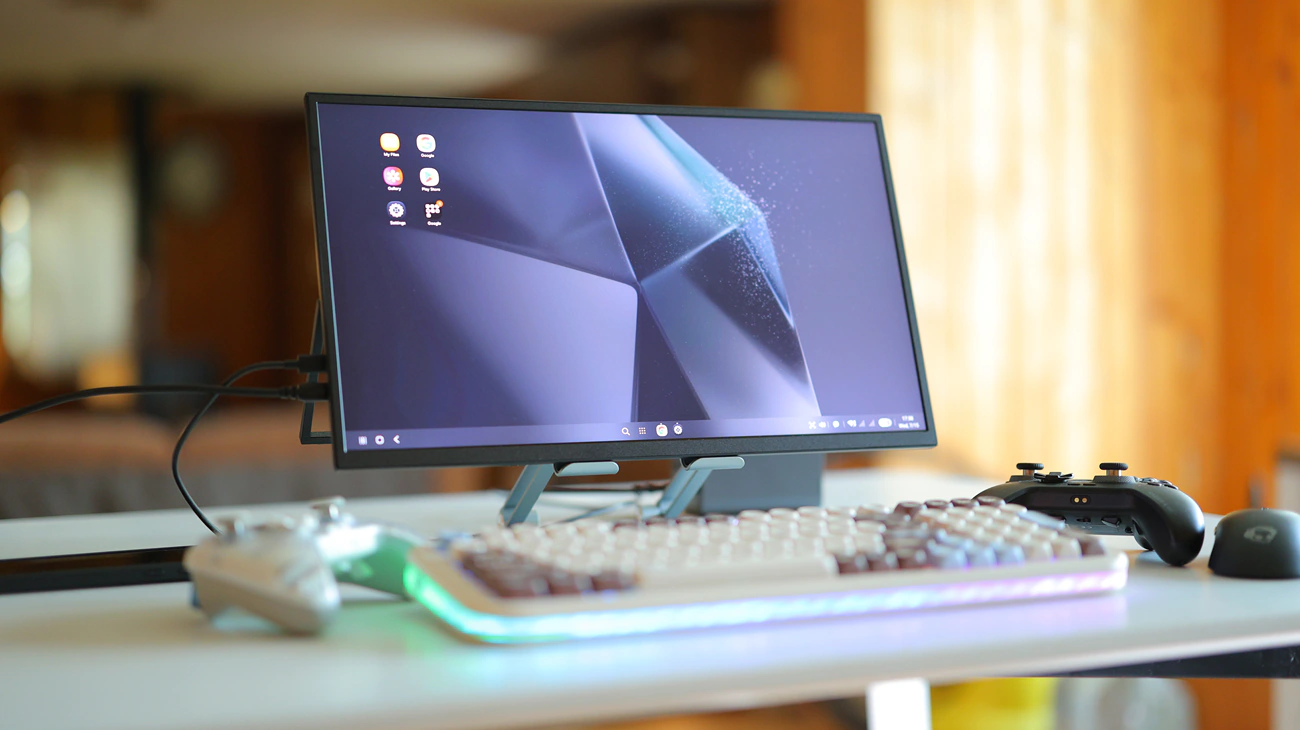
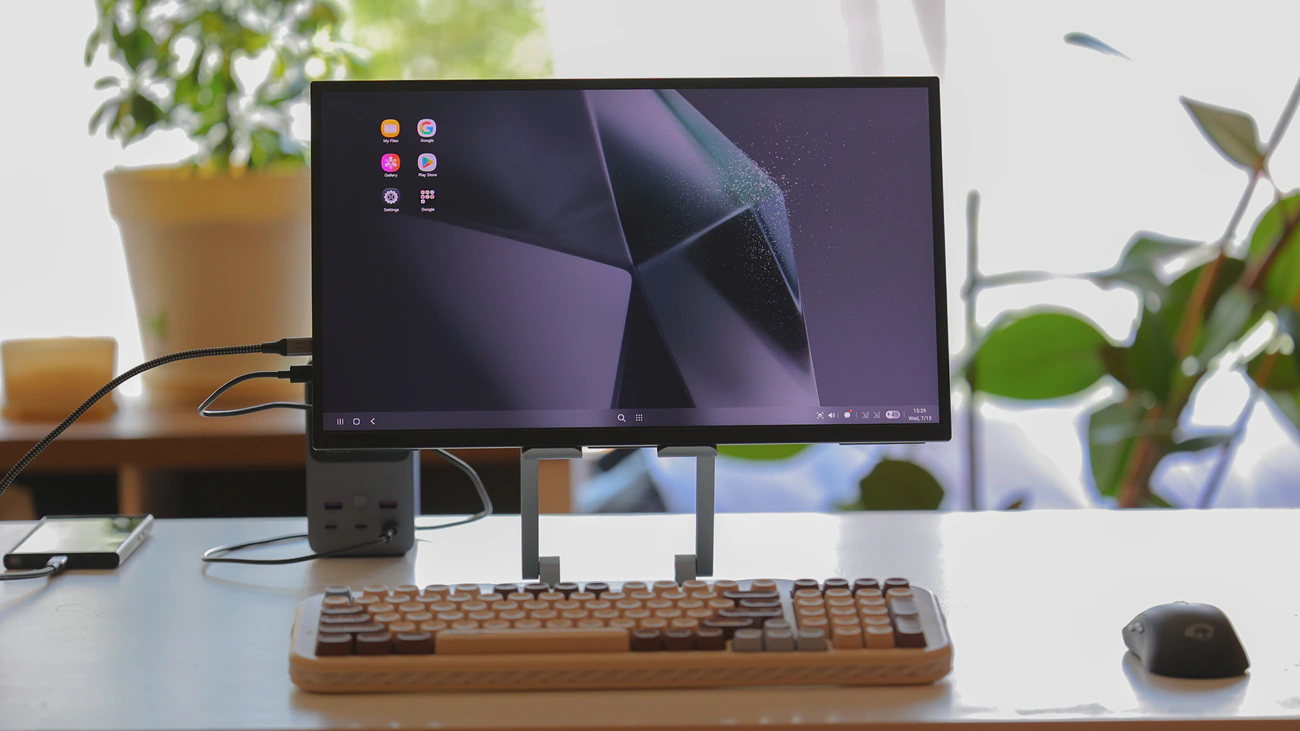
UPerfect NxtLED vs uPerfect O Lite (219 USD vs 329 USD) – I love that both monitors are super affordable and both offer unique advantages. While O Lite has a significantly higher maximum brightness and more vivid color, it also has superb viewing angles and looks excellent, it is quite a bit smaller and also it is a 60Hz refresh rate monitor, so nxtLED feels much larger, it moves much faster at 120 Hz, it has a better overall ergonomic shape and for most of my devices, it simply works. Maximum volume for audio feels higher on the nxtLED, it sounds fuller and can fill my kitchen so I can watch some podcasts while doing the dishes or cooking, while O Lite is more of a multimedia portable monitor for small spaces. I built a really nice portable setup with a phone, O Lite and an Epomaker Glyph keyboard, and while that would not be possible with nxtLED, this one is much better for watching movies, videos, and consuming media, as well as gaming, or using it as a 2nd monitor for my laptop or PC computer, and having Discord, or a separate page with code running on it. I feel like I couldn’t live without either, and I feel like both are plenty useful, but for vastly different reasons. I would any day code and type using nxtLED, but would not do that on O Lite due to its smaller size, yet O Lite has a more vivid image and matches better with a macbook if you want your image to be seamless or work on video / photo editing.
Value – Conclusion
Cost of the UPerfect NxtLED is really low at 219 USD, and this kind of money barely gets you an entry-level pair of IEMS or headphones, so where I come from, this feels like a bargain, considering the huge size of this display, and since it is a 16:9 monitor, it feels much bigger and has more useful image than my Asus ROG G18 laptop, as that one has a 18″ display, but which is 16:10, allowing for more vertical space but less horizontal space. This matters a lot because NxtLED is much better for watching movies, as this 16:9 image is the golden standard for video content.
I really like the NxtLED, and have honestly used it for almost 2 months to watch funny comedy videos together with my wife while eating, as I would not bring my laptop to the dinner table, nor a large monitor, so this 18″ monitor has been our companion for food, has a nice maximum volume for watching something funny in a really humid environment, and the coating lasted really well, with no issue if you have minor food spills on it. I love it and can fully recommend it based on personal experience with it.
PROs
- Some of the best image you can get, especially at this size and portable
- Versatile and ergonomic, with a huge viewing angle that is better than my main monitor
- Colorful and vivid, with excellent resolution, also makes my main monitor look pixelated
- Fast, with 120 Hz refresh rate, and it feels responsive, good enough for competitive gaming
- Widely compatible with all sources, including handhelds, smartphones, laptops, PC computers, basically everything
- Comes with its own stand, transport sleeve, and can easily be used with a tablet support if you need a higher height
- No eye strain or fatigue, and it offers a comfortable viewing experience
- Excellent maximum sound volume, perfect for watching podcasts and movies, Youtube videos, sounds better than my smartphone or the speakers of my laptop
- Overall, it is an exceptional choice, really good for the price, extremely versatile and affordable
Cons
- Needs extra power for a 2nd type-c source to achieve max brightness and color
- When using multiple inputs or devices, sometimes it forgets that it was set to max brightness and you need to set that again when changing the input
Product Link
Amazon – https://amzn.to/4wu6BoS
Aliexpress – https://s.click.aliexpress.com/e/_c35y7EHz
--- Please remember to stay safe, and always have fun while listening to music!---
- If you have a dime to spare, please donate, and help us! It would make the day brighter for me and my wife-
Full Playlist used for this review
We listened to more songs than those named in this playlist, but those are excellent for identifying a sonic signature. I recommend trying most of the songs from this playlist, especially if you’re searching for new music! The playlists are different for Spotify, Tidal and Youtube, and based on the songs I enjoy and are available on each!
https://www.youtube.com/playlist?list=PL_cjBXGmwSHSdGcwuc_bKbBDGHL4QvYBu
https://open.spotify.com/playlist/5J3oloz8Riy9LxEGenOjQ0?si=979ba4f082414be7
https://tidal.com/browse/playlist/330fd544-8e5b-4839-bd35-676b2edbb3d5
--- Contact Us ---