KeyChron Q6 Ultra 8K Mechanical Keyboard Review – Achieves True Flagship Status
KeyChron Q6 Ultra 8K is a $239 USD Mechanical Keyboard with multiple switches available, a 100% format full-metal engineered for the ultimate performance. It is currently the best keyboard the KeyChron has produced and comes with multiple refinements, upgrades and improvements, so our review today will explore it in-depth and also compare it with the other Q6 family keyboards, as this is the 4th KeyChron q6 keyboard that makes it to my daily usage.
Introduction
While I love reviewing keyboards and I find all producers to be exemplary, including Akko, Epomaker and Yunzii, KeyChron plays in a different field, having full metallic chassis for their keyboards, being more widely available for sale at electronics outlets, and having a higher price point, being considered widely the top dog of the keyboard manufacturers. As a statement to their quality, Q6 Max has been my daily for over three years now, and almost all reviews about audio products I post on my website are written using a KeyChron keyboard, part of their 100% format. You can purchase KeyChron keyboards from Amazon, Aliexpress, or their own KEyChron webshop as well as multiple keyboard stores.
As an Amazon Influencer, I earn from qualifying purchases, and using the purchase links in my reviews helps me maintain this website and Youtube Channel. Audiophile-Heaven has no Ads and our Youtube Channel has no midroll ads, and our work is supported by Affiliate Links and Donations. Huge thanks to KeyChron for providing the sample for this review, in exchange for my honest opinion.
Product Link
Amazon – https://bit.ly/KeychronQ6UltraKeyboard
Build Quality – Design
At its core, KeyChron Q6 Ultra is a new Wireless Custom Keyboard with a Fully Assembled knob version and mainly available for purchase, Three switch options available, including a Brown, Banana and Red switch, and with either Black or White versions available. Banana is a brown with a shorter maximum travel length, which is very distinct from standard 4mm travel brown, as it can feel snappier, but also tighter and more responsive. I personally prefer browns for typing as the shorter travel lowers the satisfaction I get from writing. Red is just linear, smooth and silky.
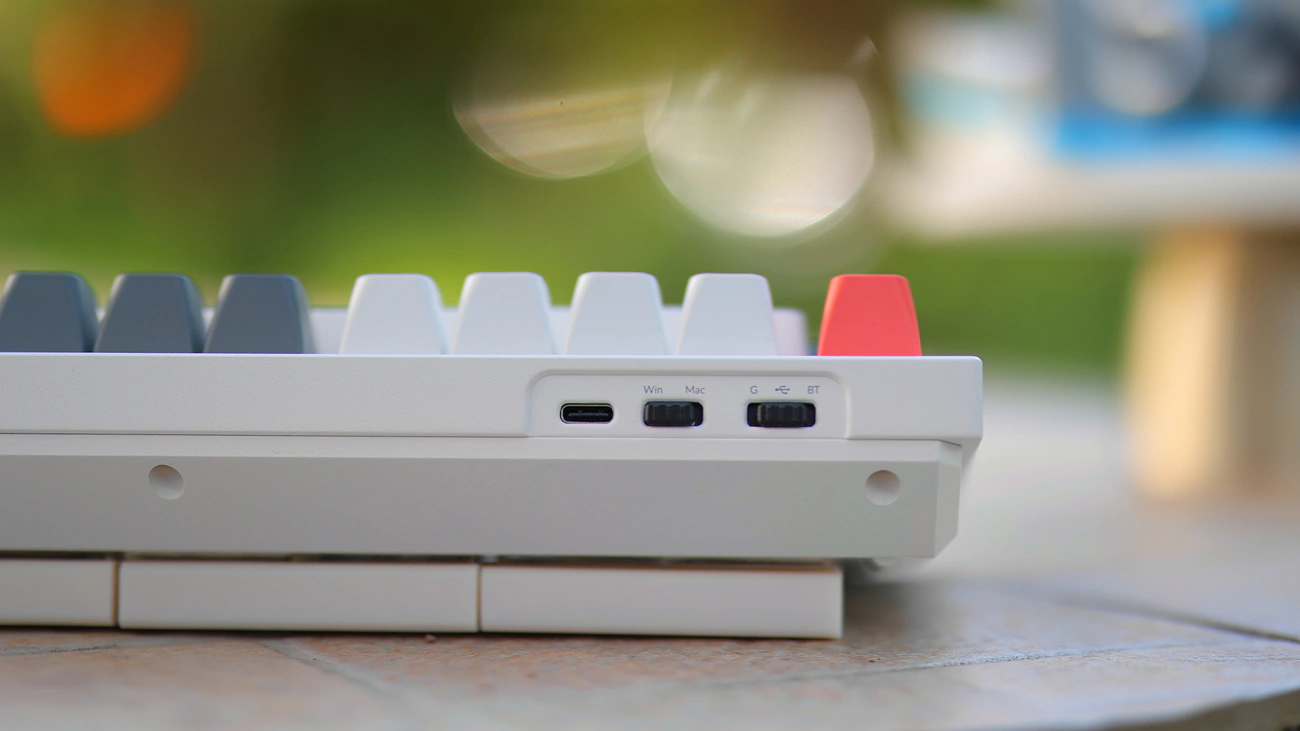
Q6 Ultra 8K has the huge highlight that it has an 8K Polling rate for both the wired and the Wireless 2.4 GHz input. This is the first keyboard in the whole world to support this, and whether it is a feature necessary for you depends heavily on what you’re doing. Even while typing a review or browsing the internet and programming I can feel that the keyboard is much more responsive between 8000 and 1000 which is the usual standard for keyboards.
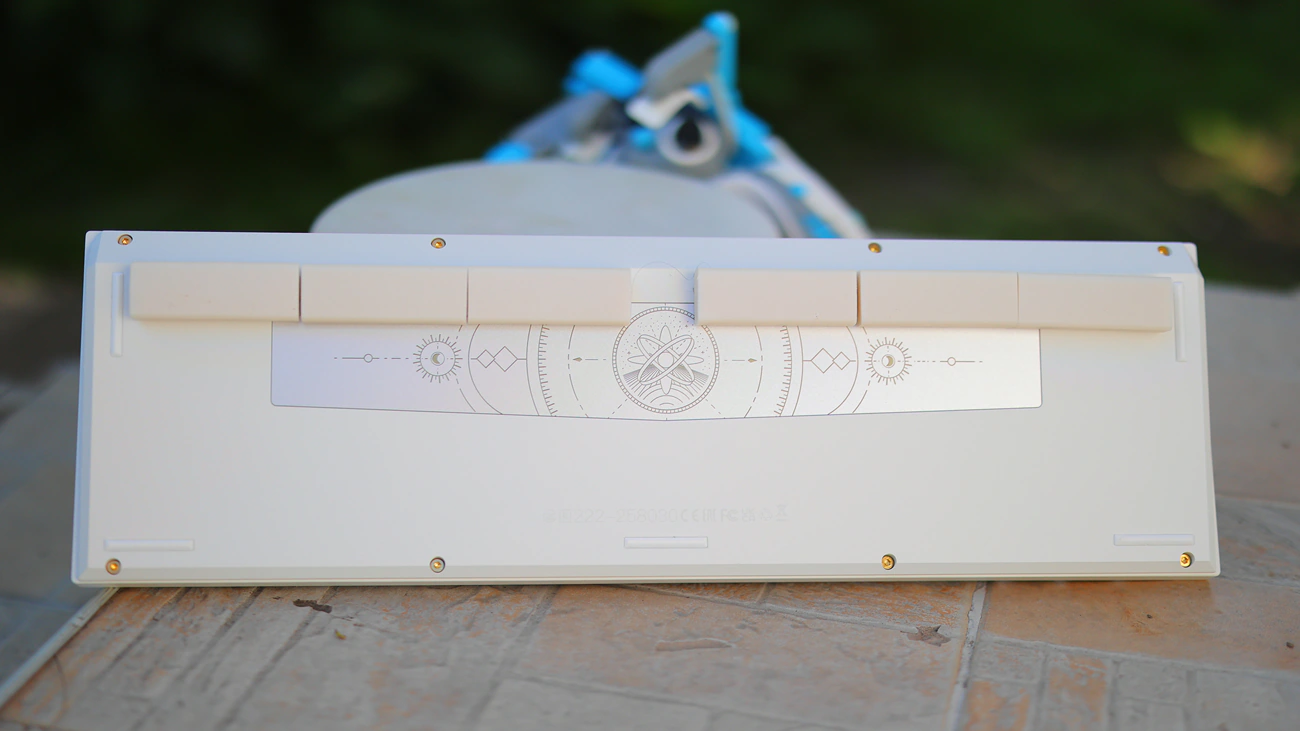
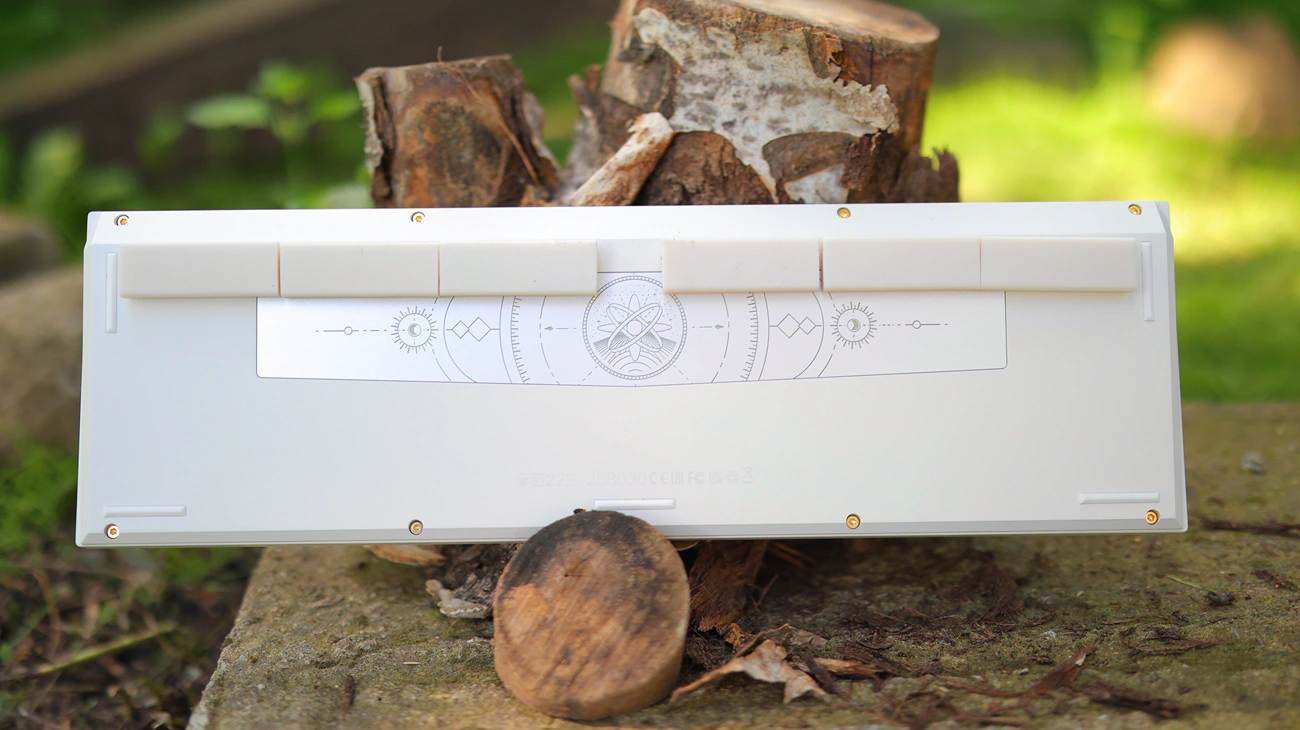
We also get a slightly more refined build than we’ve seen on Q6 Max, with more chamfered edges, we get Bluetooth 5.3 support as well as a ZMK firmware, and 660 hours of battery life, almost 3 times the amount we had with Q6 Max. Switches are hot swappable and the whole system can be configured via the web launcher, Q6 Ultra also have a superb PC backplate.
Subjective Usage – Quality
Stability – KeyChron Q6 as a series is right now the most stable, most reliable keyboard series that you can purchase, being built around a full slab of metal that’s impossible to flex, damage or otherwise bend, unless you’re looking at scratching it, to which it is also very resistant. On my desk, I can more easily move the entire desk with the large TV on it than I can slide the Q6 on it. Furthermore, although the keys can feel like they flex when you press on them, this is by design, as part of the double gasket that Keychron uses to achieve the superb sound and typing experience for their Q6 series of keyboards. Other than this, KeyChron is now using more stable switches too which makes every single key feel ultra stable, reliable and the typing experience better than ever. Happily, the main part that you really need to be stable is the base, because both the switches and the keycaps are super easy to replace. While you can press somewhat on the CTRL LEft, Enter Right, X and ESC keys, the keyboard is far more rigid than the other KEyChron keyboards that I reviewed. It feels like Q6 Ultra 8K was designed to feel more rigid, which is better for how premium it feels, but it dampens my typing a bit less. Since I already have brown switches which have a slight rebound effect, I find that the new Q6 Ultra feels even more premium and high-end than Q6 MAx
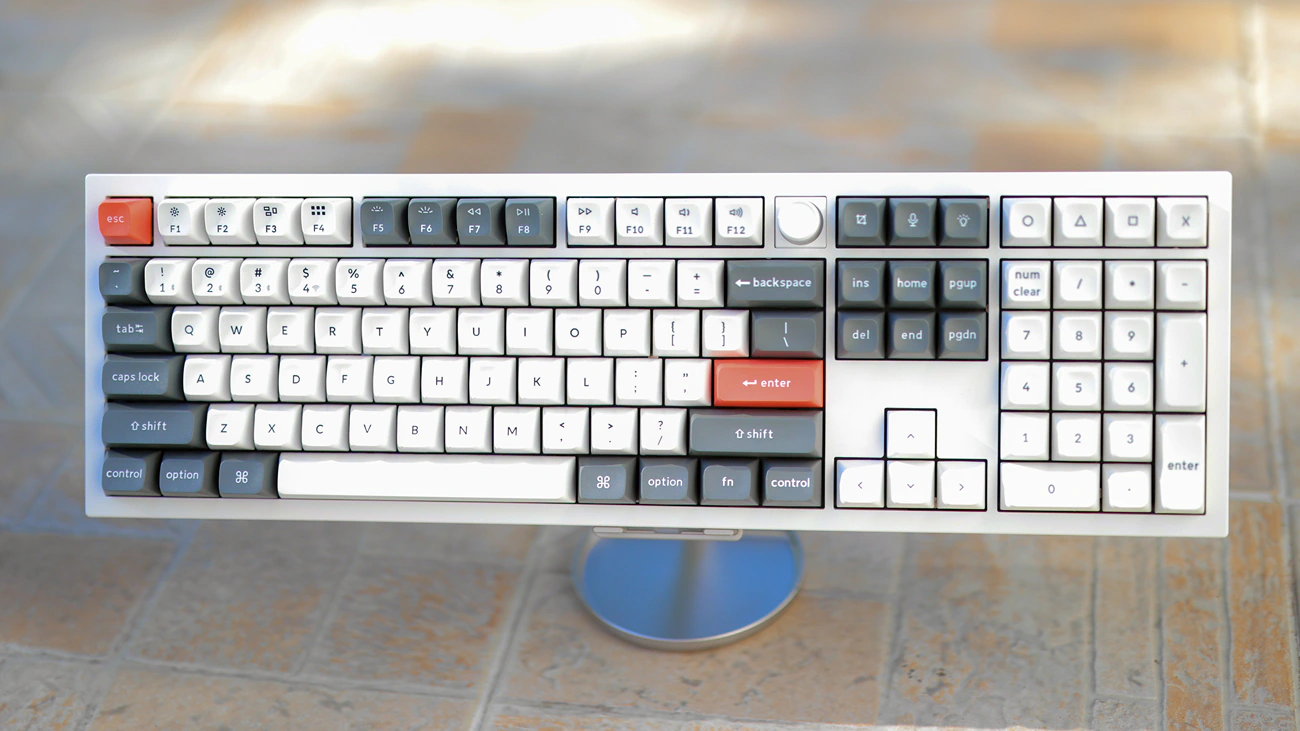
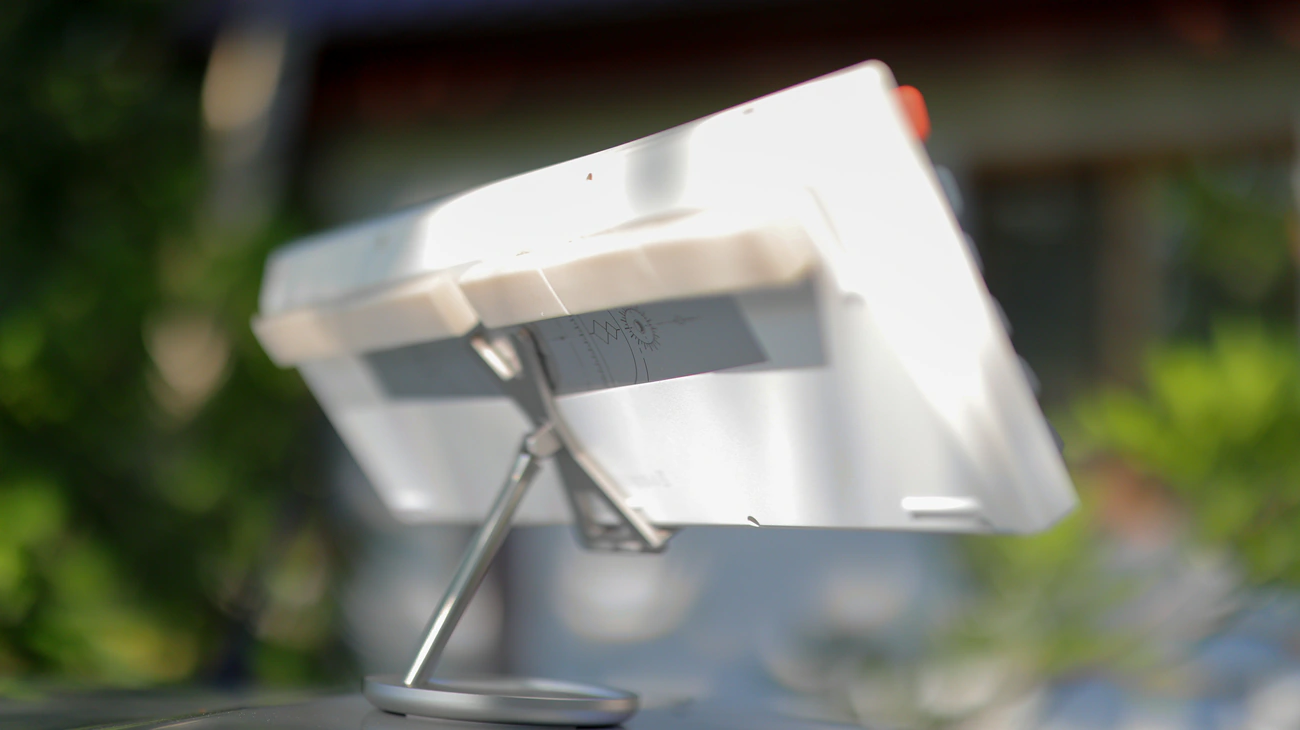
Ergonomics – Ergonomics really depends on whether you plan on sticking with the default keycaps and switches or replace them. I did apply my mod of gluing eraser rubbers on the bottom of the Q6 Ultra 8K once again, and the main reason is that even with the uniquely risen profile of the Q6 Ultra, I still need a few mm more to angle the keyboard the way I’m used to typing. In fact, I generally feel like the most optimal typing experience was achieved by KEyChron with their side printed keycaps, which had a different profile than their usual Q6 profile. Even by default, you can expect to type every single key with precision, and if you angle it a bit with my rubber mode, it will feel like the best typing experience you have ever had. The rest of the keyboard is ergonomic, but it is very much a simple huge and heavy slab of reliable metal, it is natural that it works well. There are no moving parts, and edges are not ultra sharp, nothing digs into my hands, and everything simply works as it should. The new volume wheel is of a better quality on the Q6 Ultra than the one used on the Q6 Max. To give you some idea, the whole review I typed so far had zero misspelled words, while with most keyboards I would get around 10 for this length, so the ergonomic and precision really works.
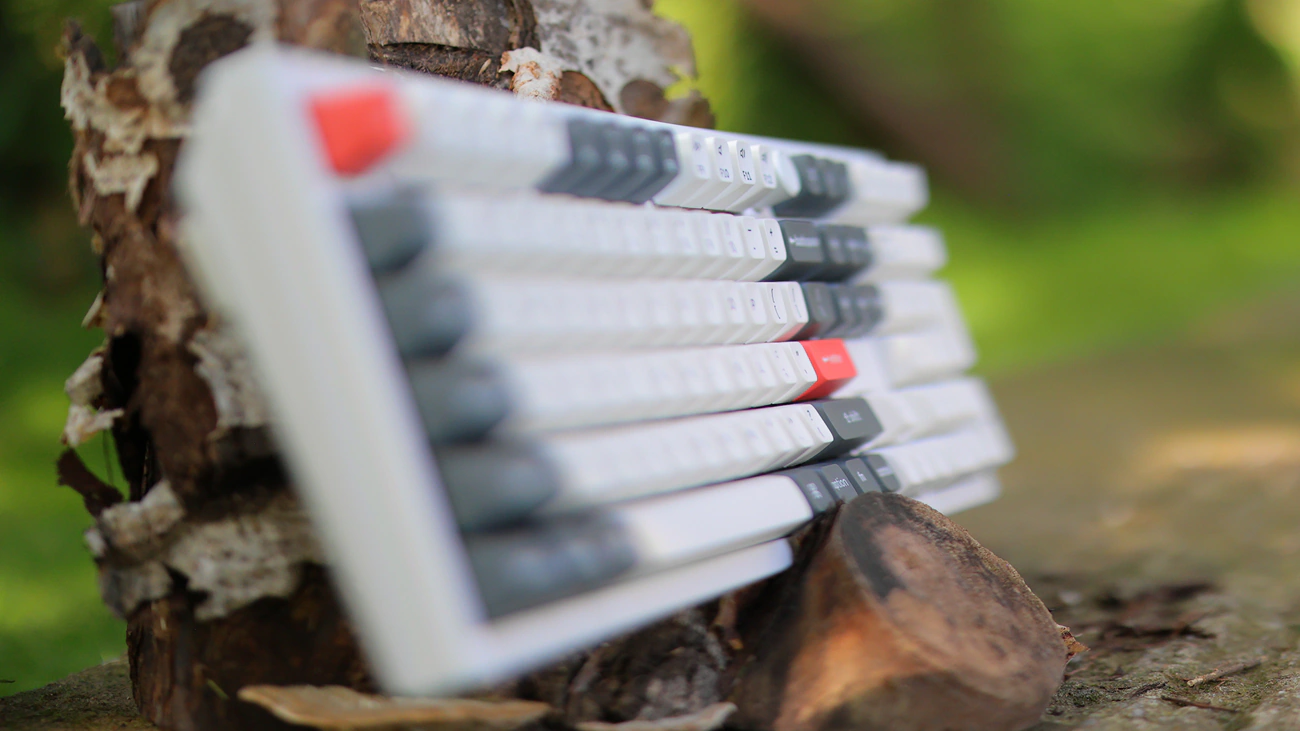
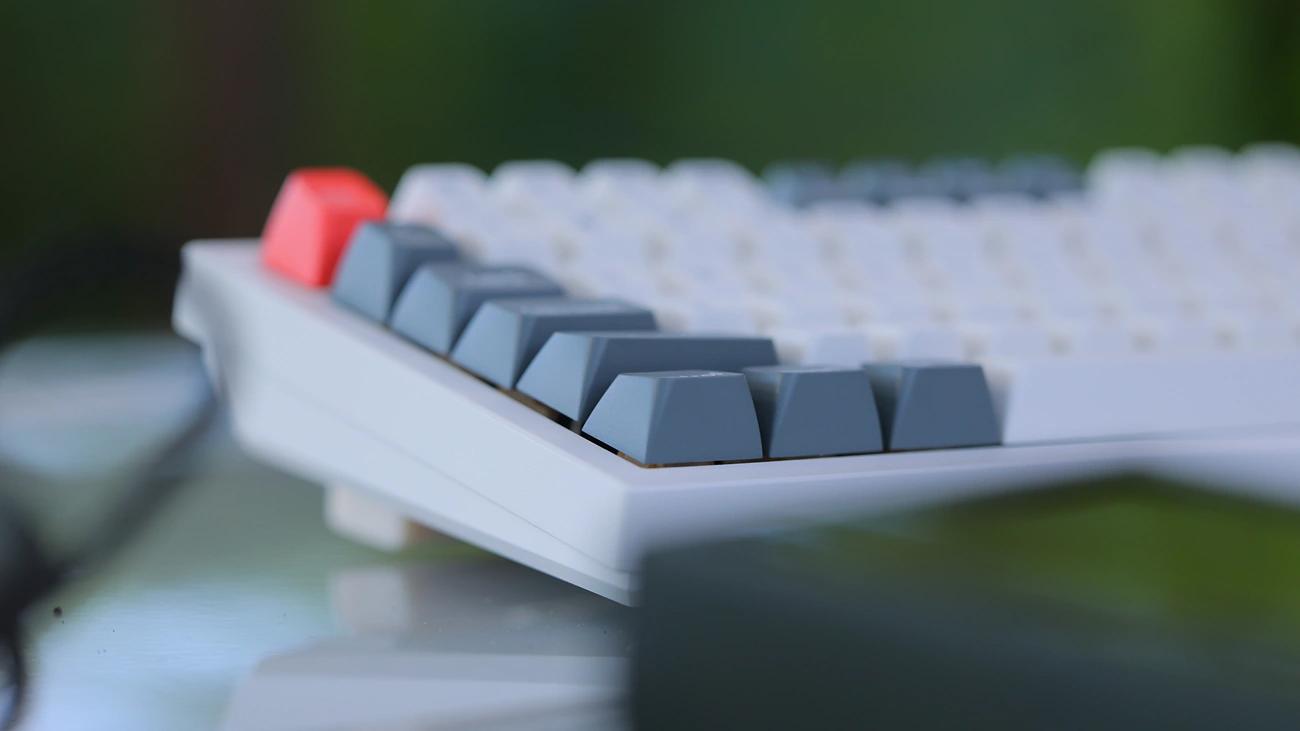
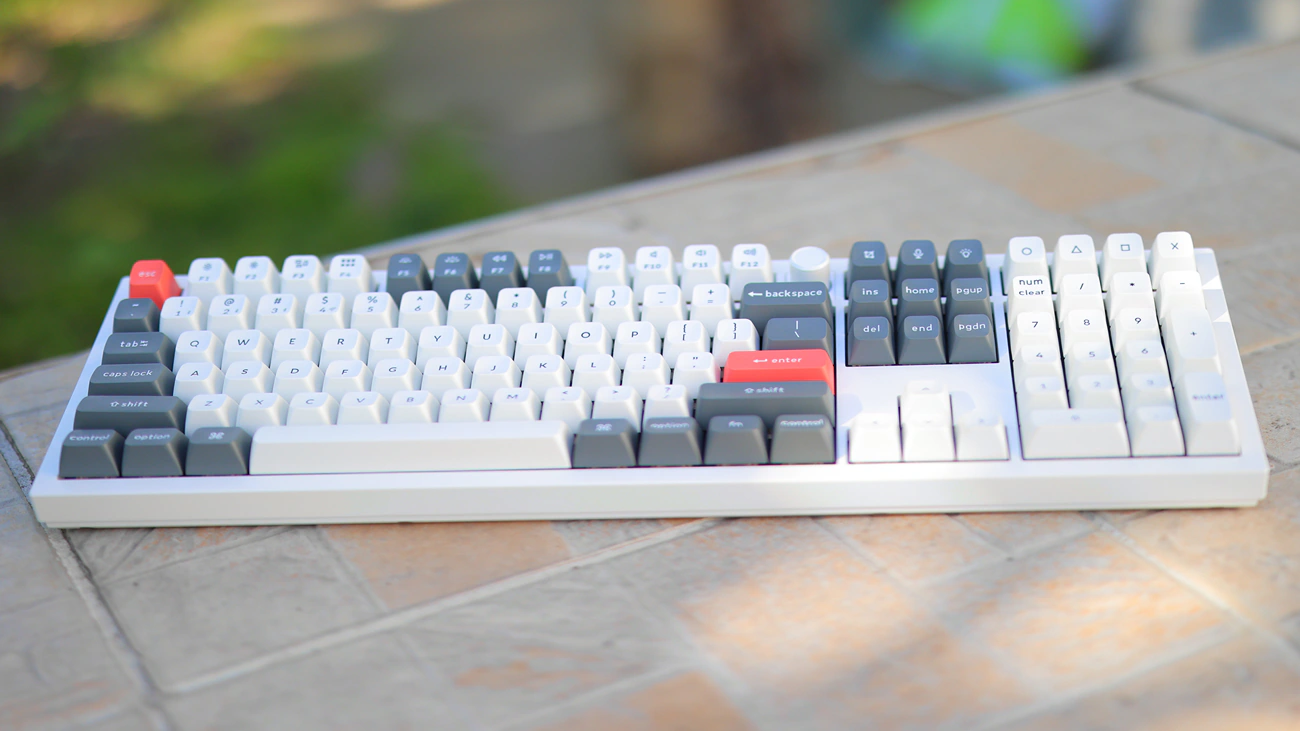
KeyCaps – KEyChron ships their Q6 Ultra 8K with their In-House developed Double-Shot PBT keycaps, which are resistant to oil and usage, and are in the KSA profile, a very tall profile that enhances precision. While my mod of gluing rubber erasers works for me, this profile ideally would angle the keys in such a way that my mod would not be necessary for most people. Indeed, with my mod, the keyboard with the default keycaps is a bit tall now, and this KSA is the KEyChron SA profile, a special one because with the weight and reliability of the Q6 Ultra, it only makes sense that the company would want a special profile that requires you to not change anything about the keyboard. I like that those keycaps resist usage really well, and are some of the most reliable you can purchase, but for a profile with less angular edges and potentially better finger typing experience, I usually rely on MOA keycaps. I feel like the KEyChron keycaps are of a better plastic, better quality, but they are also not the type of profile I am used to, so you should buy a Q6 Ultra and experience whether you like the default keycap set and expect to try another one if you know you want a MOA or other style of keycap.
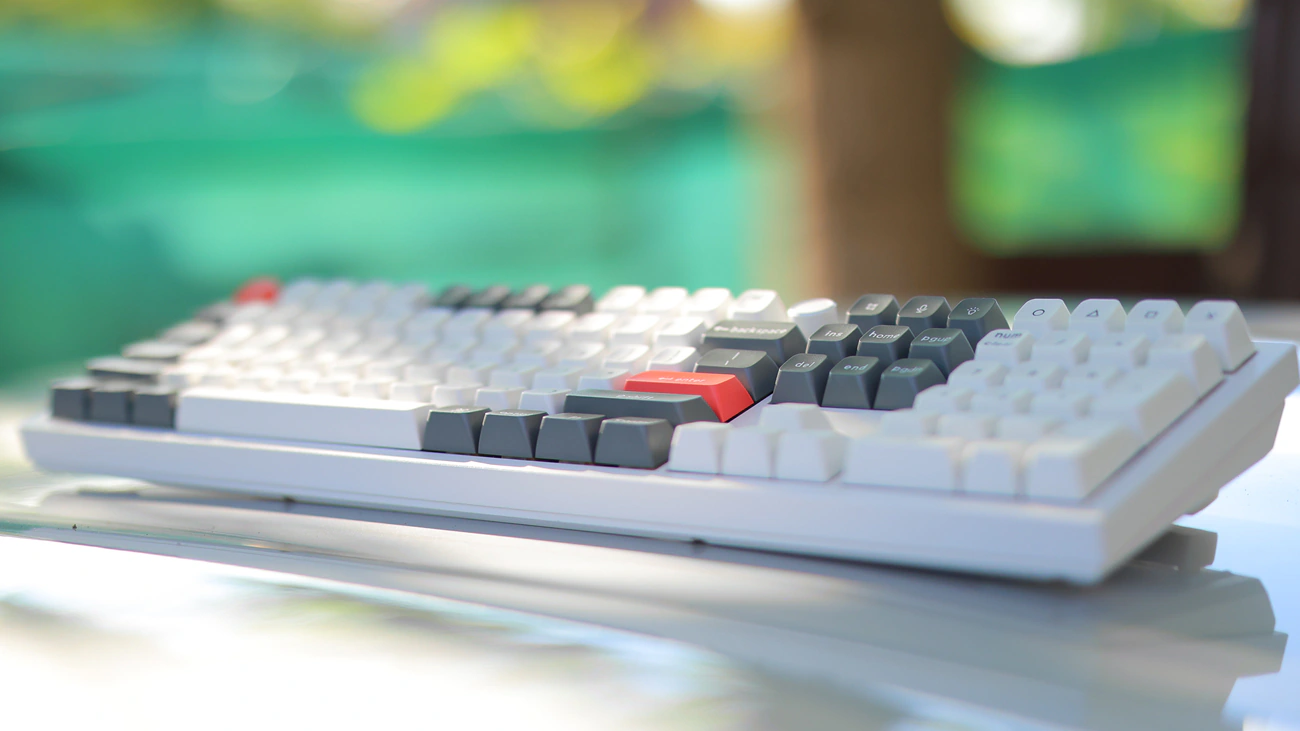
Switches – KEyChron now ships their Q6 series of keyboards with a new type of switch, and it feels like every single time KEyChron makes a new keyboard, they also use a different switch. Now we have the KEyChron Silk POM Switch, which is a POM MX Stem, POM Upper Housing, POM Base and Spring Steel switch with 5 Pins, and my choice goes to the brown, which has a 55gf operating force, 2mm pre travel and 4mm full travel, a classic tactile experience. I like it better than the heavier and shorter travel yellow banana, and for most typists I recommend classic brown with a longer travel rather than banana with a shorter travel, because the more standard typing experience of full-length travel brown will make typing better, whereas bananas and their shorter travel can lead to quicker reactions, better for gaming. It really really makes sense to explore the default brown switches, and I’ve been a red user for 3-4 years before I figured that I actually like the feeling of a good brown switch. Browns are tactile switches, which makes them crunch a bit when pressed and they give you a bit of feedback, which makes typing on them much more satisfying, they are more reliable for both gaming and working, and they have a bit more noise than red, being a touch less creamy. I prefer this as it makes typing feel a tiny but more crunchy and it creates a bit of a click sound in the KEyChron Silk Pom switch, bringing them closer to being a cross of Blue and Brown rather than a pure brown switch like Gateron Brown or Jupiter Brown feels like on Q6 MAx.
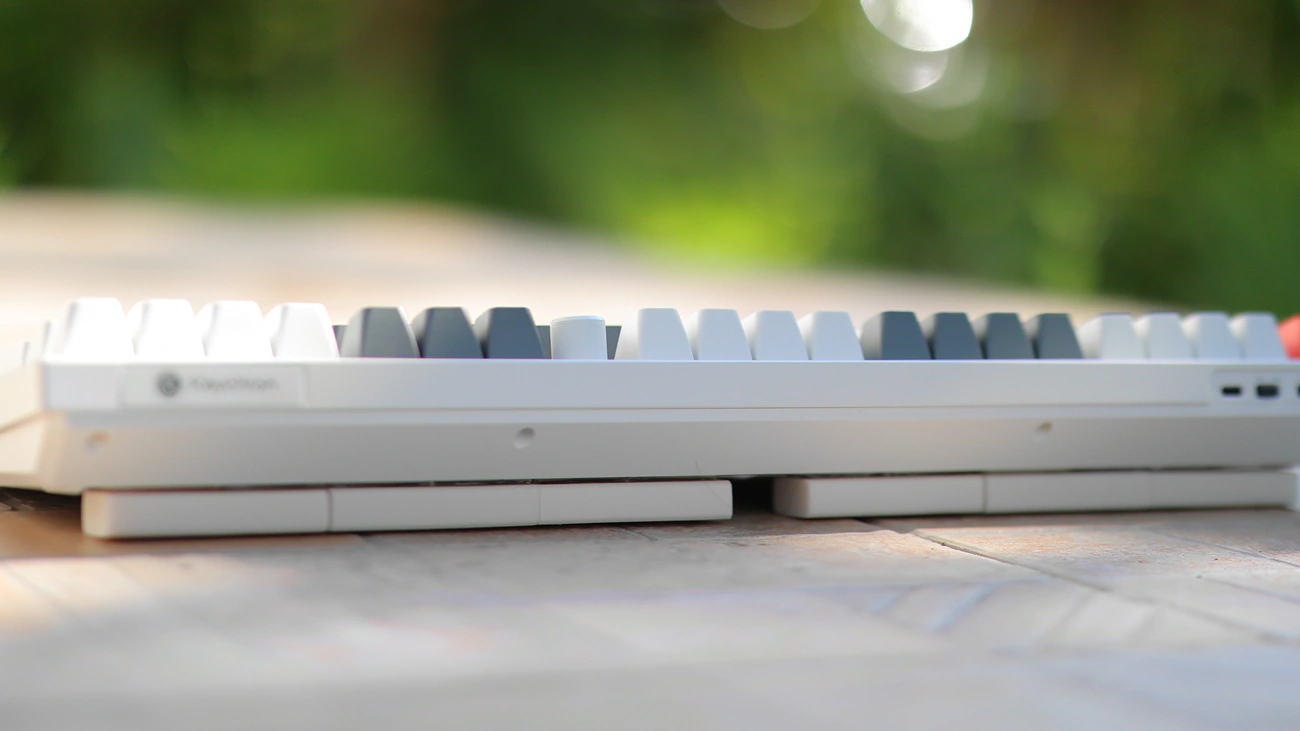
For my other KEyChron keyboards I purchased so many switches and now I rock one with a Glorious Mako Tactile, which is lightweight and a bit vague in typing, and a Kalih Box V2 on a different Q6 MAx which I like a lot, but feels really crunchy and less smooth than the KEyChron POM switch. This new POM switch is far more lubed, smoother and feels more creamy than both Kalih Box V2 and Glorious MAko. Another good comparison is with the MMD Princess V4, which is FAR too hard to type on, has a very slow rebound and is not a recommended purchase at all on my end, feeling sluggish. The speed of the KEyChron Silk POM switch is much faster, and it is generally a reliable switch, although the tactile bump is much less evident than on either Glorious MAko or KAlih Box switches. Funny part is that so far I have not found a keyboard that has a switch style that I would consider End-Game, and all of them could use improvements here and there, so the way I’ve been using my Q6 keyboards is type 1 to 3 days on a keyboard, they switch it with another Q6 that I have and which is configured with a different keycap and a different switch. While this may sound excessive, when you type the amount I have to, it actually helps a lot to keep your typing experience fresh and to keep you going. I ended up having 3 Q6 Max around the house, and I cycle them to make myself work harder and more. As a general rule, you should be ready to spend around 200 to 400 USD on switches alone, and explore through a couple of options before you understand what you like best. This is because unless you use a full keyboard for a while, it is hard to understand what you prefer, what you want and what you like. I personally discovered that I like brown switches with a strong tactile bump, long travel distance, but low actuation force as anything above 55 gf feels too heavy and makes my hands hurt and anything below 40 gf is too light and I make mistakes. I found that reds feel too buttery and don’t give enough feedback, making typing a bit boring and unsatisfying and I found that short travel makes me type slower, or have a slower rebound rather than make things faster. I personally found that I do not care about RGB, but most switches that have a transparent top and bottom or a diffuser are of a slightly higher quality, as oil kings for example are smooth, but feel cheap and unstable compared to cheaper Gateron Brown switches that have a transparent top or diffuser.
I found that Epomaker, Yunzii and Akko along with Glorious all make excellent switches, but the model matters a lot, and you cannot go wrong with them. Gateron and KeyChron have been better for brown variations in particular, which are a rarity if you’re buying from Glorious, Yunzii, Epomaker and Akko outside a few limited options. Gateron makes the most tactile switches that are good, and there are still wild variations out there that I have not tested or which have been so much more expensive compared to what I would spend on a set of switches that I simply avoided them entirely. It has been a 10 year trip for me to discover this general order and I recommend you take the time, it will be a long and fun road if you allow it to be. The best overall switches I tried have been this current KeyChron Silk POM and at the other polar end of the list you’ll find old Logitech GX Brown and Romer-G Tactile switches which gave me a reason to explore better keyboards, eventually leading me to upgrade my keyboard all the way to Keychron’s Q6 series years ago.
Gaming – Keychron makes the best keyboards for gaming, and I see those as top high-end keyboards designed especially for gaming, thanks to their stability, as well as the ability for you to use a wide selection of switches and keycaps. In fact, I see the Q6 Ultra as one of the most ergonomic keyboards for gaming, I develop my game using it and have played competitive shooters, competitive MOBAS like Dota 2 as well as competitive starcraft 2 using it. For a good gaming experience, I highly insist that you get specific switches and keycaps that help with gaming, for example while typing KeyChron’s KSA are excellent, for gaming I’d always try a more standard profile or MOA so my fingers can slide more quickly between the keys. While with most keyboards I see them as a final product, I have to admit that I see Q6 Ultra as a boundless potential since I have a couple of them and each has a different set of switches and keycaps installed.
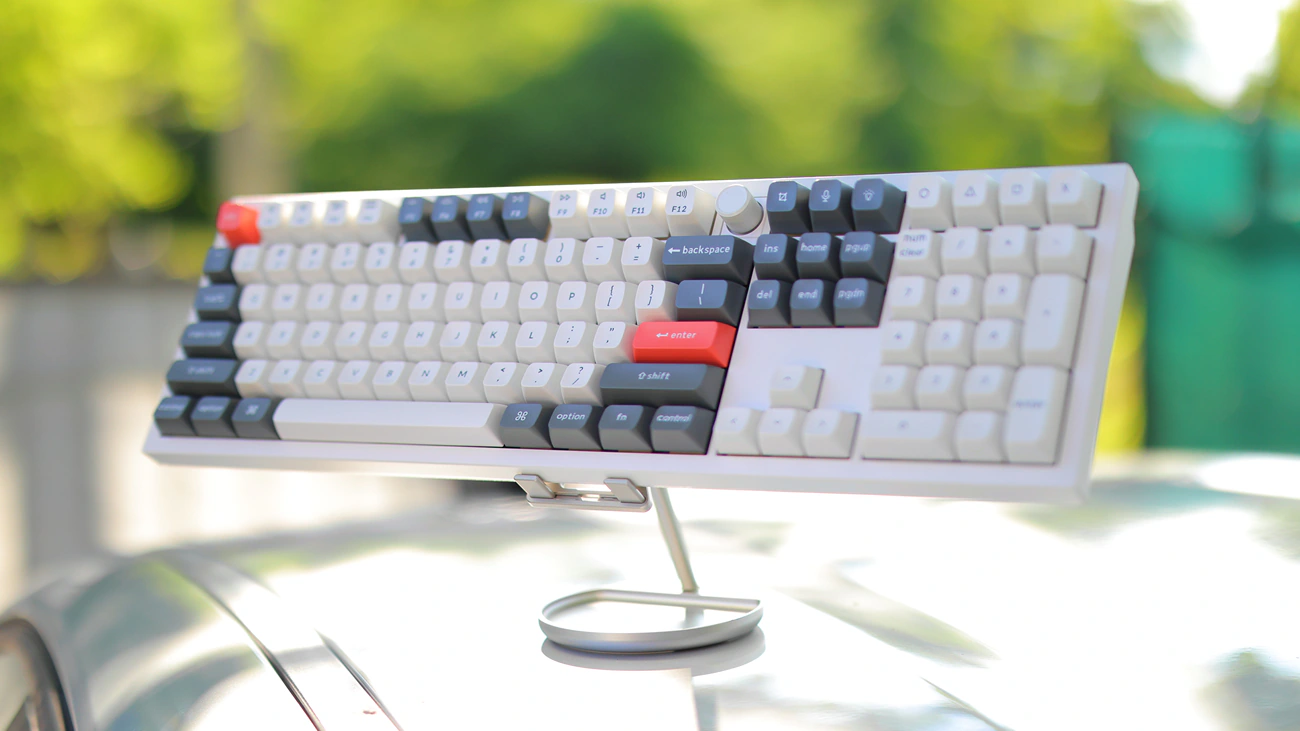
Typing And Work – This is my favorite part because you can type endlessly on a Q6 Ultra and never get bored, never need to take a break, it is quintessentially the perfect keyboard for heavy duty workers. Especially if you’re a typist, programmer, book writer, or anyone who types a lot, it is perfect. From the build quality, to the sound, to the overall feeling of the keyboard, you’d literally miss the perfect one out there if you didn’t go for it, and I reviewed around 20 keyboards in total at this point, all of them having been interesting, but I always return to KeyChron’s Q6 series, as my essential keyboard for all-day work. Not only is the gasket mounting perfect for typing, but also is the speed and battery life. You can engage RGB lights to make each key easier to find, and you can also engage the software from Keychron to assign some simpler, and sometimes more complex tasks to the 4 buttons found on the upper right corner of the keyboard. Having a volume wheel is really useful, and you can assign it to something else if you don’t need digital volume, but being able to press on it to mute my sound is essential for me while I work. Print Screen is right where I need it to be and so is the Delete Key, I am able to complete a review with zero frustration, but full success whenever I use Q6 Ultra. For typing and actual work, programming and writing reviews, I never had better and couldn’t ask for a better keyboard.
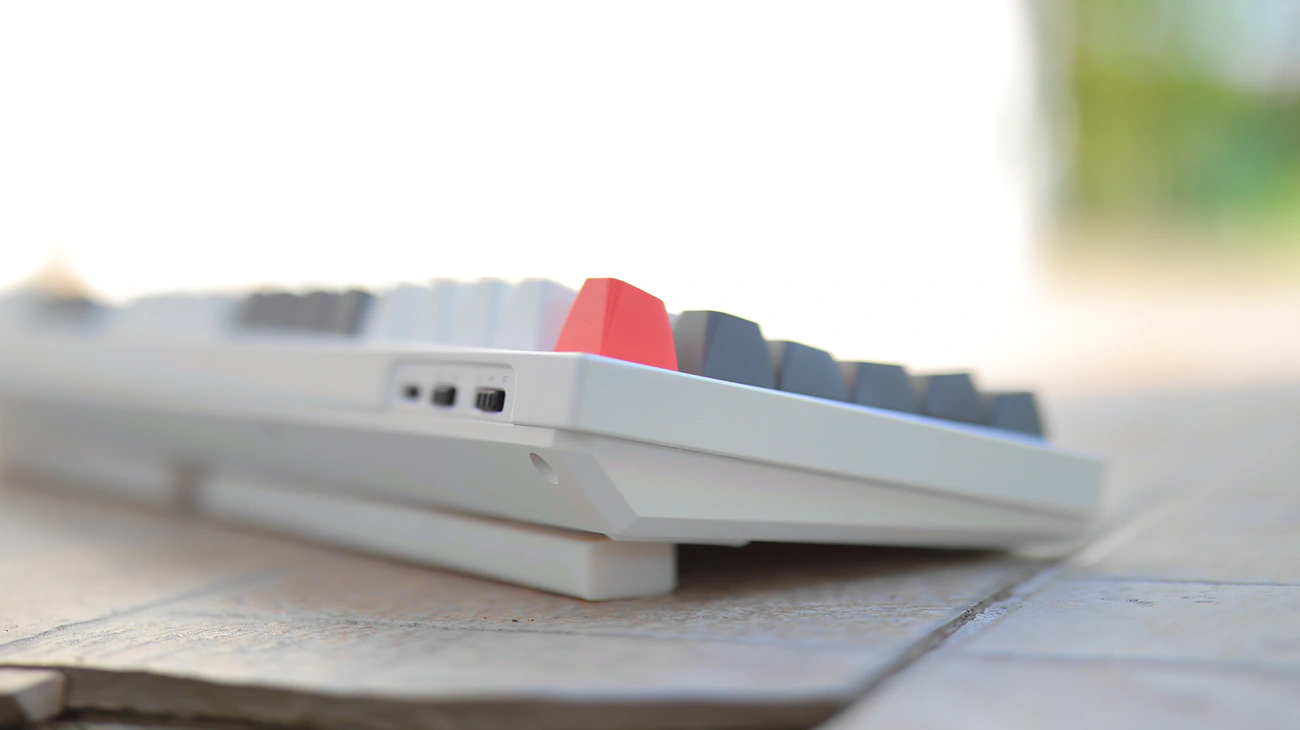
Advanced Features – There are two types of advanced features with Q6 Ultra, the software part and the hardware type. Software for Q6 Ultra includes easily created advanced hotkeys and complex Per-Key RGB, along with complex Macros and Snap Action. It feels like a huge upgrade from Q6 Max thanks to the ZMK core. In fact, since most people are using Q6 Ultra via wireless, AMK is much better for a wireless keyboard with a focus on battery efficiency and snappy reactions. Q6 Ultra also has some key advanced features including a Wired and Wireless Polling rate of 8000 MHz, and easy to customize Auto-Sleep and Auto Backlight-Off timeout. You can add the custom Keyboard Debounce Time so you can have a complex configurable keyboard in Q6 Ultra. On the hardware end of things, I want to add the fact that the edges of the metallic construction are slightly more chamfered and new volume wheel is smoother, feels more high-end and refined, while the dampening inside the keyboard seems better sonically, with the same switches and keycaps installed as on Q6 Max. I also feel like the connection between the 2.4 GHz receiver and the transmitter is more stable, especially at long distances or when the two don’t have a straight path open, and the buttons for selecting input are better in quality, although that could be a batch to batch difference.
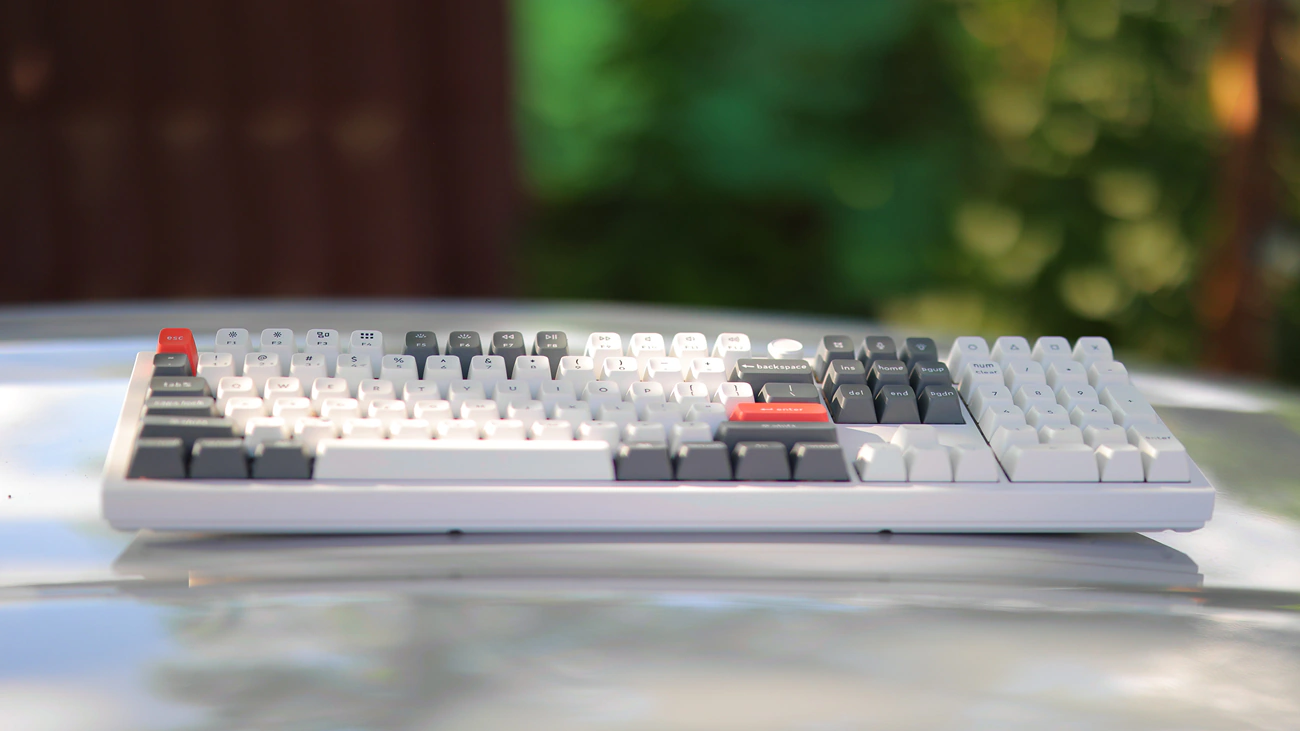
Overall – In general I don’t rave too much about keyboards and for some reason on Reddit in particular the circles that talk a lot about keyboards seem to bash KeyChron, but for me KeyChron has been absolutely the best for typing. The chassis is made of metal, resists years of usage, shows no signs of wear, and it is serviceable, you can replace the battery, main board, each switch and each key individually. Not a single LED burned so far even after 3 years on the oldest Q6 that I am using, and at the same time Q6 Ultra comes in with a better volume wheel, better switches, better keycaps, improving the experience compared to what I would normally get from Q6 Max. It is essentially perfect and from the build quality to the battery life to the receiver quality and to how much you can keep replacing keycaps, switches and everything else, you will surely find a combo that works perfectly for you. I feel like that’s the beauty of the Keyboard hobby, and it starts slowly from just seeing one keyboard and wanting to replace a broken keycap or a faded one, then not wanting to buy an entire new keyboard, then you’re building your own. The only thing and I mean only thing I have not yet achieved with a Q6 Keyboard from Keychron is to somehow glue it to my laptop to use it for travel, but I am working on something and if God Wants I might pull something off in the future.
Value – Conclusion
KeyChron has the pricing very close together and a Q6 HE will cost 249 USD, Q6 Max used to cost 219 USD, while the new Q6 Ultra costs 239 USD. The small difference comes at a key time when everything is getting more and more expensive, so I am happy to report that KeyChron is not significantly increasing prices, but they are always hugely improving the quality of their products. Right now Q6 Ultra is not the most expensive keyboard I reviewed or which I own or use, but it has the highest value, having the best overall build quality, offering the longest battery life, best support and best long-term reliability. It is absolutely perfect, and I would always start my Mechanical keyboard journey with a KeyChron Q6 and use it as my main.
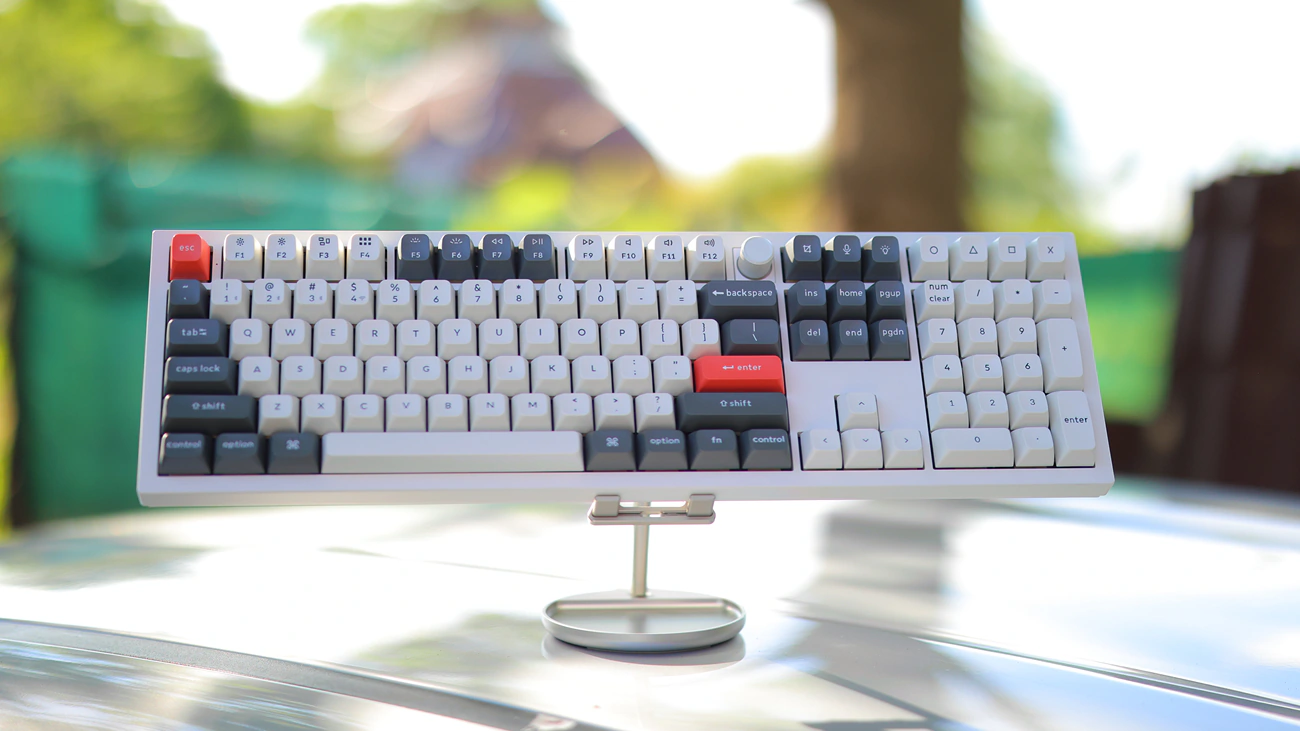
Award – It is funny that I don’t think I ever planned to give awards to keyboards, but Keychron just keeps being this good and for me Q6 Ultra is now the keyboard that replaces Q6 MAX, a natural evolution, with just a minor price increase, but significant upgrades in battery, build quality, sound quality, default switches and keycap quality. It is totally worth its place in our Hall Of Fame and will stay there for a long time.
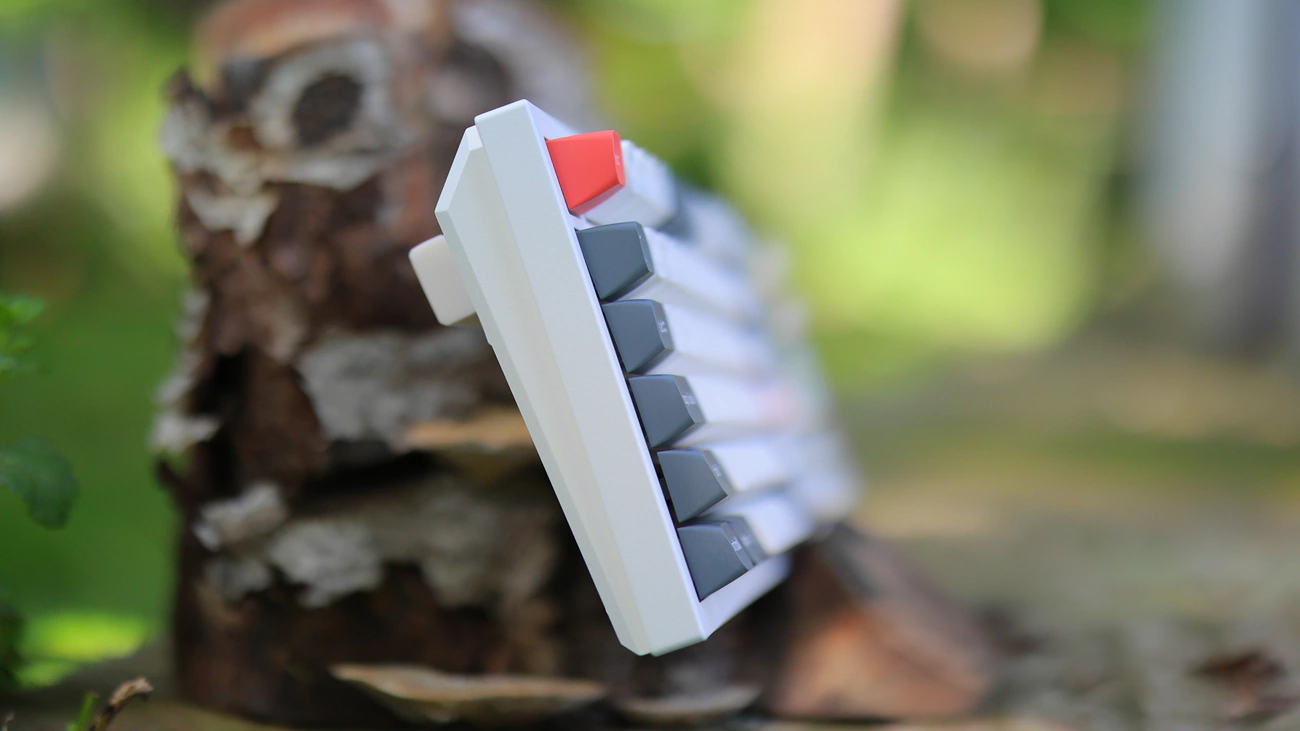
My conclusion and takeaway from having used KeyChron Q6 Ultra is that although it is still a keyboard, it is hugely improved compared to Q6 Max, it comes with better endurance, better ZMK Core, more reliable 2.4 GHz receiver quality, much better sound quality for typing, improved switches, better new volume wheel, higher internal memory, all for a very minor 20 USD price increase. In fact, I own 4 Q6 keyboards – This Q6 Ultra, and 3 sets of Max, having bought one for my wife and a 2nd one for me to test exotic switches, besides the one I reviewed on Audiophile-Heaven, and I wouldn’t let go of any of them. Looking back, I bought so many KeyChron keyboards over the years and they always brought me joy, so I will honestly recommend the Q6 Ultra as the natural upgrade if you have a Q6 Max, it will deliver a better experience in every way imaginable.
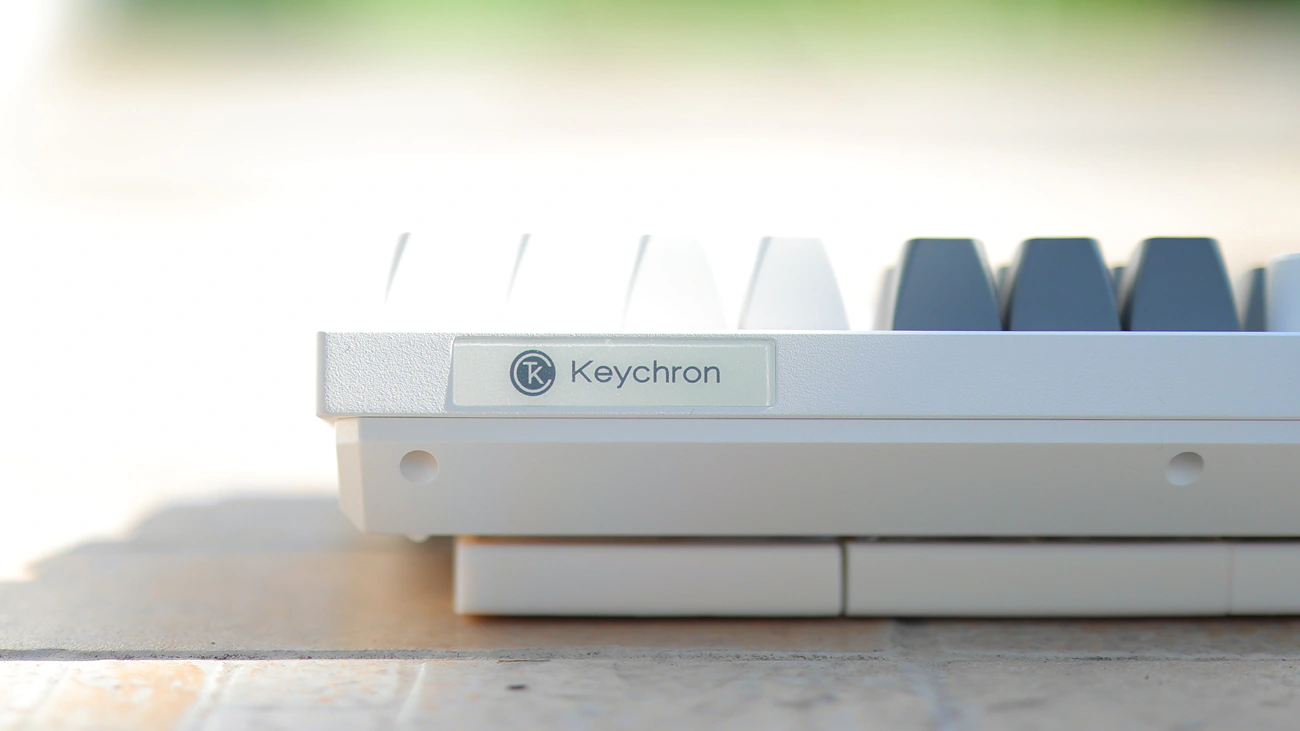
PROs
- By far the best mechanical keyboard that the world has to offer at this moment
- Easy to service, both for keycaps, switches, batteries, main board, and every other component being easy to replace
- Improved battery life and battery size, noticeably so for someone who uses a Q6 Max daily, as Q6 Ultra lasts around 3-4 times longer
- Gateron Slik Pom Switches are an upgrade over Gateron Jupiter Banana
- KeyCap quality improved greatly, much more resistant to oil and fading
- Faster Wireless receiver, less failure rate
- Sound is much better, more damped and smoother than with Q6 Max
- ZMK Core with more memory
- Complex software available online with no install needed
- KeyChron has stellar support for their keyboards
- Widely available on Amazon, Aliexpress, KeyChron main website as well as Keyboard dedicated channels
- Affordable for the quality it offers
Cons
- Default keycaps are really tall, OSA profile was more universal
- Still needs my eraser rubber mod for increasing the angle at which it sits
Product Link
Amazon – https://bit.ly/KeychronQ6UltraKeyboard
--- Please remember to stay safe, and always have fun while listening to music!---
- If you have a dime to spare, please donate, and help us! It would make the day brighter for me and my wife-
Full Playlist used for this review
We listened to more songs than those named in this playlist, but those are excellent for identifying a sonic signature. I recommend trying most of the songs from this playlist, especially if you’re searching for new music! The playlists are different for Spotify, Tidal and Youtube, and based on the songs I enjoy and are available on each!
https://www.youtube.com/playlist?list=PL_cjBXGmwSHSdGcwuc_bKbBDGHL4QvYBu
https://open.spotify.com/playlist/5J3oloz8Riy9LxEGenOjQ0?si=979ba4f082414be7
https://tidal.com/browse/playlist/330fd544-8e5b-4839-bd35-676b2edbb3d5
--- Contact Us ---






Is there a keyboard cover available for the Keychron Q6 Ultra 8K Polling Rate Aluminum Wireless Mechanical Keyboard?
Not as far as I know and that is something I might need too since I have 4 right now lol . I keep buying more to have multiple switch and keycap options readily available as they take so long to install