Azeron Cyborg II Gaming KeyPad Review – Cyberpunk Vision Of Holding Hands With Machines
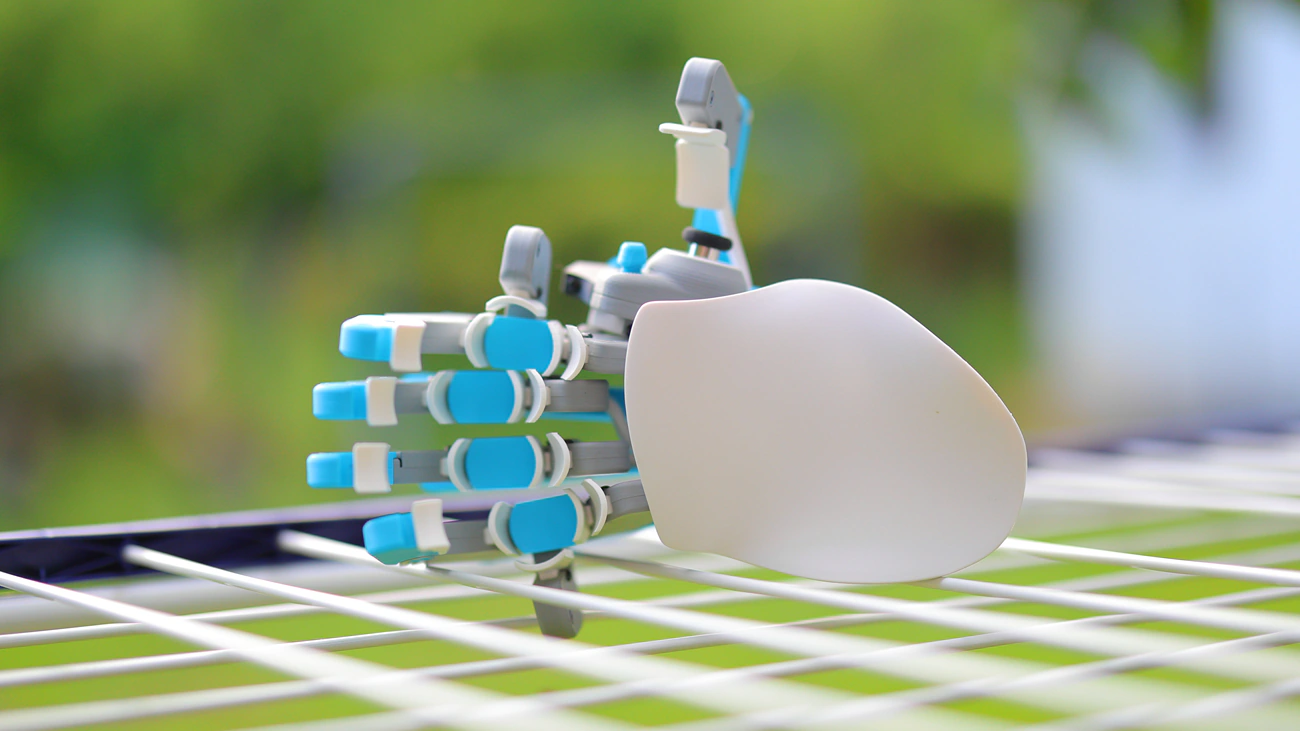
Azeron Cyborg II is a 369 Euro / $426 USD Gaming Keyboard / KeyPad with a 360 Analog thumbstick, designed to be both a gaming keyboard replacement as well as gaming pad. Today we will review the Cyborg II and explore how it differs from the original Cyborg (168 USD) and Azeron Gamepad Classic (180 USD) that we’ve reviewed before.
Introduction
Azeron is a powerhouse of a company, having established themselves as the best gamepad / keyboard replacement producers in the whole world. Their Classic Gamepad, Cyborg and now Cyborg 2 have been received so well that 97% of people who purchase one will keep it, and Azeron products are available on their own website, Amazon, as well as a few other select Electronic outlets.
As an Amazon Influencer, I earn from qualifying purchases, and using the purchase links in my reviews helps me maintain this website and Youtube Channel. Audiophile-Heaven has no Ads and our Youtube Channel has no midroll ads, and our work is supported by Affiliate Links and Donations. Huge thanks to Azeron for providing the sample for this review, in exchange for my honest opinion.
Product Link
Official Link – https://azeron.com/collections/cyborg-ii
Build Quality – Design
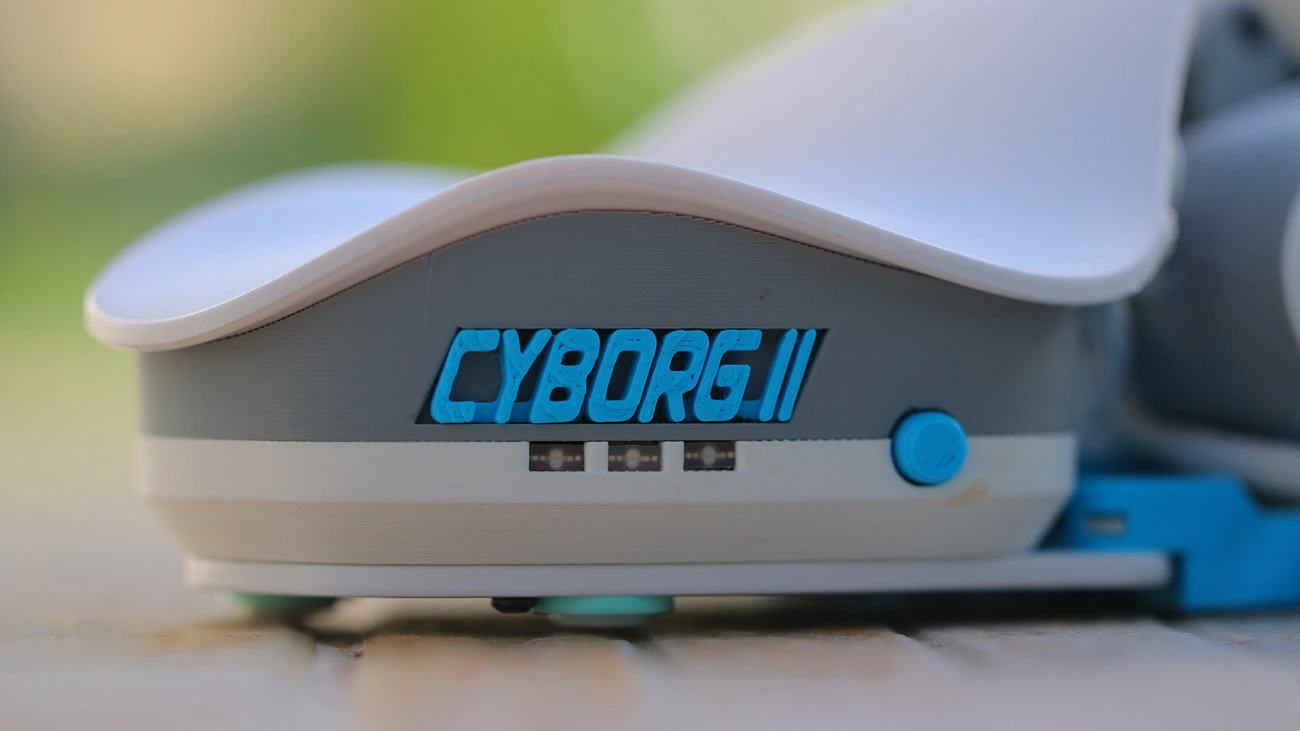
Azeron Cyborg II is a world-class gaming keypad and a versatile keyboard replacement for the left hand (optionally right if you’re left handed). Multiple reviewers raved about it, including Hardware Canucks, GamesRadar+ and PCGamer, and Tom’s Hardware, all publications which I myself read from time to time. We review the best variant of the Cyborg 2, the Iceline which comes with a beautiful color theme of White, Blue and Light Gray. It may just be the fact that it is summer here, but it looks and feels cool to handle it in this combo. Cyborg II comes with a 360 degrees thumbstick, which you can order either as Standard or Elite, and a palmrest that you can order as Curved, Flat or get both.
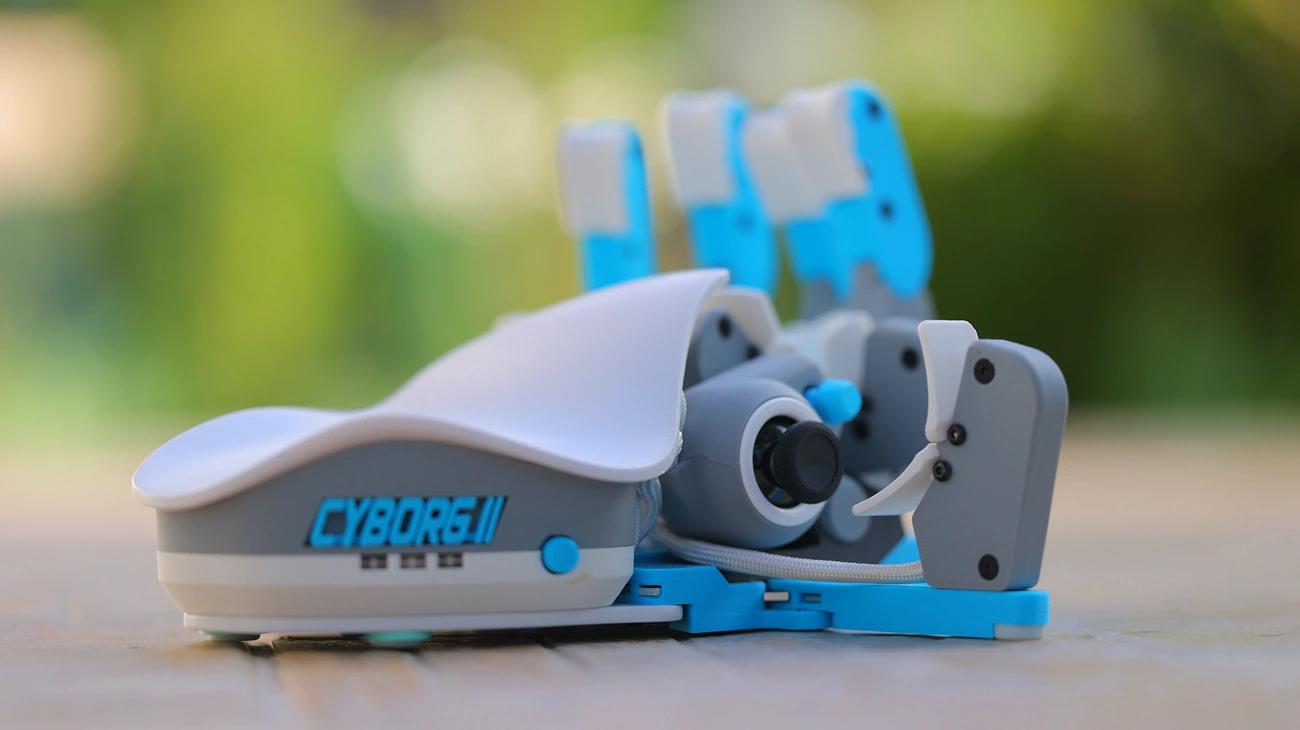
Technically, Azeron Cyborg II has robust adjustability and has 30 mappable inputs, using Omron switches with a lifespan of 50 million clocks and up to 6 onboard profiles. You can even customize the RGB lights on the side and store that inside the on-board memory. Speaking of customisation, there is a noticeable difference between Hall Effect and Hall Effect Elite, the biggest one being the fixed resistance on the standard and the 3 adjustable tension levels on the Elite. Elite comes with a textured, enhanced grip, different cap heights and shapes and with a pro-level customisation. Both will use magnetic sensors instead of physical mechanic contacts which deliver a higher precision and durability.
The unboxing experience is complex, as you receive the Cyborg2, and also a screwdriver, spare screws, USB Cable but once you open the C2, you have to actually configure it for your hand. Ideally, the thumbstick is a much better control solution than the WASD Keys as it has no dead zones, no stick drift, and you can use your thumb to control the speed of movement as well, in games that allow it. You can map this for better Adobe Premiere, Audition as well as Da Vinci integration for media control and productivity. Software suppor from Azeron is stellar nowadays as you can drag and drop remaps, add complex macros, and use multiple profiles with the entire software being free and free from malware, easy to remove and one of the few software pieces i dont mind having installed on my main computer.
Although Azeron offers hassle-free returns with a super long 60-days money-back guarantee, they have shipped to 130+ countries so far, 97% of the customers will keep their gamepad. This is further enhanced by the fact that this is an advanced product with a somewhat steep learning curve, so it makes sense that those who purchased it actually understood well what they were getting into. Although there is a learning curve to it, a gamepad like CybrogII can be much faster than a keyboard for gaming, more accurate, with less hand strain, but it would also work brilliantly for productivity especially in Da Vinci where hotkeys and macros are so darn fatiguing to use long-term.
Subjective Usage – Quality
Stability – Although the way it sits and looks in photos is super expanded and lateral, Cyborg II is actually very stable on my desk. Once you set it up, you can use the screws to really tighten it, and it will be very stable, it has rubber feet that are large and sticky in multiple locations on the bottom part, so it sits on my desk without any chance of sliding.
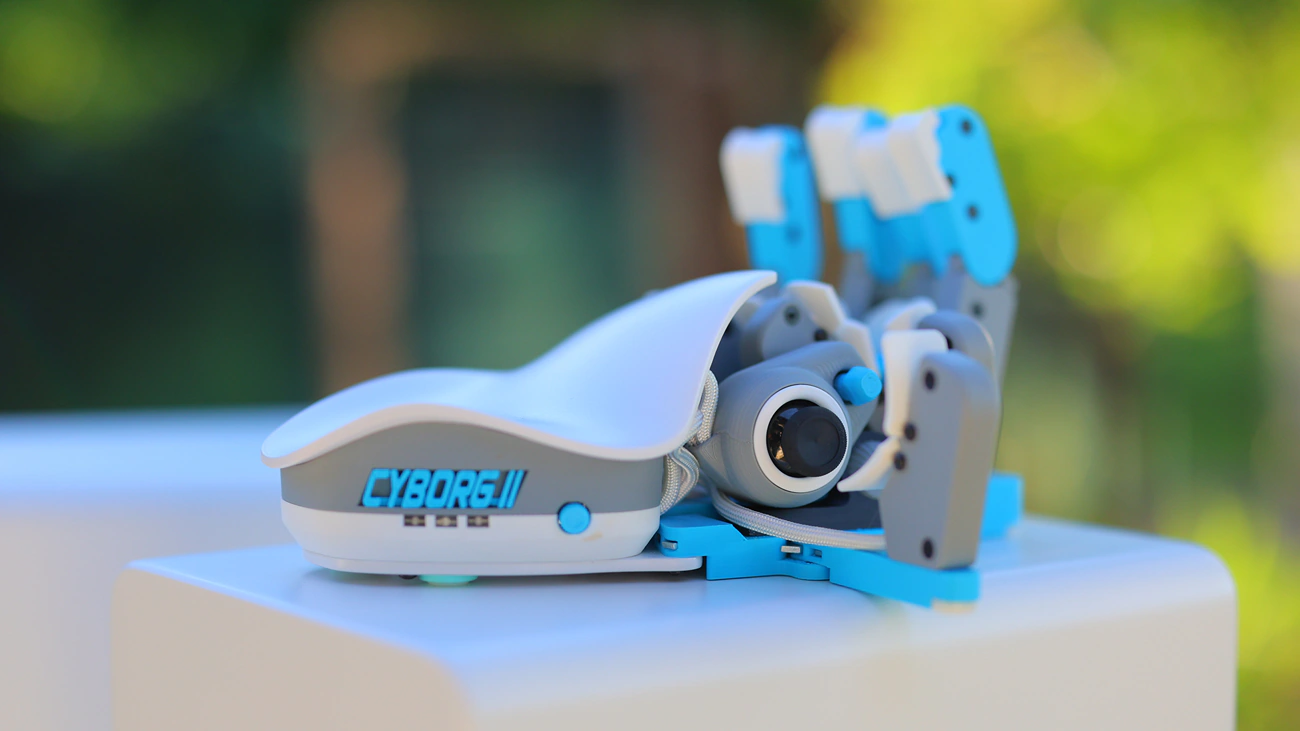
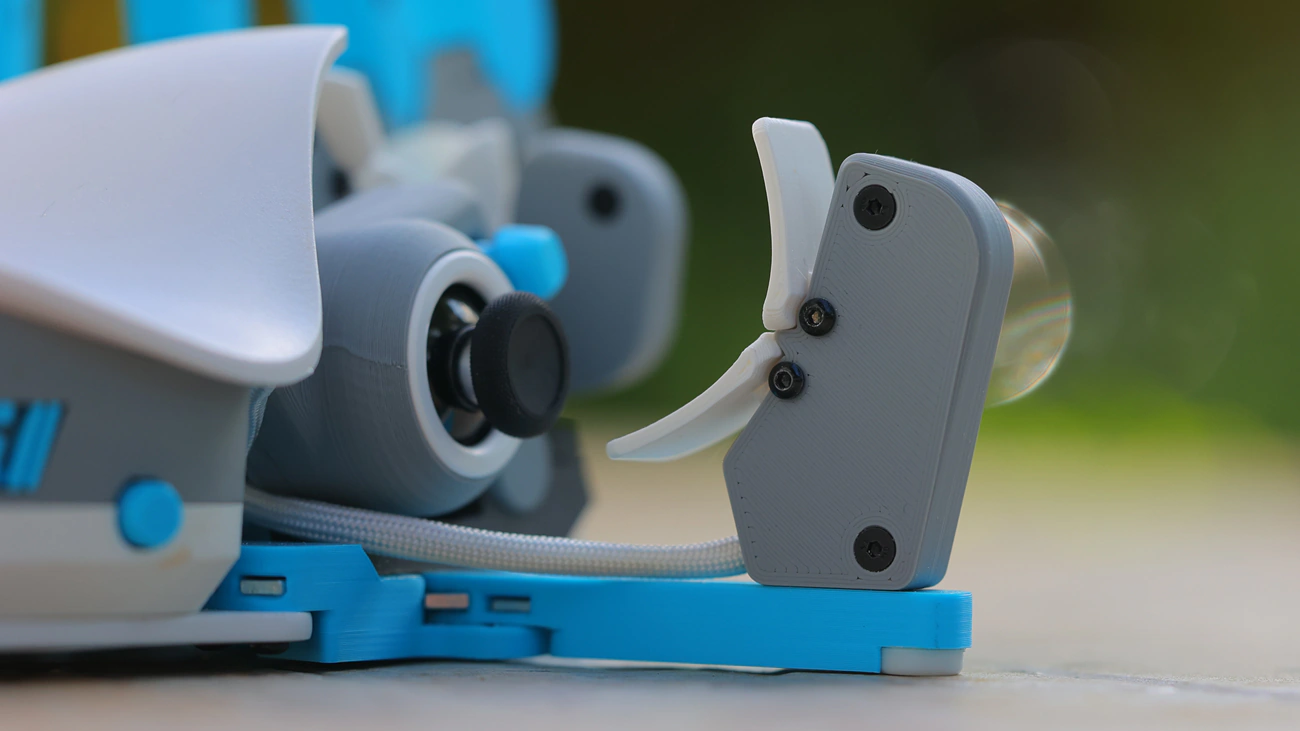
Especially the 360 degrees thumbstick is placed in the most ergonomic spot, and feels super reliable, along with the D-Pad, while each other button feels sturdy and reliable. If you disassemble it, you can find the mind inside, the processor, as well as the cables, and although the bigger part of each leg / finger is covered in a 3D printed material, Cyborg II actually has a metallic skeleton underneath that gives it weight and structural integrity.
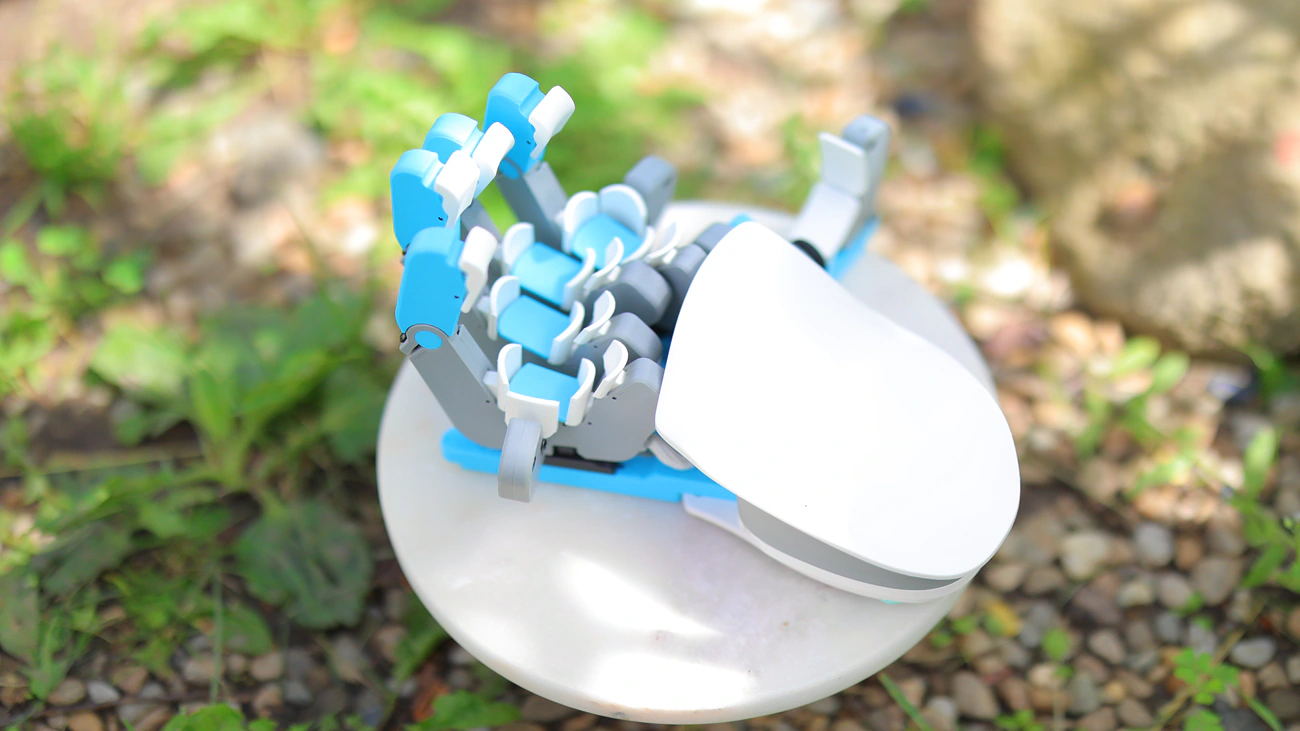
Ergonomics – Having had and used the original Cyborg for a long time, the new feels much more ergonomic, better designed for long hours of gaming, and although the price seems to have increased slightly, it is much more reliable. It is still the good old adjustable gamepad, so you will be able to bring each key in such a position that your hand can rest on the gamepad rather than being forced to move to find the right spot on it. I find this really nice because i ofen struggle to find the right position with pads, but with Cyborg II, you can bring for example the thumb stick or the thumb buttons right where they won’t hurt or strain to reach for them, effectively giving you access to those buttons. I have been learning linux recently and this gamepad has been a big help because it allows me to map certain shortcuts like Ctrl Shfit V or Ctrl Shift C to a new button rather than having to stretch my hand on my entire keyboard for simple linux debugging. It is also helpful for games and gaming as it allows me to map complex reaction combos, although I cannot guarantee this would be allowed in a competitive gaming, rather it is ideal for single ended gameplay.
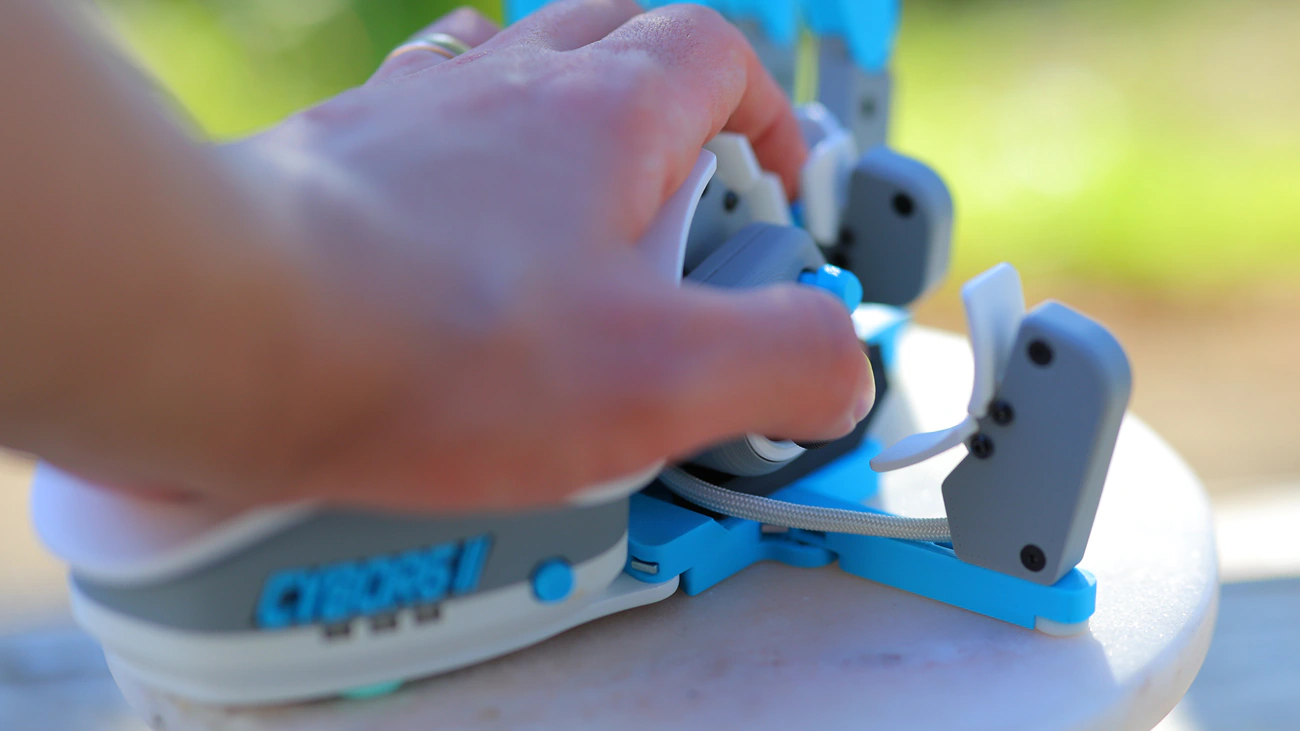
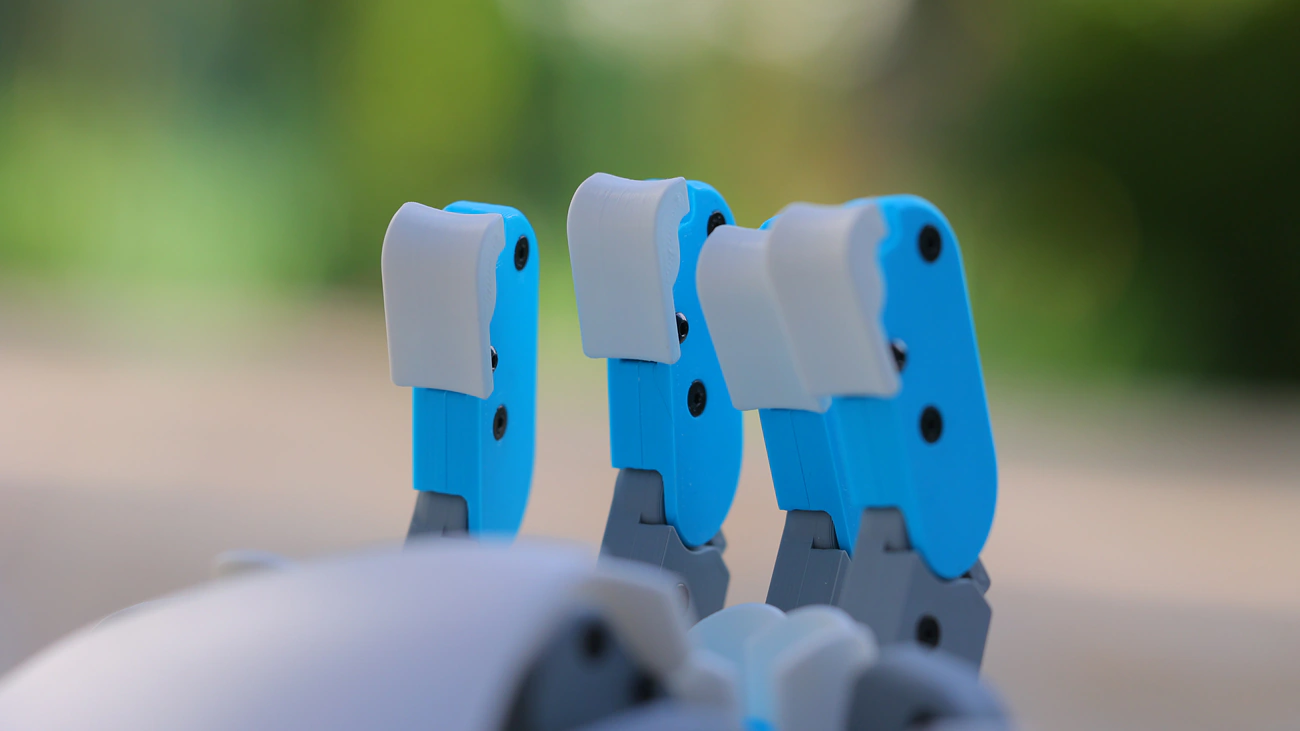
Each finger has one deep button, which you press when you press with the fingertip, two front and two back buttons, so one directly above and one directly beneath the middle button, then one extra. Those can be configured to absolutely anything you want from simple keystrokes to long commands. The pinky and index fingers have a lateral button too, but just one, while the thumb gets two buttons but also two navigators, one D-Pad and one thumbstick. While you’d be tempted to use the buttons to navigate in games, you can map the thumbstick which makes Cyborg II react far more like a gaming gamepad than a keyboard, making it more versatile and more ergonomic.
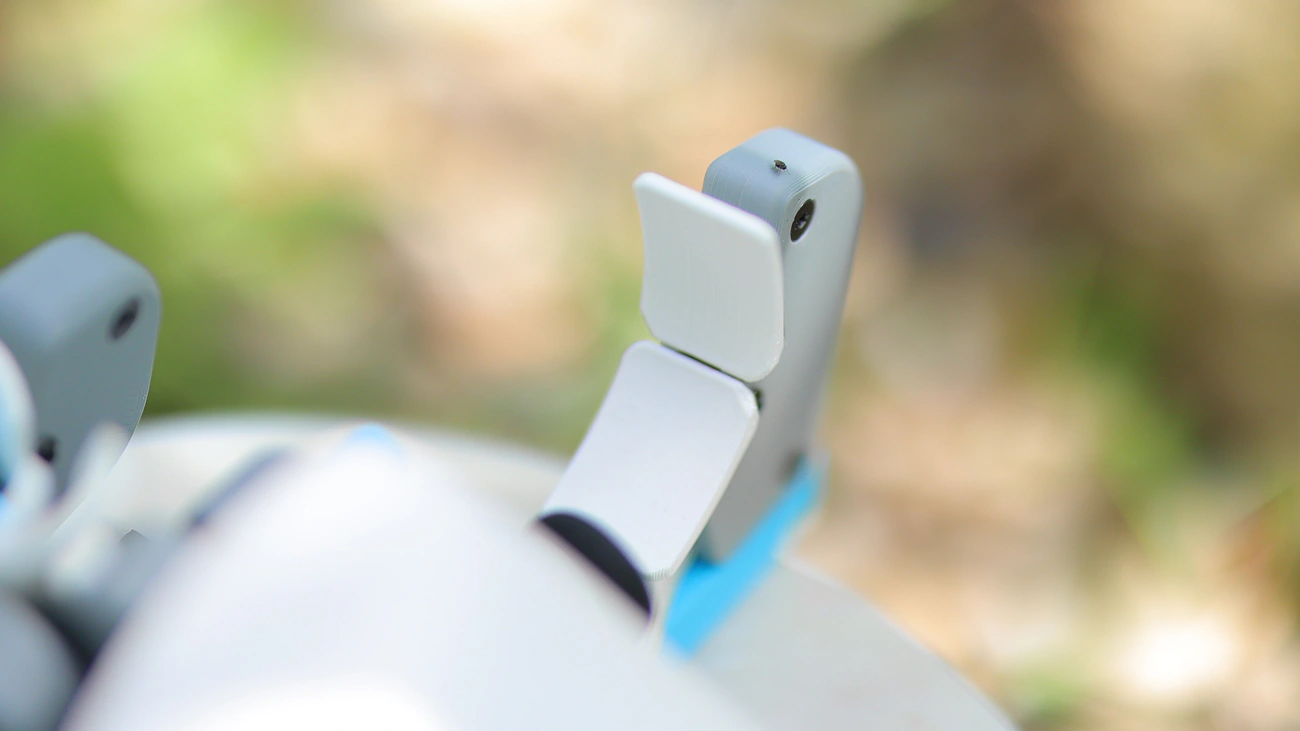
KeyCaps – We have the same 3D printed keycaps for each switch that we’ve seen before, and while they do have edges or ridges, they are comfortable to touch and the resin / material used is skin friendly for long periods of use. I am quite fussy about whether a material is nice to touch and Cyborg II is fantastic, you can actually replace most components independently, so I see that as a big plus, or an opportunity to print your own caps with a bit of effort and if you ask the company for the blueprints. While this is not something that Azeron recommends doing, I discovered that you can actually remove a finger if you need or want to, so you can unscrew the thumb finger cradle part entirely and disconnect it from the mainboard without any issues.
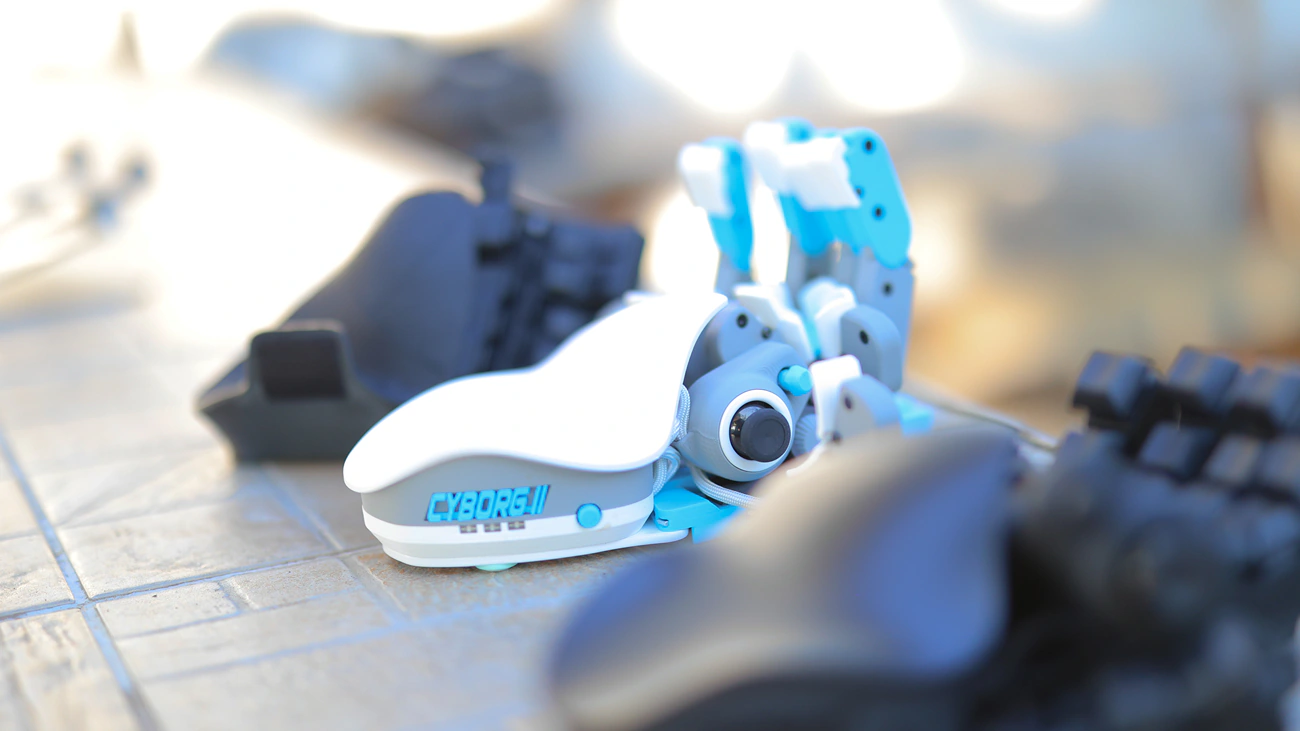
I like that I can experiment with every product however I want because I also discovered that you can also over tighten a button if you want to make it hard to reach but very sturdy to an accidental press. Modularity allows for some really funky configurations that are off the record too, although if you do break any of the parts, you might need to pay for a new one, so it is best to experiment only if you have a 3D printer or if you are comfortable buying a replacement if you break something.
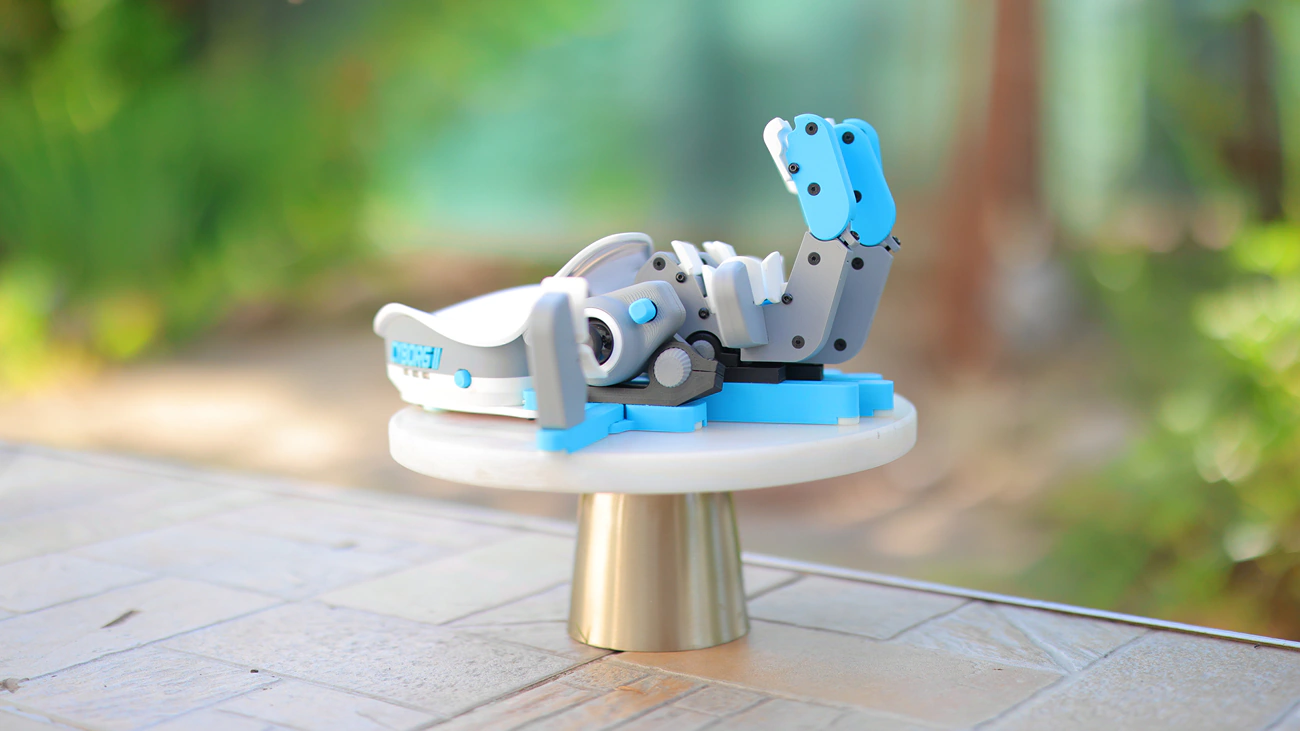
Switches – I find the switches to be basically the same as they were on the old Cybrog series, they are most similar to omron mouse switches as they are click and feel more like a mouse click than a keyboard. I had this question for a long time, for a product like this but with mechanical keyboard switches, and Azeron makes one, just a different one named KeyZen which we will also be reviewing. The biggest difference between the KeyZen and Cyborg is that Cyborg has switches especially designed and placed for the back of the thumb and each finger as the whole click switch + 3D printed cap mechanism allows for for it while KeyZen does not have those as the switch + keycap module is much heavier.
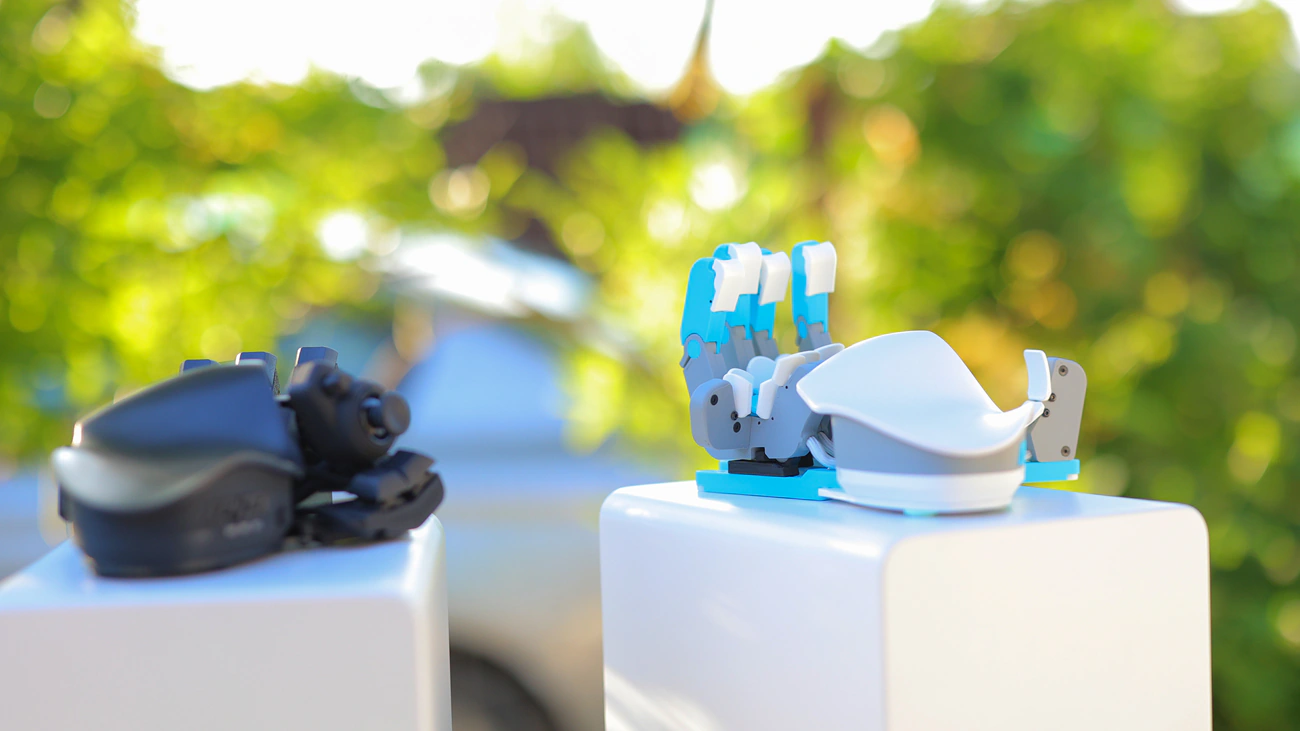
This means that you can put your hand inside of the Cyborg 2 almost like a glove while KeyZen will be much more similar to a standard pad or keyboard but with a more ergonomic palm rest. It is a very different feel, and you can very quickly engage the switches on Cyborg II, they are slightly faster, but at the same time they have less actuation force and less springback, so they require far less force to push than keyboard switches. This means that you can have less hand fatigue while using the Cyborg II at the cost of the button springiness feeling more like a mouse.
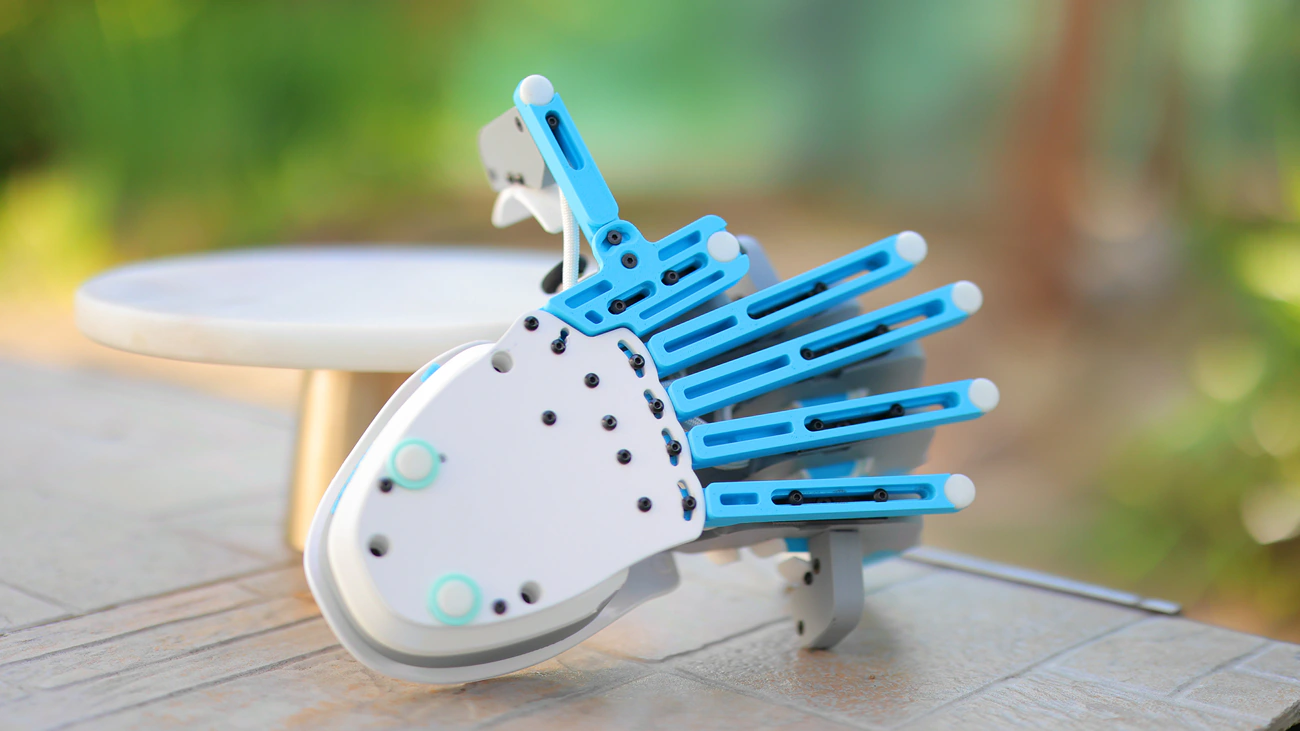
Gaming – Gaming feels fast and natural, although it is quite a bit slower than with a gamepad like KeyZen. This is because in games you require to press many buttons many times and a normal switch like brown switches feel more natural to spam than the clicky mouse switches found on the Cyborg II. Since the KeyZen uses normal switches, you might even be able to replace the keycaps (we will explore this in its review), which would make it much more appropriate for gaming. On the other hand, the advantage of the Cybrog is how your hand is always more at a resting position, so if you suffer from hand pain it might be more ergonomic and once you get used to it, it still has that thumbstick which is just fantastic for all games, be it mmorpgs or driving simulators. Since on the hall effect elite you can tension the thumbstick differently, you can get a customised feeling of how hard it is to move based on your playstyle.
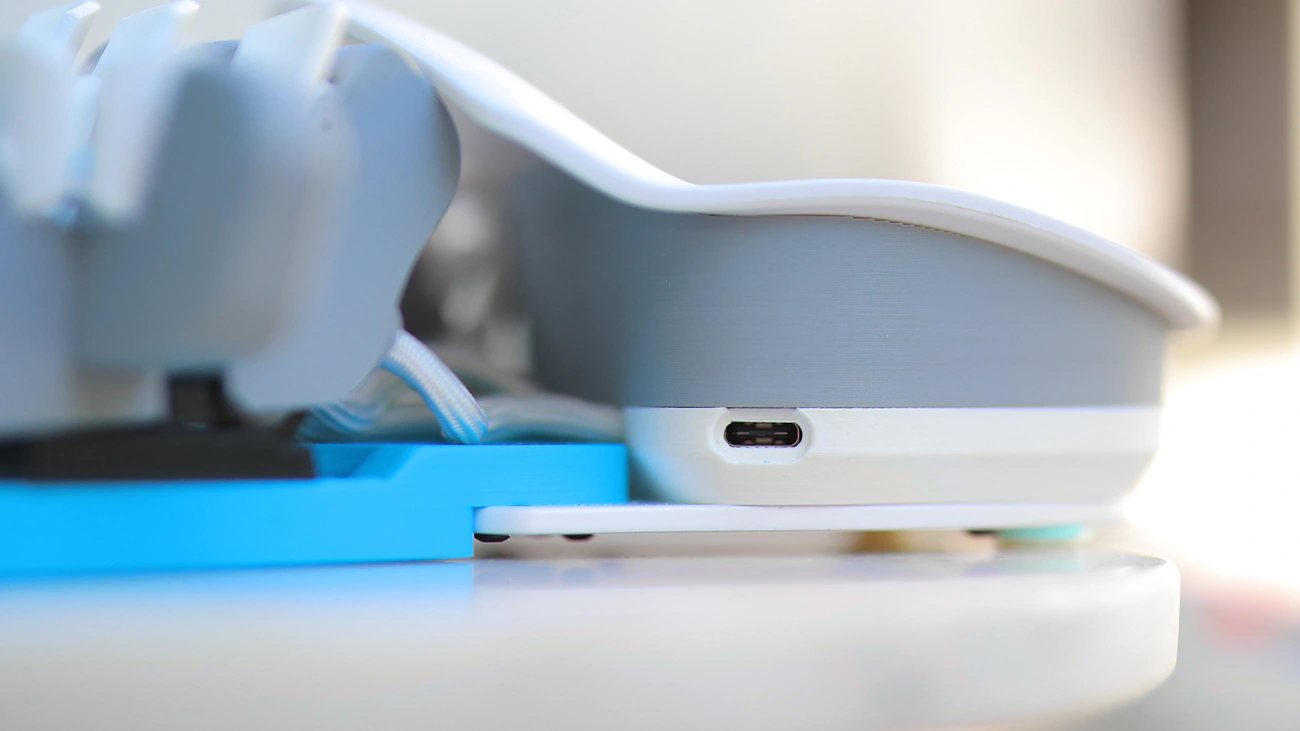
Typing And Work – Although it is theoretically possible to type using the Cyborg II, I really did not spend the time to learn it well enough to type with it. Instead I do work a lot with it both for power user tasks, for example moving folders, navigating systems, renaming files, managing Da Vinci, or for work with programming, where each button means something different for example index middle is showing a character at the middle level of zoon, closer to my hand means more zoom, or bigger characters, and further away means further away from me or a fuller image. Then I can play with this more, assigning each button on a location on screen , for example index being the middle of the screen, middle being far right, pinky being far left and then ring finger being a modulator button. I noticed that I have less tendency to use the ring finger and that it is much harder to train to use it, so I don’t really assign much to it. You can actually get the Cybrog for left or right hand, depending on whether you use the mouse in your left or right hand.

Advanced Features – Even compared to all gampeads available on the market, the most obvious advanced features include the WASD thumbstick that allows for smooth movement, much better than wasd keyboard movement. You also have the option to map every single key to anything you might want, including complex mapping so that a button does something different on single click, long click or fast double click. You can even remap a button with a mouse action and Cybrog II allows for complex combos and 6 profiles stored directly on the gamepad, basically being a power user tool rather than just a gamepad. If you are not a bit fan of the finger towers, there is a Cybrog II compact version available that replaces those towers with buttons and looks much more like a KeyZeon but with the click omron switches rather than brown or mechanical switches. The feeling is quite different and there is no better or worse, there is only your favorite.
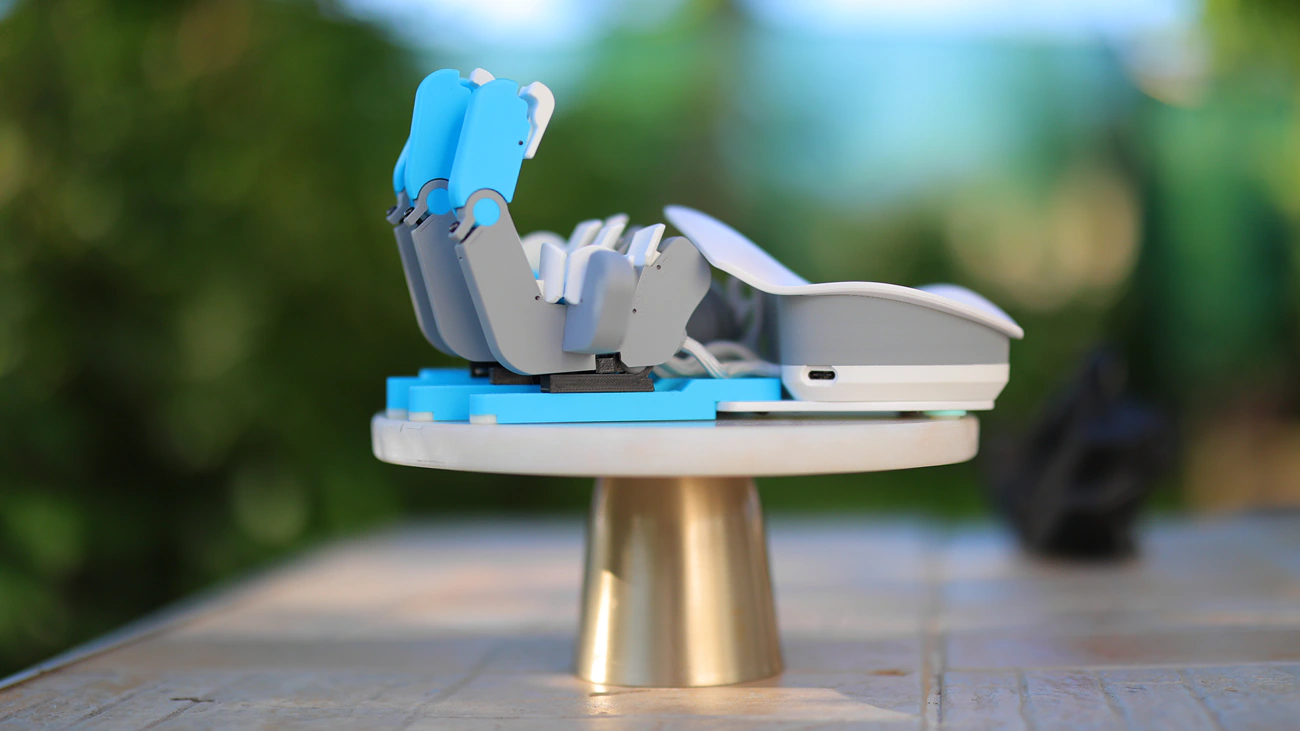
Overall – In general Azeron Gamepad Classic and then Cybrog built the way for gaming and for advanced power usage, while Cyborg II delivers a far improved experience with better switches, more buttons, more ergonomic possibilities, elite hall effect thumbpad, and more advanced features, basically improving on the user experience greatly compared to all other gamepads, with still a unique design. In fact, with the introduction of the IceLine color theme, we are first time seeing such a beautiful and refined gaming product available.
Value – Conclusion
If you’re ready to take the time to learn how to use the Cyborg II it can be really rewarding, just like learning Linux is. You can keep your gaming, work or PC work experience fresh and steady while getting the most out of your system. I love playing games and doing advanced programming and computer usage with the Cyborg II, it is a fantastic tool and looks really nice in the iceline version I chose. I actually find it to be more ergonomic than ever before, but be ready to take the time, even finding the right configuration physically can take days of tweaking as it is an experience that regards patience.
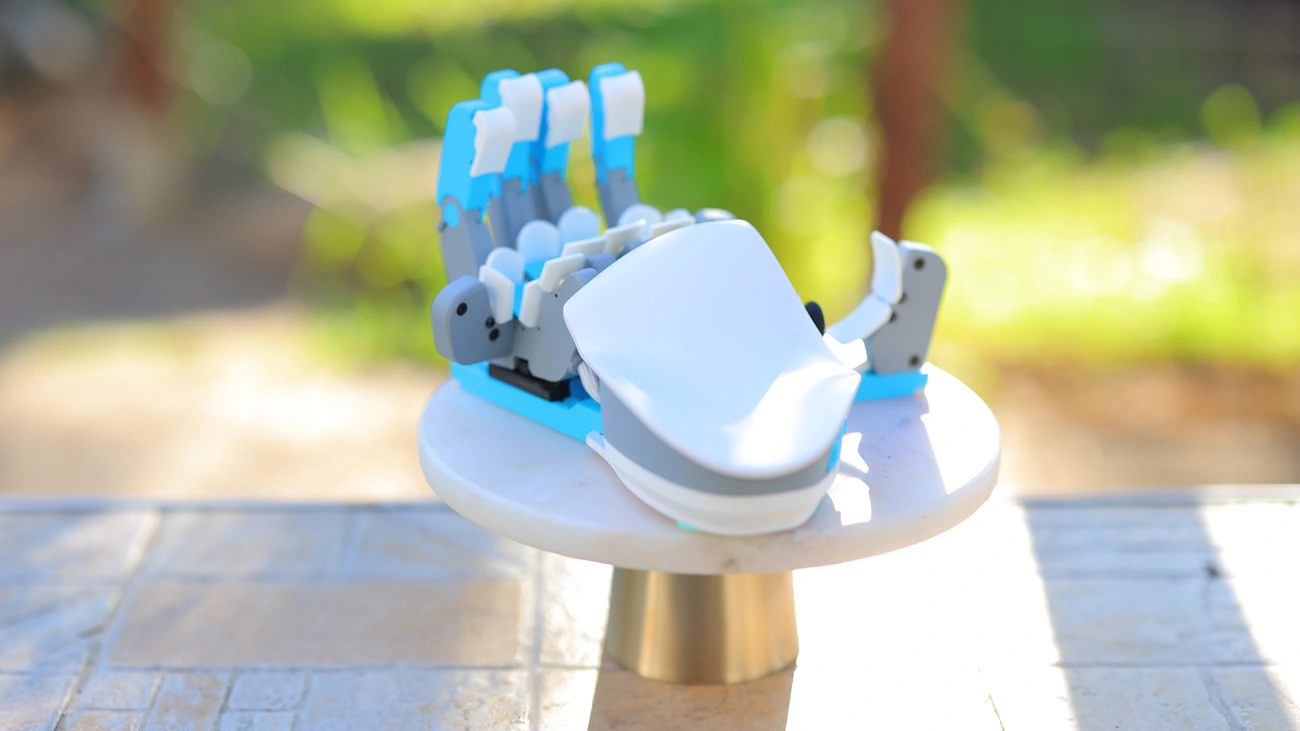
With all of that being said, the price of a Cybrog II is not quite that high but it is higher than that of the original and the Classic Gamepad from the company. I feel like they are doing their best to offer as many advanced features as possible and happily software is part of that effort, because Cyborg II has so much better soft compared to what I reviewed back with the Classic Gamepad and the original Cybog. At the current 426 USD price point, Azeron Cyborg II is one of the most advanced gaming pads that you can purchase, and it is a fully recommended option if you are ready to spend the time needed to take full advantage of it advanced features.
PROs
- Currently the most popular keyboard replacement Gamepad in the whole world
- 360 degrees thumbstick usable for both navigation, mouse replacement, moving around in games, and which can come with an Elite Hall Effect sensor
- Adjustable size and shape in every way possible
- Omron High-Quality switches for each key, some of the best out there
- Stable and ergonomic, despite the unusual design idea
- Ergonomic palmrest with multiple sizes available now
- Onboard profiles so you don’t have to install and configure it every time you use it on a new computer
- Both left and right hand options available
- Extreme levels of customisation for the keys, they can be programmed to do pretty much anything and everything
- Very long 60 Days money-back guarantee to back up the time you’d need to learn to use it
- In Stock and can ship instantly, to arrive in less than a week in Europe
- Customisable NamePlate
- Far superior compared to a gaming controller
- More options than a keyboard
- Really well made and reliable, with white colors available
- Feels like having a mouse with 30 clicks, because Omron usually makes Mouse switches
Cons
- Very long adjustment time and complex learning curve if you map it to do something complex and to really take advantage of it
- No default actions programmed, so you start from scratch and have to imagine what you need and want to do with it
- It can take a lot of time to tinker with it both physically and in software to really get the most out of it, can be too advanced and too professional
- USB Connector is ever so slightly recessed and will not work with all USB Cables
Product Link
Official Link – https://azeron.com/collections/cyborg-ii
--- Please remember to stay safe, and always have fun while listening to music!---
- If you have a dime to spare, please donate, and help us! It would make the day brighter for me and my wife-
Full Playlist used for this review
We listened to more songs than those named in this playlist, but those are excellent for identifying a sonic signature. I recommend trying most of the songs from this playlist, especially if you’re searching for new music! The playlists are different for Spotify, Tidal and Youtube, and based on the songs I enjoy and are available on each!
https://www.youtube.com/playlist?list=PL_cjBXGmwSHSdGcwuc_bKbBDGHL4QvYBu
https://open.spotify.com/playlist/5J3oloz8Riy9LxEGenOjQ0?si=979ba4f082414be7
https://tidal.com/browse/playlist/330fd544-8e5b-4839-bd35-676b2edbb3d5
--- Contact Us ---