Epomaker Glyph Mechanical Keyboard Review – 75% Theatrical Typewriter Experience
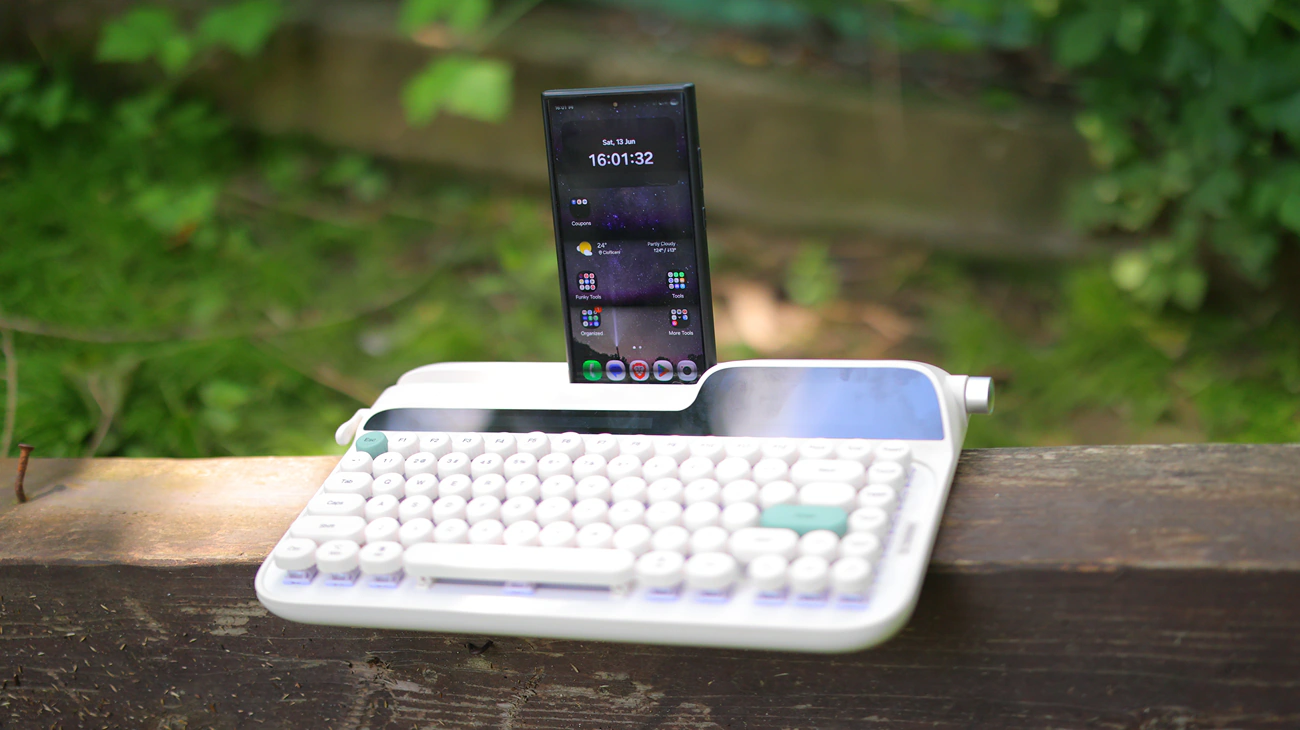
Epomaker Glyph is a $139 USD mechanical keyboard designed to emulate a typewriter experience, full with a little clap for Enter and backspace, Epomaker Wisteria V2 Switches, and a 2.79″ Display and a 8000 mAh battery inside. Today we will review the Glyph and see if it is fit for the typewriter experience for a heavy-duty reviewer to write with.
Introduction
Epomaker is an engine that powers the keyboard industry, they make a huge part of what other companies brand and sell. Epomaker has their own brand now, their own switches, keycaps, and barebone designs. You can always rely on Epomaker keyboards to be reliable, affordable, and I personally like how they look and how they work in general. You can purchase Epomaker keyboards on their website, Amazon, aliexpress as well as other keyboard nice shops.
As an Amazon Influencer, I earn from qualifying purchases, and using the purchase links in my reviews helps me maintain this website and Youtube Channel. Audiophile-Heaven has no Ads and our Youtube Channel has no midroll ads, and our work is supported by Affiliate Links and Donations. Huge thanks to Epomaker for providing the sample for this review, in exchange for my honest opinion.
Product Link
Amazon – https://amzn.to/4oq9LaC
Aliexpress – https://s.click.aliexpress.com/e/_c3CarsA1
Build Quality – Design
I am so happy that we have started working on reviewing Epomkaer keyboards as they are one a backbone of the mechanical keyboard market, at times being considered in line with KeyChron, Redragon and Akko, although each has a different price segment and style for their keyboards. The Glyph we review today is a vintage call from the past, full with the shape and ergonomics of a standard typewriter, but with many modern features including a 2.79″ display, and a huge battery inside.
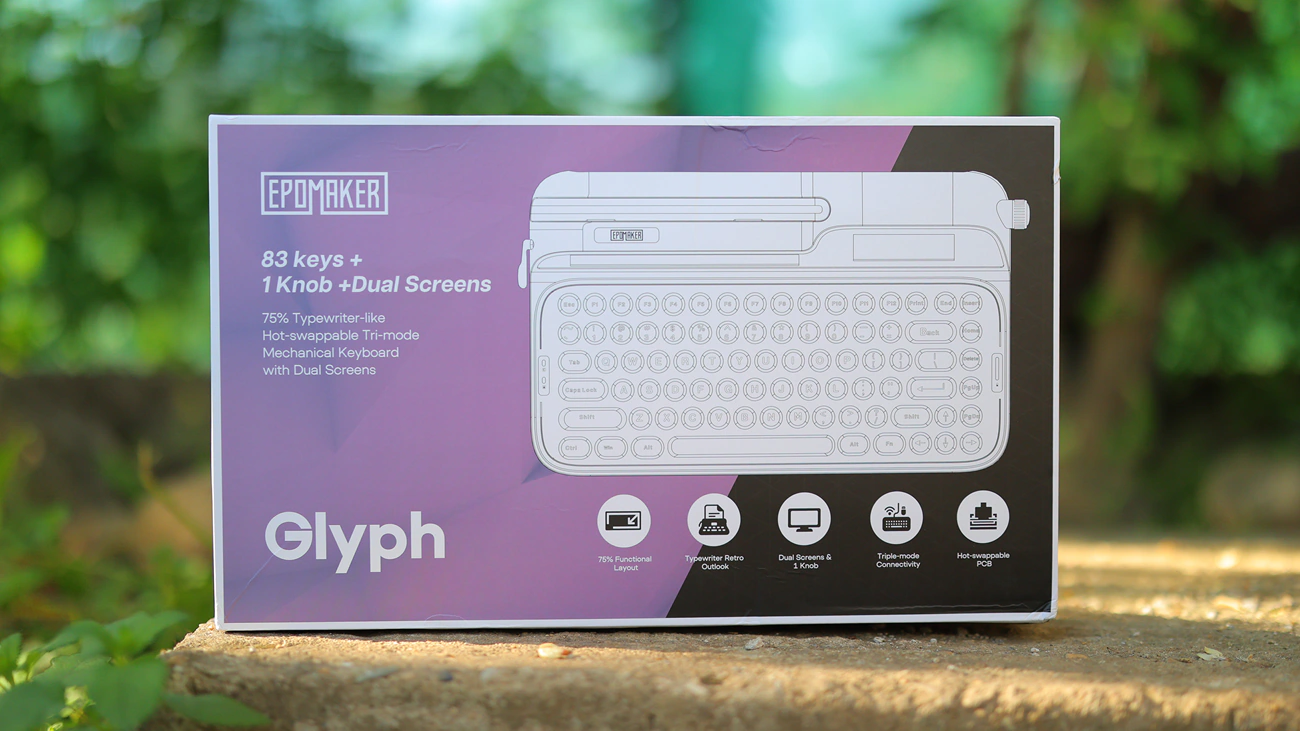
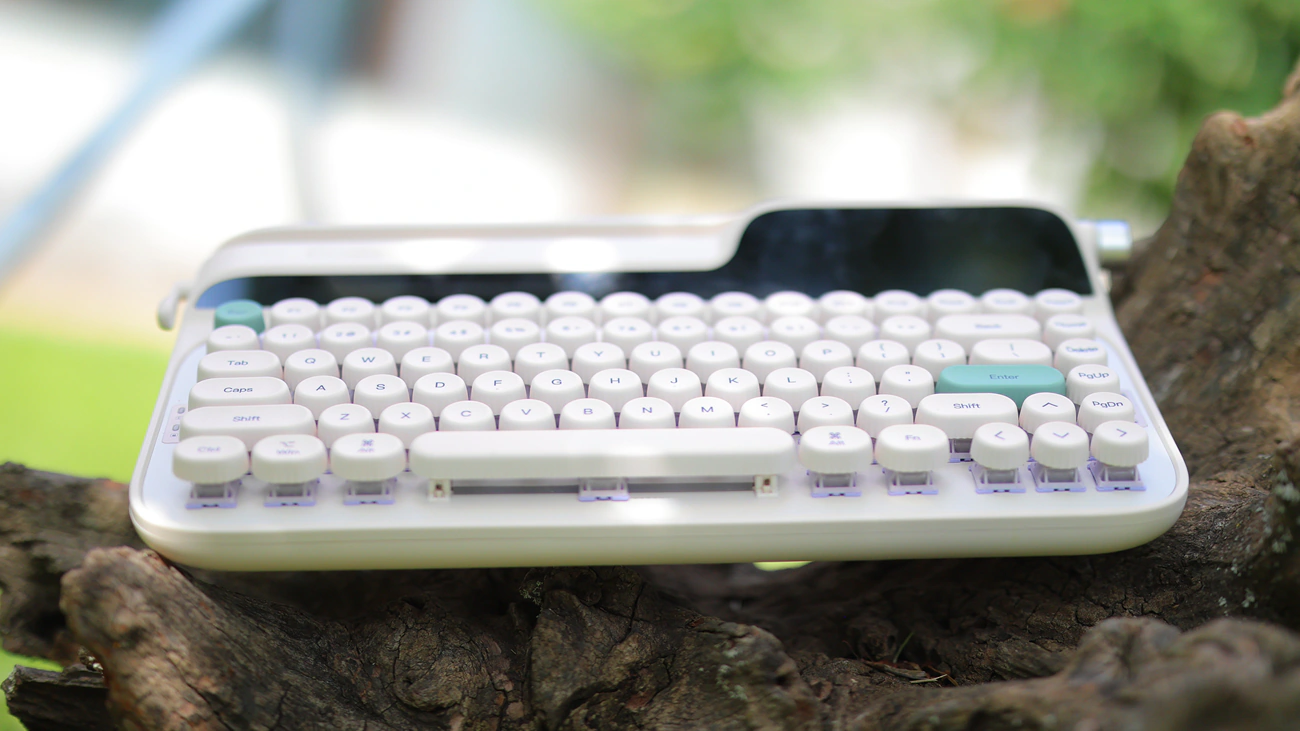
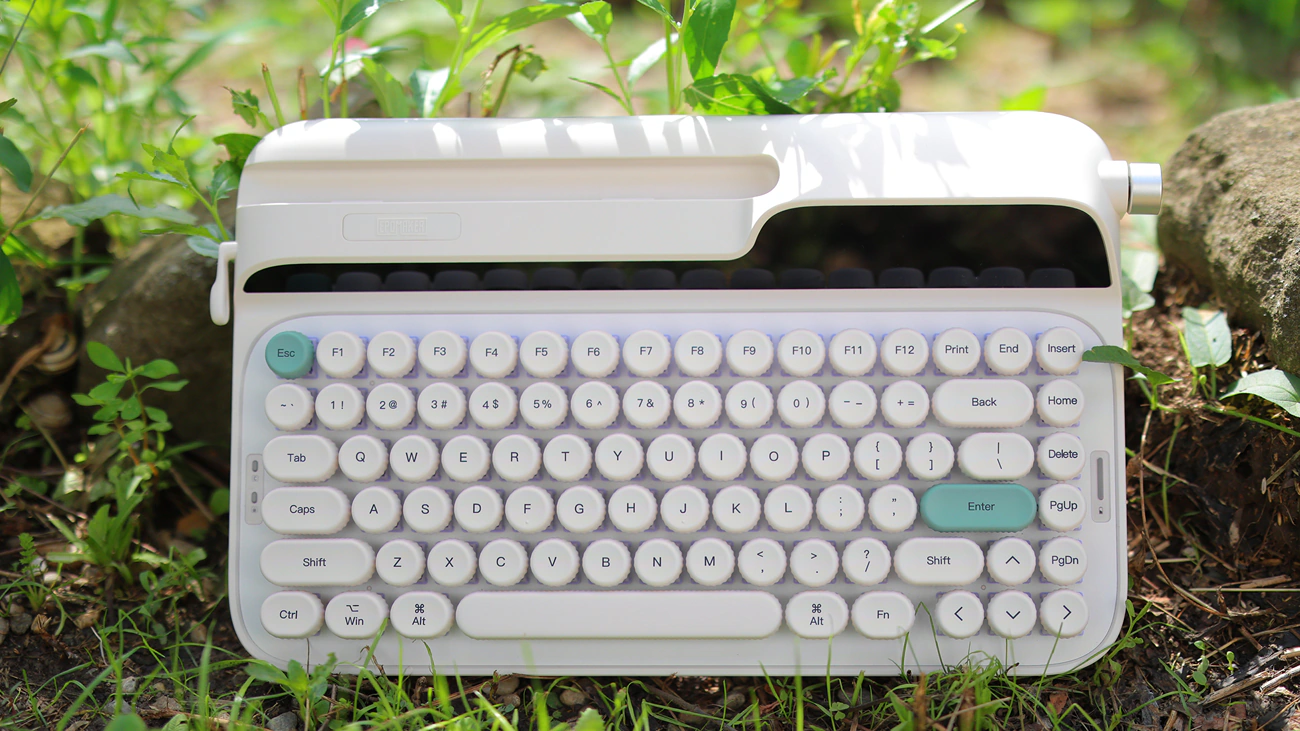
I believe that a big part in the design was bringing back the charm and style of the typewriter machine, but for the modern user, besides the 2.79″ display, Glyph has a separate space where you can place a smartphone or a tablet to type on. It features triple mode connectivity, full with Bluetooth, 2.4GHz wireless and wired modes. It is a 75% model with 83 keycaps that are vintage inspired and round, PBT material that is durable and grease resistant.
As you might expect from a mechanical keyboard, the switches are user replaceable, and you can easily swap the Red linear switches with a brown variation for a gaming feel, blue clicky for the typewriter standard feeling or a silent if you want the looks but no sound associated with it. Although I keep making it sound like this is a very standard experience, Glyph is an advanced keyboard with a top-mount, different from the gasket mount we usually see, and it has 9 layers of damping and foam for acoustic tuning.
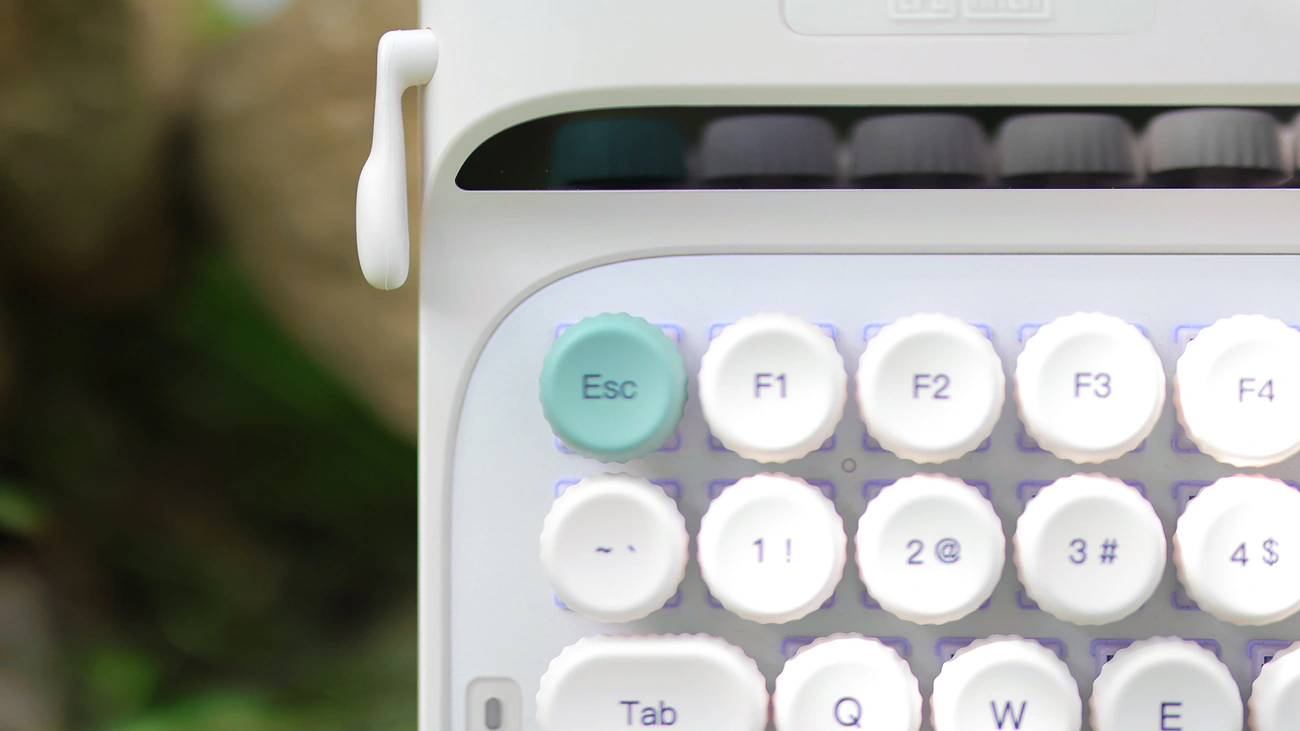
KeyCaps are concave and floating, and there is a return lever that can act as the Enter key or the backspace key, and there’s even a paper holder slot, where you can put your smartphone or tablet in. There’s a rotary knob, which by default acts as a volume wheel, but you can use it with the FN key to adjust the display and browse the settings of the glyph. Although not mentioned as a highlight on the Epomaker website, Glyph comes with a wrist pad, and right now it is the only keyboard that does as far as I reviewed, in around 20 keyboards.
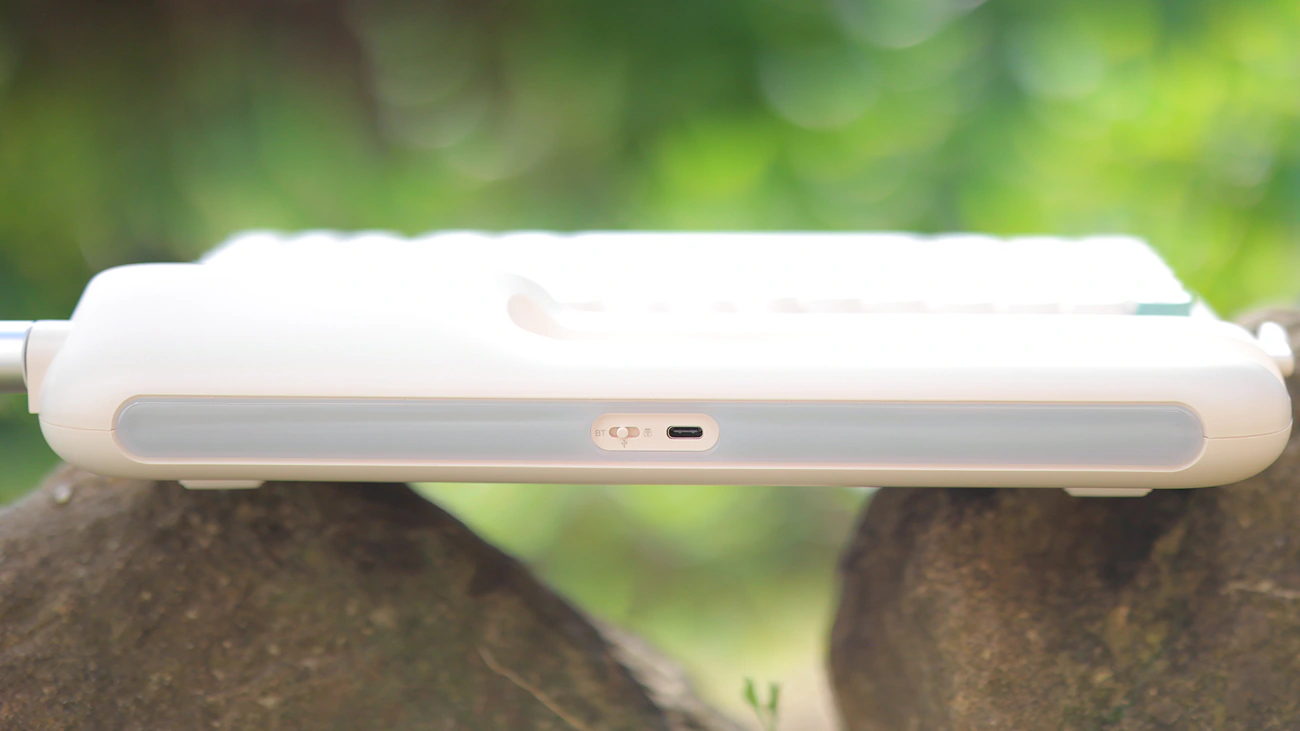
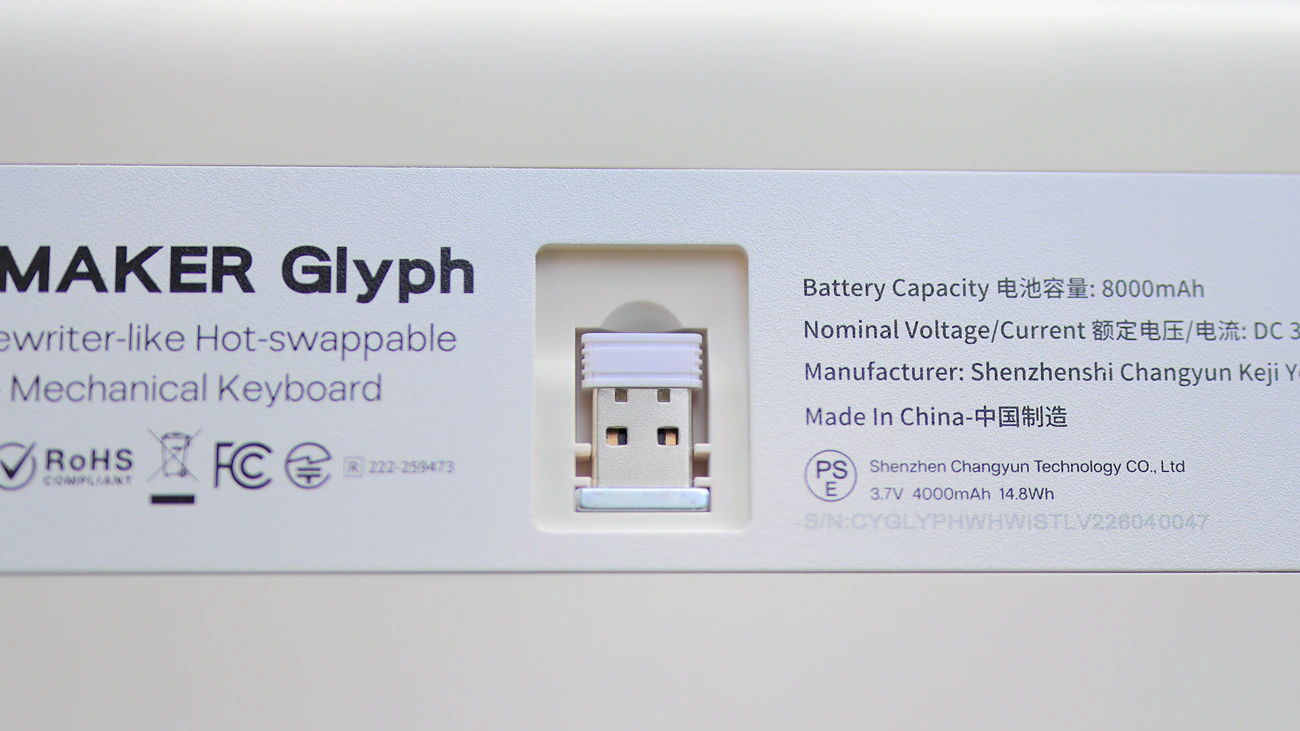
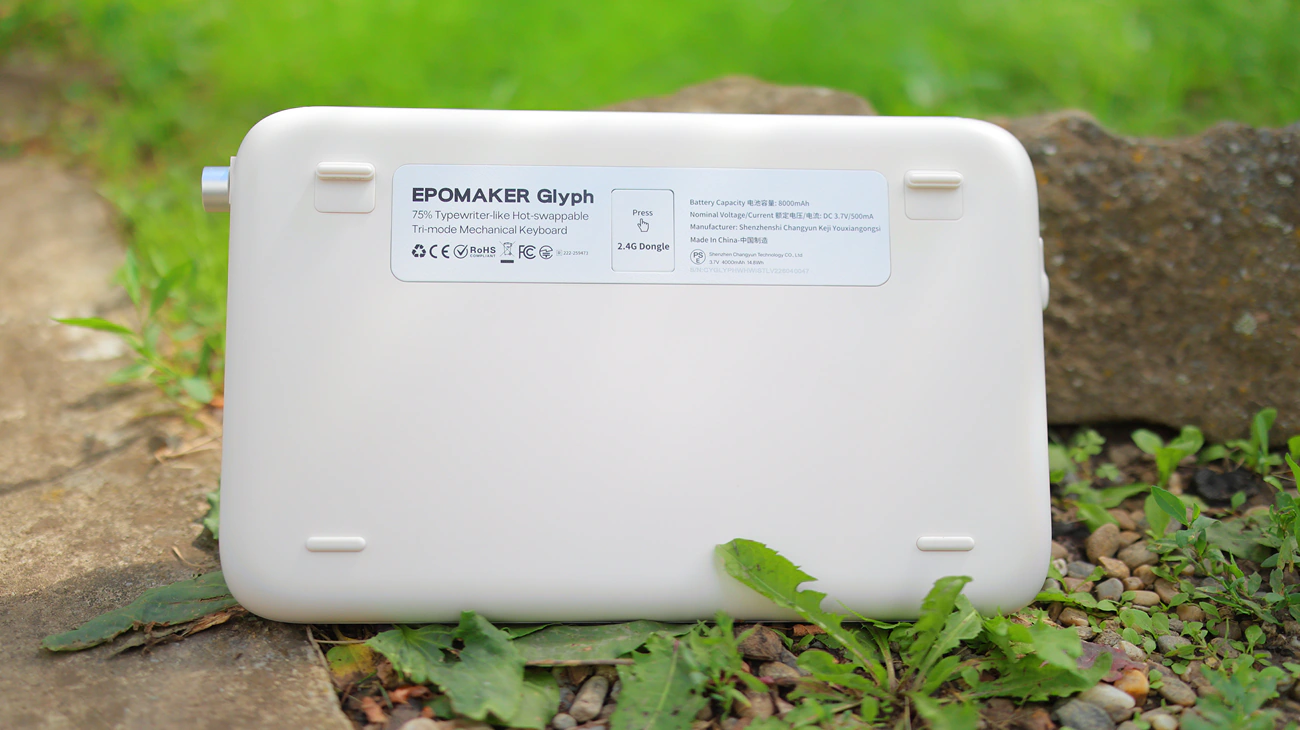
On a technical level, Glyph is a 75% ANSI US Layout keyboard that has a TFT display, and it has an adjustable typing angle, and the case is made of ABS with the plate of aluminium and ABS. This means that it has 83 keys and the huge 8000 mAh battery inside is a huge bonus. It works with Mac, Android and windows, and it works with both 3 Pin and 5 Pin switches, having a weight of 1178.8 grams.
Subjective Usage – Quality
Stability – To be frank, I originally thought that I would review something like the Glyph and let go of it in our archive of reviewed products, but recently my wife has to work on multiple projects while we’re driving, so I feel like I found a usage case for the Glyph. This includes combining it with an external monitor like UPerfect UColor O Lite and although I feel like the slot in it was designed for a tablet, it actually offers excellent stability for a larger external monitor as well. This makes it a complete setup for use portably, much better than a laptop with a chiclet keyboard, and especially as I can simply use brown switches with the glyph, something which is impossible with a laptop. Overall, the whole glyph is far more stable than any other Epomaker keyboard, having zero flex and that slot on the top is actually useful. While I started with the idea of letting it go into our archive and mini warehouse, I eventually let it go into my wife’s hands.
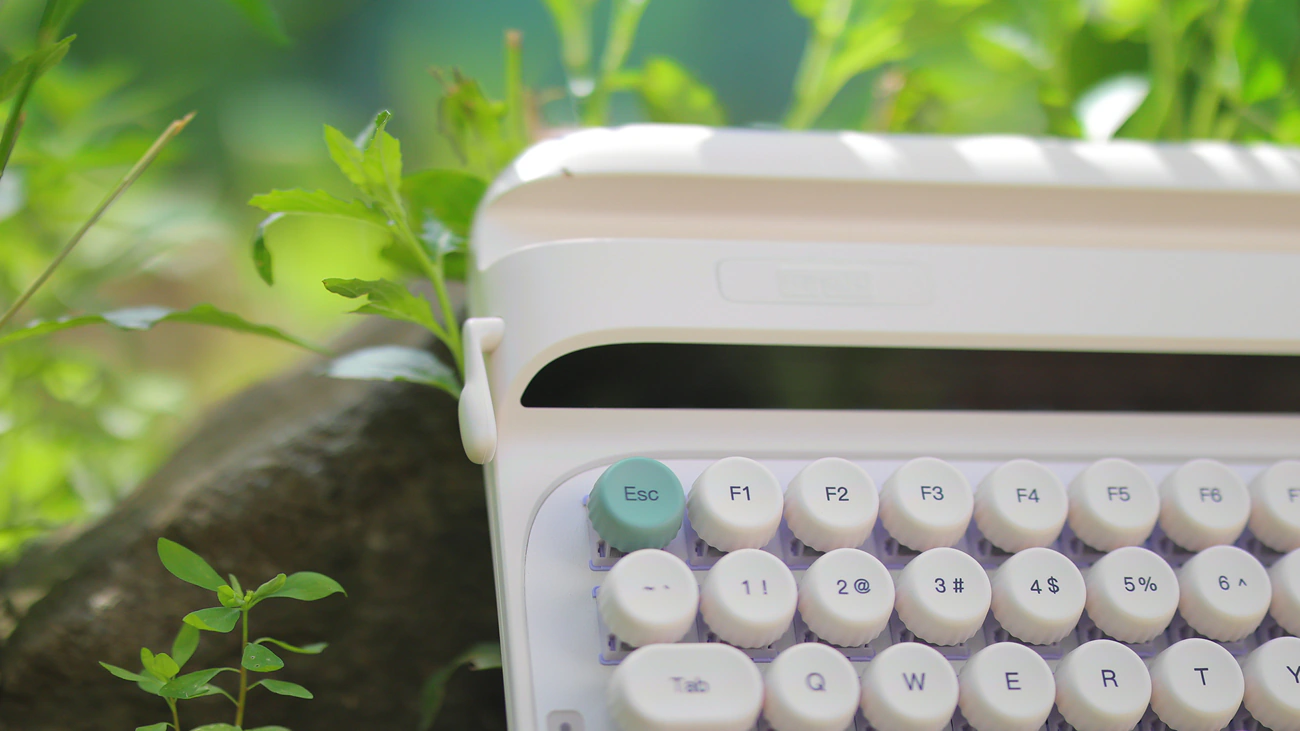
Ergonomics – The whole ergonomic of the Glyph is a bit of a mixed bag. Granted, a huge part of why it is not an instant natural for me is because I personally am not used to a 75% keyboard, the place above the backspace has the Print key there which I press often by mistake. The unique keycaps are also unique and offer a completely different typing experience compared to all of the other keyboards I tried. This being said, although I did find the extra support feet inside the package, I do not quite understand how those 2 stage feet, and how am I supposed to give the Glyph a way to sit in a different angle. The display it has is super useful for knowing the battery life and connectivity mode, and the light RGB beneath the keys helps me navigate it in the dark. Overall, the ergonomics are helped by the rounded edges, as there is no sharpness, no corners, everything is pleasing to the touch, although I found that despite me loving the idea of the backspace / Enter key on the left end of the keyboard, I almost never touch it as my mind is not wired to look for it, so thats a feature that is mostly novelty and not necessarily a useful feature.
KeyCaps – Epomaker uses a unique set of keycaps for the Glyph, which I have neither seen for sale anywhere else nor have experienced before. Those bottle cap keycaps are unique, have a bit of a depression in the middle, so they are easy to navigate, but the profile is really flat. This is similar to what I have experienced with the MOA keycaps I usually install on full-sized keyboards, but on the Glyph, the edge of each keycap has those ridges that give it a bit of style and personality without hindering the typing experience. I usually found that I dislike keycaps that are not flat, and where the higher rows are taller, but at the same time with the Glyph, I wish I found increase the angle of the keyboard significantly so it would sit like a flat but inclined surface for me to type on. I initially wanted to try the good old fashioned rubber mod where I glue 3-4 erasing rubbers on the back of the keyboard, but I also found that you can work with it and type on it just fine as it is.
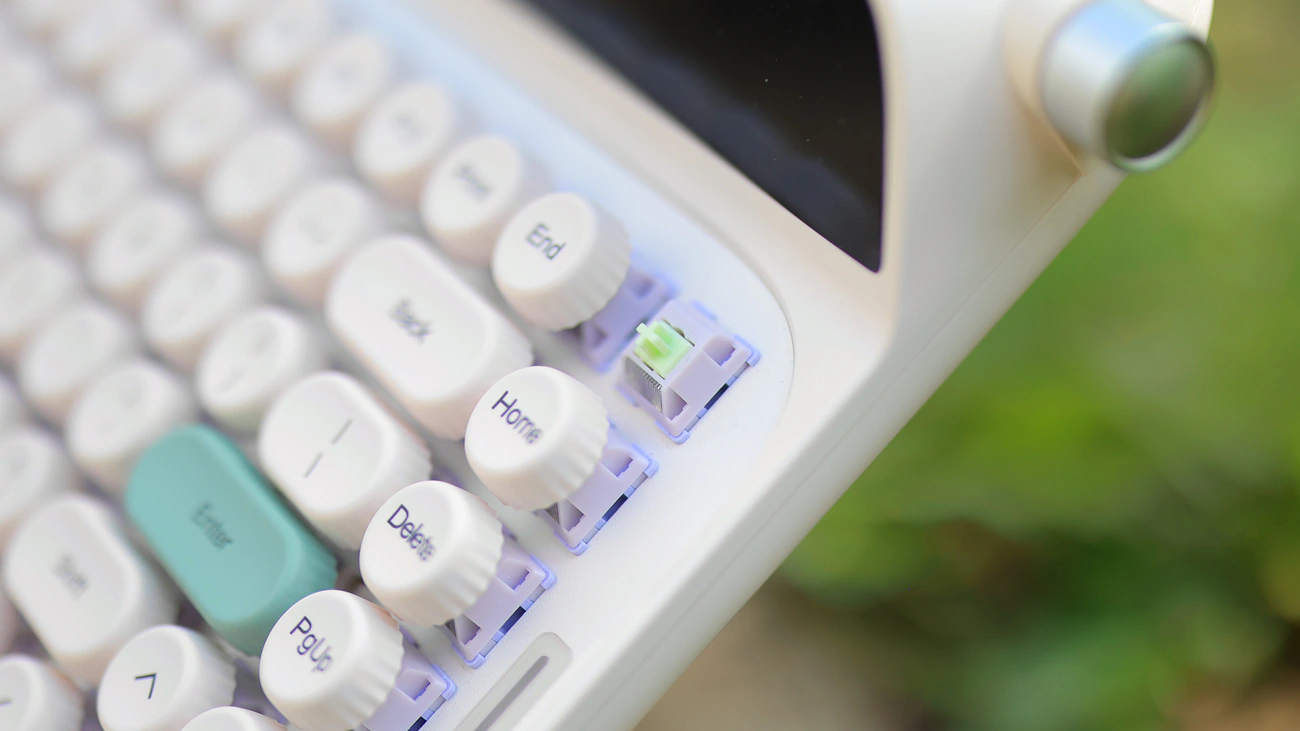
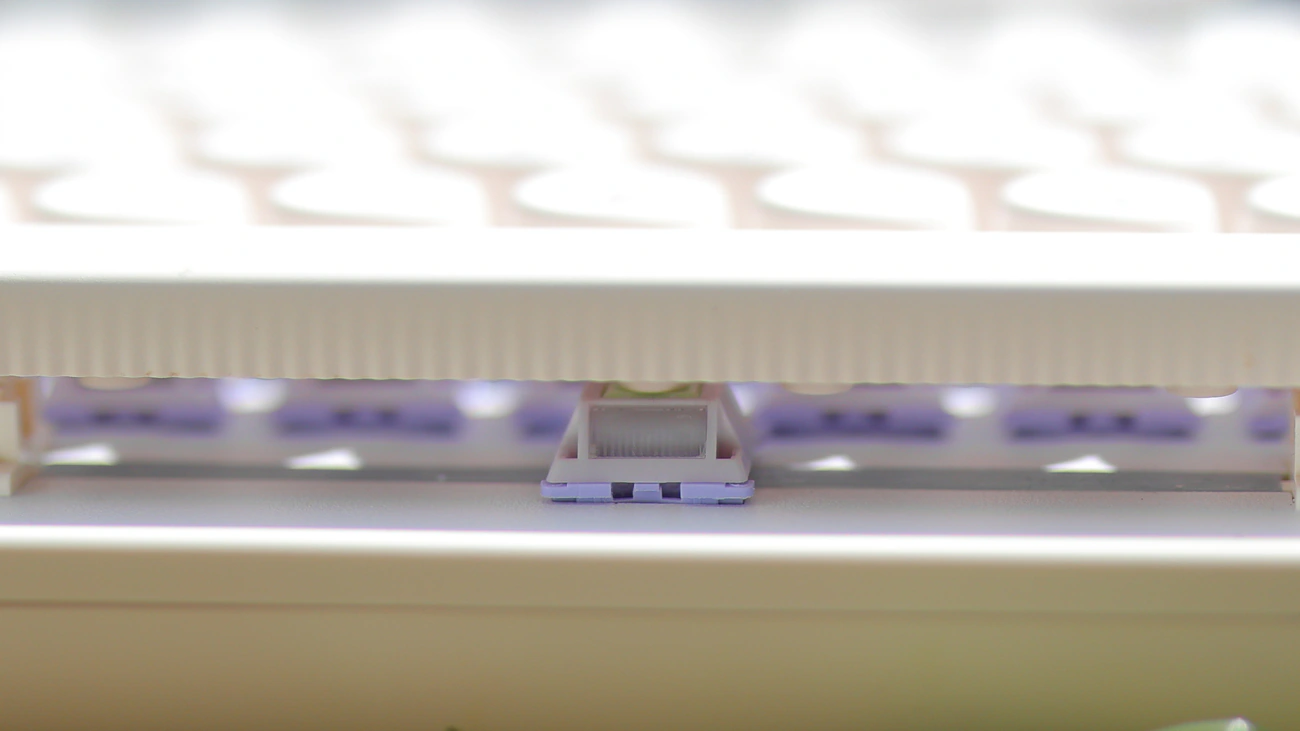
Switches – You can easily replace the switches on the Glyph, which makes it easy to recommend it even if you don’t like the default switches, but default ones I got are the Epomaker Wisteria V2 Switches which are 5-Pin for stability, have an initial force of 32.8 gf and and a full bottom-out force of 45 grams. This means that they are a very light switch, and the Pre-Travel is a standard 2.0 mm, with a total travel length of 3.6mm, which is on the longer side, but not a full 4.0mm length. With a lifespan of 5 Million presses and a 20.5mm spring, and lubing, they are a creamy, very easy to use type of switch, similar to a standard red like Aqua King, smoother than a Gateron Red, but they are easier to press and much lighter than the said Gateron Red switches. In fact, this is likely the easiest to press and lightest switch I have ever experienced which makes it feel novel, but kind of defeats the idea of a typewriter machine as those used to have incredibly hard to press and fatigue-inducing keys. Overall, experience is top and the switch sound is very thoccy, creamy, a tiny bit clattery, like pressing on marbles, on a marble surface rather than wood or plastic. It feels far more premium and sounds far more premium than keyboards in this price range, except for Akko MU01 which sounds wooden and has that as a selling point.
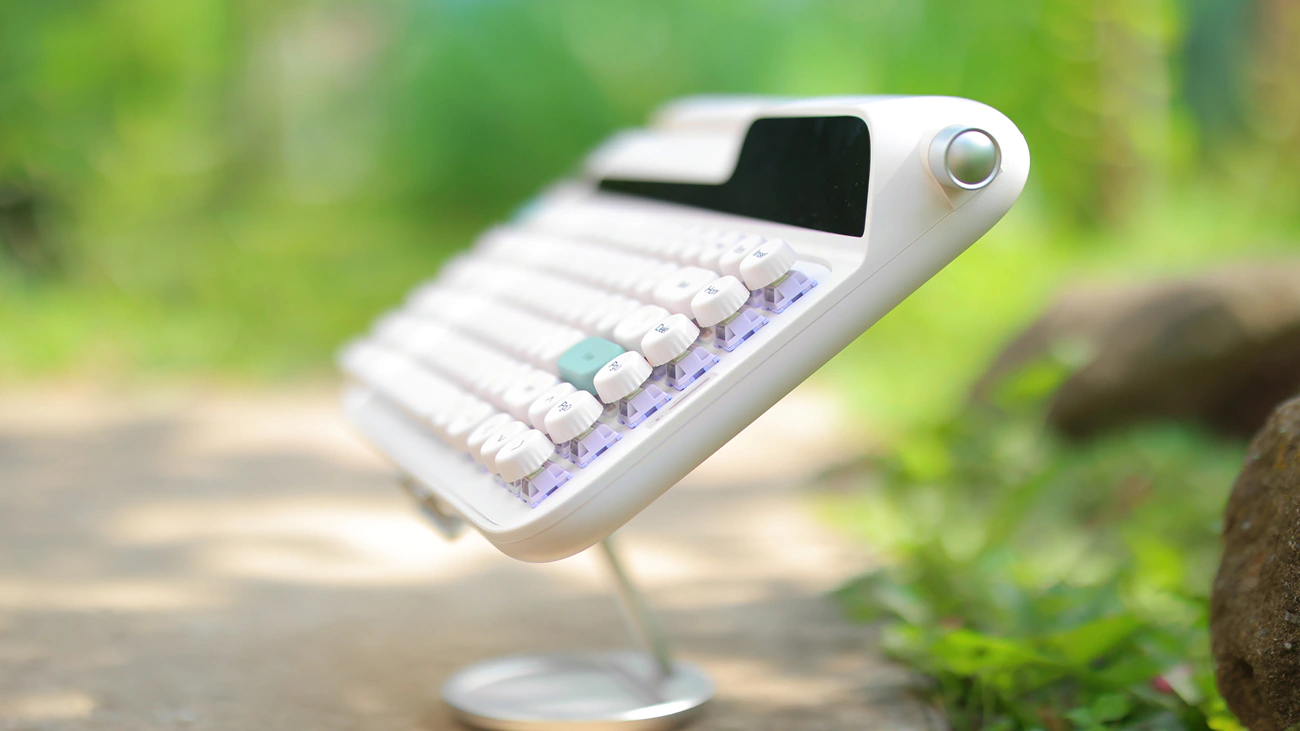
Gaming – Glyph is excellent for gaming, it is a fast keyboard, creamy and slightly soft for typing, but fast and without hard edges to their keys. Best way to game is via the 2.4GHz Wireless receiver or wired, as with Bluetooth there’s always a bit of a delay. I have not noticed the added delay when using the wired or the wireless but I did notice it with the Bluetooth. For my hands, for long sessions of gaming, the profile of 75% is much better than 100% as I can move my mouse more on my desk, but I find the angle to be not enough, even if I use the slightly more raised angle at the back to keep the keyboard angled. In fact, overall, for my desk and my hands, it feels a lot like the back rows are sinking farther away from my hands, which improves accuracy but lowers comfort slightly.
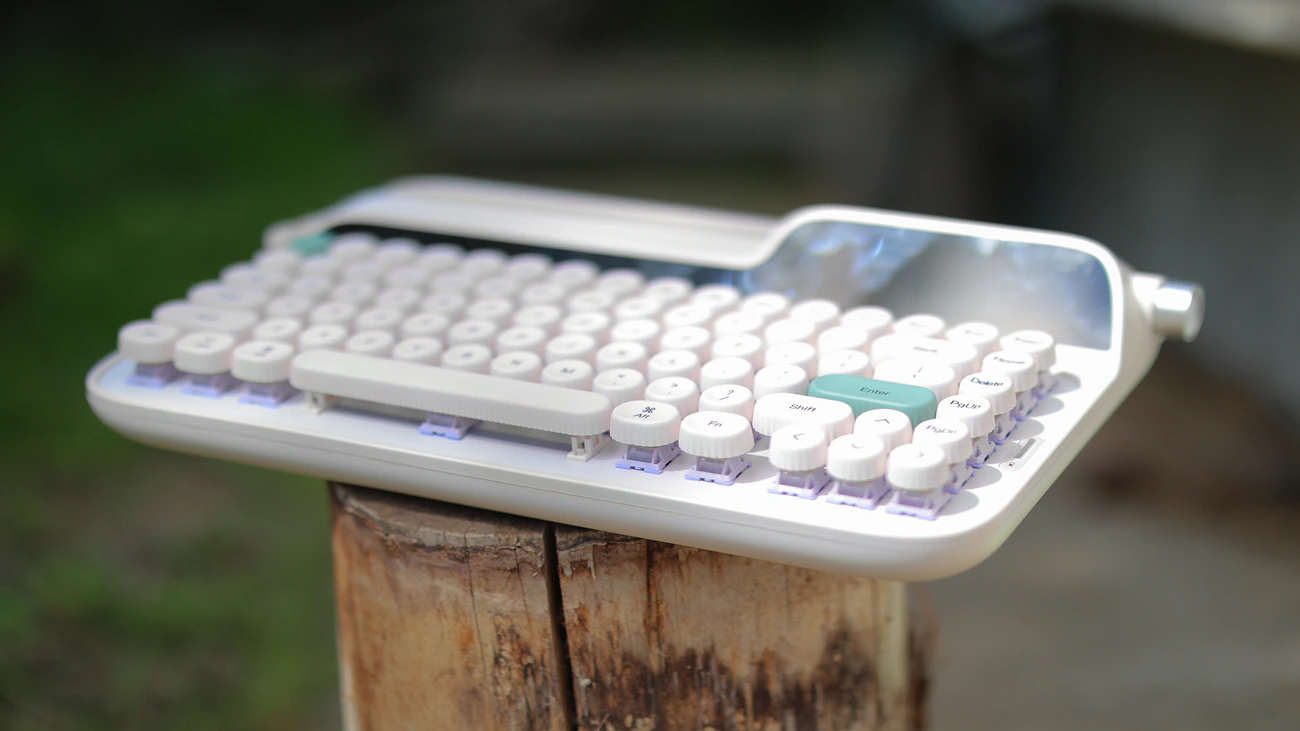
Typing And Work – Although I was not expecting this, my accuracy while typing on the Glyph is much higher than it is with most keyboards, as it forces my hands in a slightly uncomfortable position, which means I press keys with intention. The rounded bottlecap keycaps are also excellent for typing and work, I feel each key and they’re super precise, plus my hands can glide between them and I feel the spacing really well. The Space key is balanced and reliable while the Enter Key is exactly where I would want it for my pinky finger. The only downside is the Delete key which is in an unusual spot and I keep searching for it in the upper right corner rather than next to the \ key. For typing a review, Glyph is 1000% times better than the chiclet keyboard of a laptop, but for programming a 100% keyboard is usually better as I type code and coordinates as well as variables faster on the numpad.
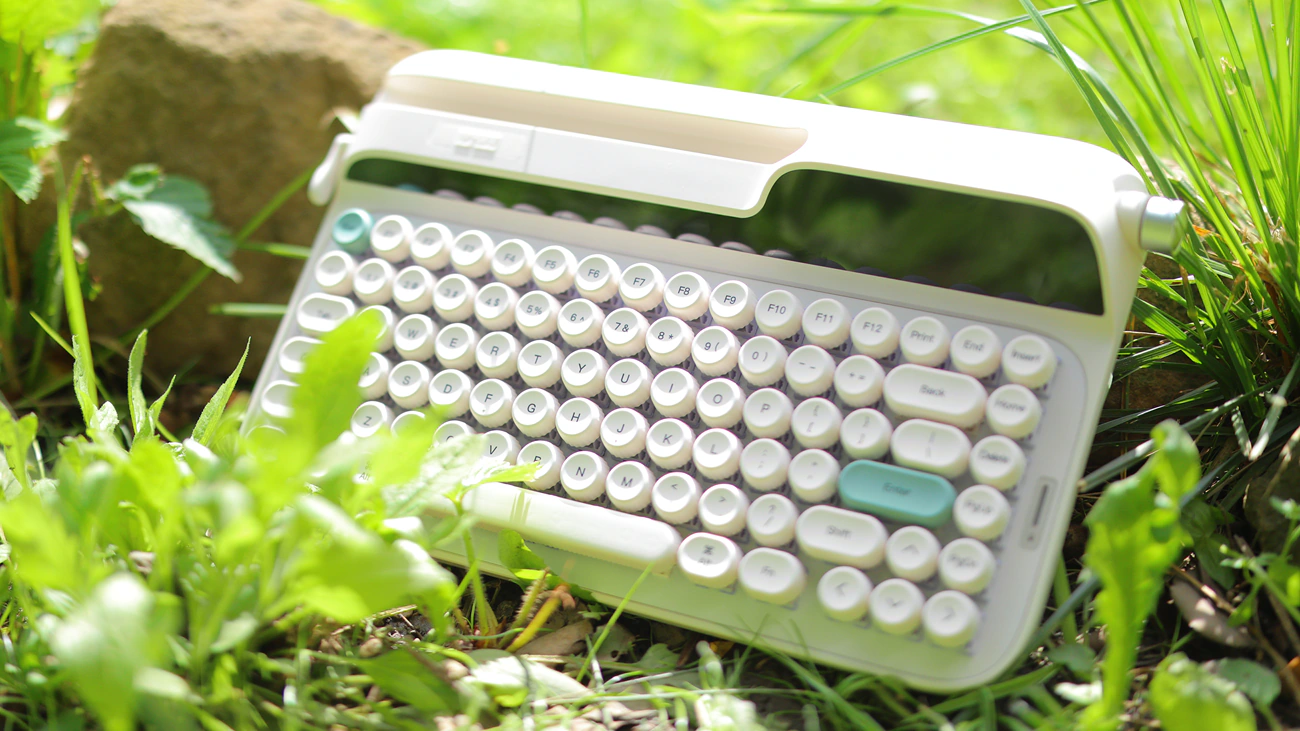
Advanced Features – You should install the Epomaker software if you want to really use the glyph to the max, as you can simply disable the PrintScreen, End and Insert keys so that they are not triggered by mistake. You can also sync the system date and time, as well as the System itself which makes the Glyph show the current CPU usage on its own mini display, making it a much more powerful keyboard. Overall, once you install its app, you can fine tune the glyph to reach its full potential. The only other thing I would do with it is gluing eraser rubbers on the back part of the bottom to make it sit more at an angle than it already does as that makes it far more ergonomic for me, allowing me to type faster.
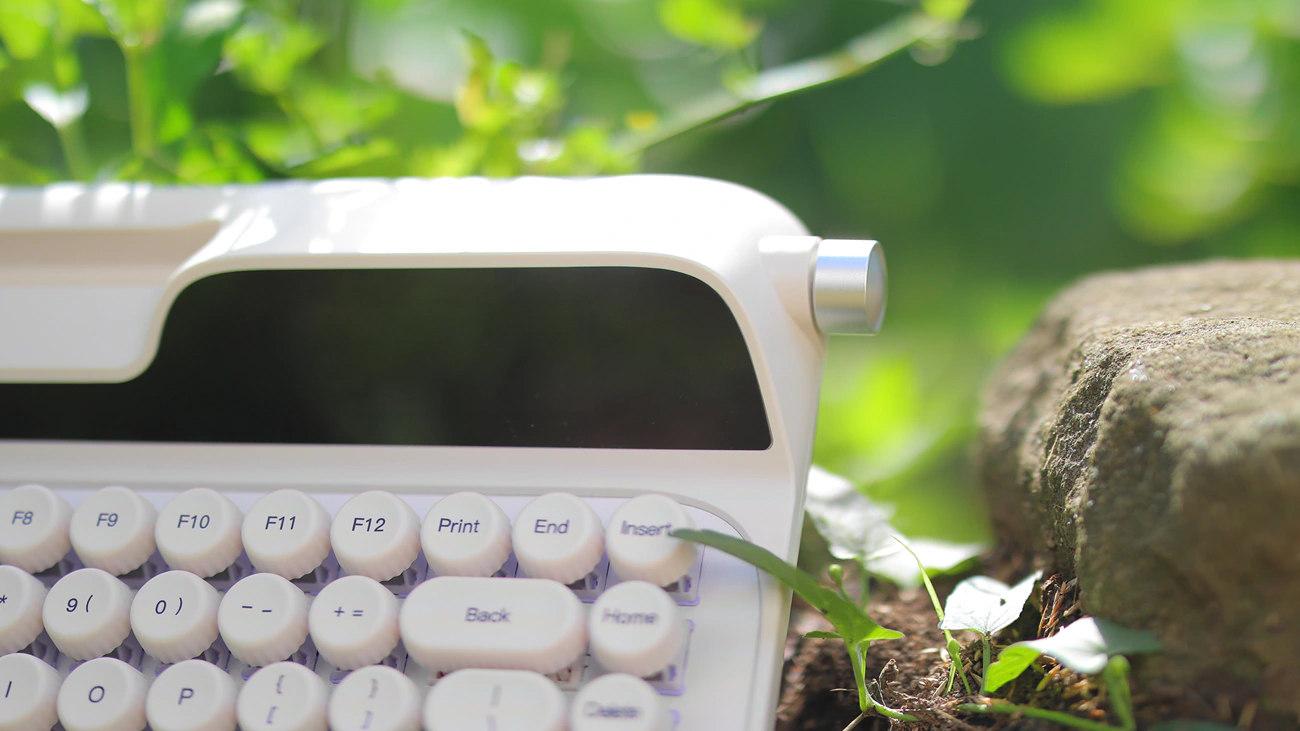
Overall – In general, the Glyph is a genius product. The fact that you can easily approach a smartphone or tablet to it is already super useful, but I was able to put a full-sized 18″ UPerfect U Color monitor there, which made it even better. For a future version I wish that the tablet / monitor slit would go all the way through the keyboard so that I could arrange it centrally instead of on the left lateral, but it already has automatic syncing with my system for hour and date, it has a huge battery inside, excellent build and typing quality and right now is my wife’s favorite keyboard for typing while traveling, and rightfully so as it is somewhat small, but also large enough to have all the essential keys. The mini monitor at the right top is also super useful for reminding you what settings you’re currently using, LEDs are bright but can be turned off, and it is a high-end keyboard that’s practical for basically everyone.
Value – Conclusion
With a price tag of $139 USD, Epomaker Glyph offers a compelling package, and has many unique features that no other keyboard has currently, including the excellent typing experience, support for a tablet or monitor, outstanding build quality, unique switches and keycaps, practical software and long battery life, making it a top deal if you want to work at home, while traveling and if you use a smaller monitor, and want a laptop experience but want a much better typing and keyboard quality than any laptop is capable of offering.
While I expected to feel that the glyph is a slightly overpriced novelty keyboard, it is actually a really well-thought, well-designed piece of tech that is actually useful and practical. It offers some of the best features a keyboard could offer, is a more complete product than most keyboards I reviewed, comes with better switches, better keycaps and more fun factor than any keyboard in this price range, being directly comparable in sonic typing quality and feeling to the best I’ve reviewed. It actually is right now my favorite keb from Epomaker and although it might feel a bit novel and over the top at first, the charm it carries will quickly make it your 1st favorite keyboard for sure, once you start using it. In the end it is as practical as they come and for the features and considering the direct competition, it is actually fairly underpriced.
PROs
- One of the most practical keyboards for travel, including the slit for a tablet or portable monitor
- Excellent mini display that gives it a special charm, showing the date and time
- Incredibly long battery life
- Strong Wifi receiver that has no delay I could notice
- Software that you can use to disable keys you don’t need or don’t use like the PrintScreen End and Home keys, or remap those to delete so that the shape feels more natural
- 75% profile is perfect for typing and gaming
- Smooth lubed switches that feel superb to type on
- Bottleneck keycaps that are super ergonomic and practical
- High accuracy and low miss rate
- Sound of typing is a deep thocc with no click, no ping and no metallic tinge
- Volume wheel and backspace / enter lever on the sides
- Currently underpriced for the features it offers
Cons
- Even with the more raised feet, it still is very flat on my desk
- Without remapping the PrintScreen key, you will press it by mistake a lot
- No indicator of the current battery level, only whether it is currently charging
Product Link
Amazon – https://amzn.to/4oq9LaC
Aliexpress – https://s.click.aliexpress.com/e/_c3CarsA1
--- Please remember to stay safe, and always have fun while listening to music!---
- If you have a dime to spare, please donate, and help us! It would make the day brighter for me and my wife-
Full Playlist used for this review
We listened to more songs than those named in this playlist, but those are excellent for identifying a sonic signature. I recommend trying most of the songs from this playlist, especially if you’re searching for new music! The playlists are different for Spotify, Tidal and Youtube, and based on the songs I enjoy and are available on each!
https://www.youtube.com/playlist?list=PL_cjBXGmwSHSdGcwuc_bKbBDGHL4QvYBu
https://open.spotify.com/playlist/5J3oloz8Riy9LxEGenOjQ0?si=979ba4f082414be7
https://tidal.com/browse/playlist/330fd544-8e5b-4839-bd35-676b2edbb3d5
--- Contact Us ---