Acer Nitro 18 AI (AN18-61-R14D) Gaming Laptop Review – Falls Short Right Before The Finish Line
Acer Nitro 18 AI is a 2400 USD Gaming Laptop with multiple configurations available, but for this price we’re getting a 32 GB RAM, AMD AI 9 365 CPU, and Nvidia RTX 5060 GPU. Today we will explore the Nitro 18 Ai, how it won my heart, and how it fell short, eventually leading to me returning it. I will also be comparing Acer nitro 18 AI with Khadas Mind 1 (799 USD) and Samsung Tab S11 Ultra (1619 USD)
Introduction
In all fairness, I generally am not as enthusiastic about laptops and most certainly not enthusiastic enough to know much about Acer. All I know is from my experience with this one unit, and I did own a couple of Acer laptops in the past. Out of all models that I owned, not a single one died before its time, all became irrelevant before dying and all survived well with minimal bugs. My experience with Acer is limited though, but I felt like this laptop in general is a very good take for audiophiles, especially after talking with some many people at CanJam NYC 2026 about laptops and what everyone is looking for in one for music listening, as well as after inquiring a fine for owning this laptop.
As an Amazon Influencer, I earn from qualifying purchases, and using the purchase links in my reviews helps me maintain this website and Youtube Channel. Audiophile-Heaven has no Ads and our Youtube Channel has no midroll ads, and our work is supported by Affiliate Links and Donations. This laptop is a personal unit that I purchased from eMag Romania, which I most likely returned by the time you’re reading this review, for reasons explained below.
Product Link
Amazon – https://amzn.to/4dXOT7m
Build Quality – Design
It sometimes feels vague repeating the marketing materials of a company, but for laptops, there is so much that they mention in fine print, and so much that seems obvious at first but is actually hidden between the fine lines. One such example is the TDP power of a GPU, as in the laptop and embedded and portable world, you can have multiple versions of a laptop and PC exist at the same time, and the same 5060 or 5080 GPU can have vastly different power levels depending on the tuning each company has for that laptop.
Now, this unit is what I would choose and what I would recommend for everyone who is buying a laptop, at minimum. With a Ryzen AI 9 CPU at the core, 365 version, this is a modest CPU with just 10 cores, in total, and 20 threads. If you were listening to music, this would be far too much, but if you start doing any kind of decent work, opening multiple chrome tabs, you can deplete the total available processing power fairly quickly, as out of those cores, just 4 are truly fast cores, and 6 are slower ones. For the GPU, you have both the very fast embedded AMD Radeon 880M, which is almost double the speed of the GeForce GTX 880M from 2014, a flagship at that time.
Because you see AI written in many places, it does not mean that this laptop has anything AI related. The embedded GPU is basically at the level of an RTX 2050 Mobile, or GTX 980M. This being said, this is a gaming laptop that also comes with an RTX 5060 laptop, a GPU that will handle most games even at 4K as long as you don’t go ballistic with the graphics settings. I loathe it, but the laptop has a Copilot key, and that’s just nasty and useless. Most marketing materials about the GPU are useless, with AI RTX, DLSS and RTX being both not relevant and not useful for gamers in any reasonable way.
Now, something that is interesting, or would be, is the display. With a 100% Adobe RGB coverage, 165 Hz refresh rate, Matte Coating and 2560×1600 resolution, it will be far better than laptops with a smaller display if you do any kind of serious work or watch movies. Acer only makes those laptops with up to 32 GB of DDR5 RAM, and they do not officially support more, but users around the world did get around to installing up to 64 GB of RAM and even 96 GB of RAM.
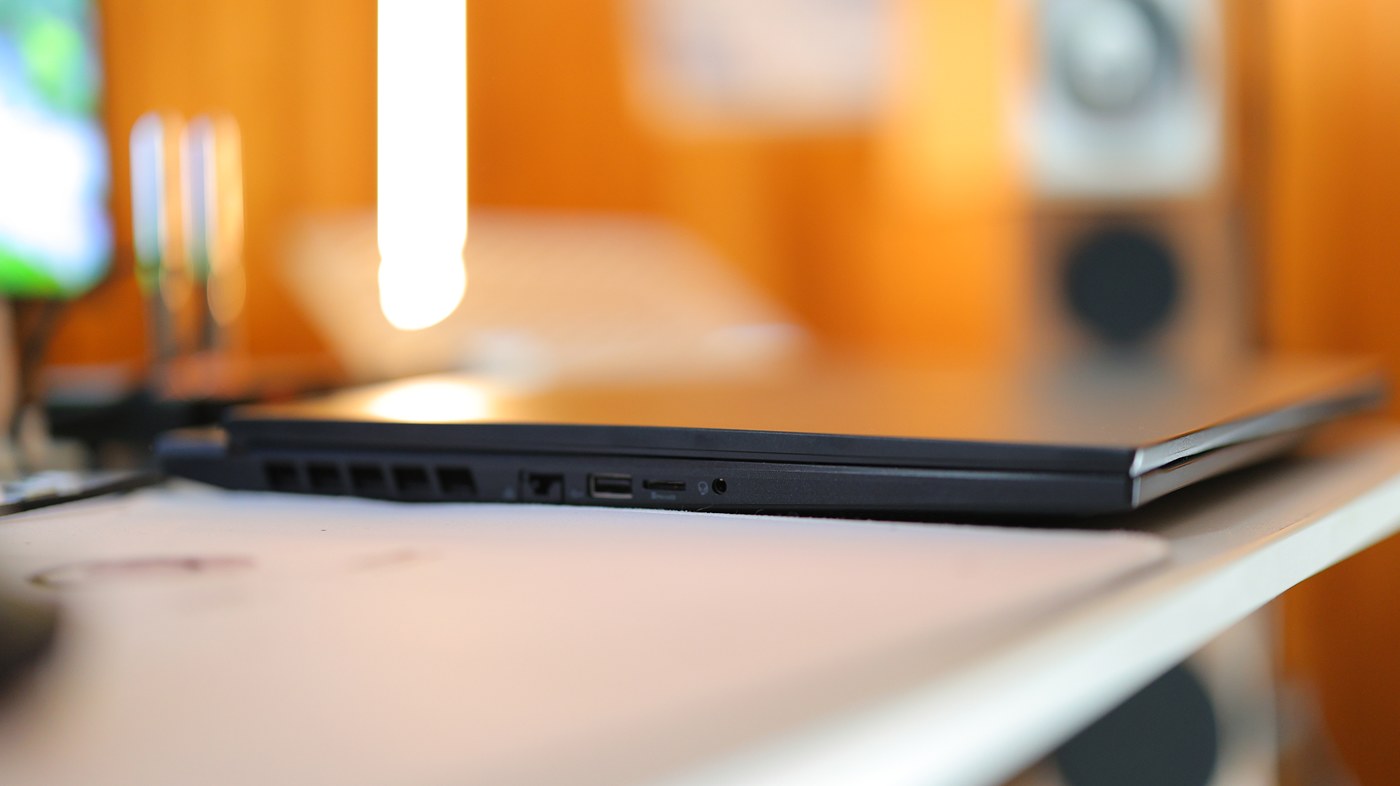
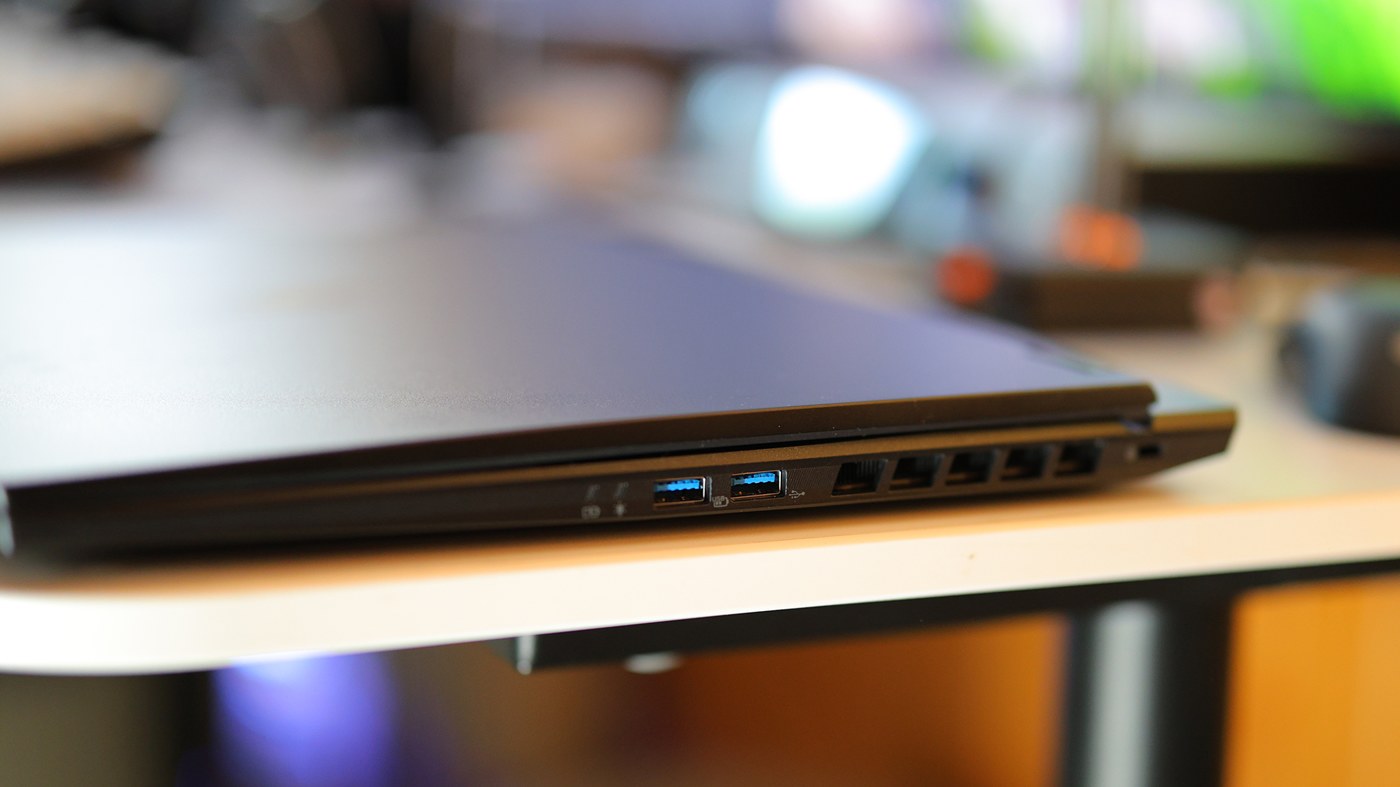
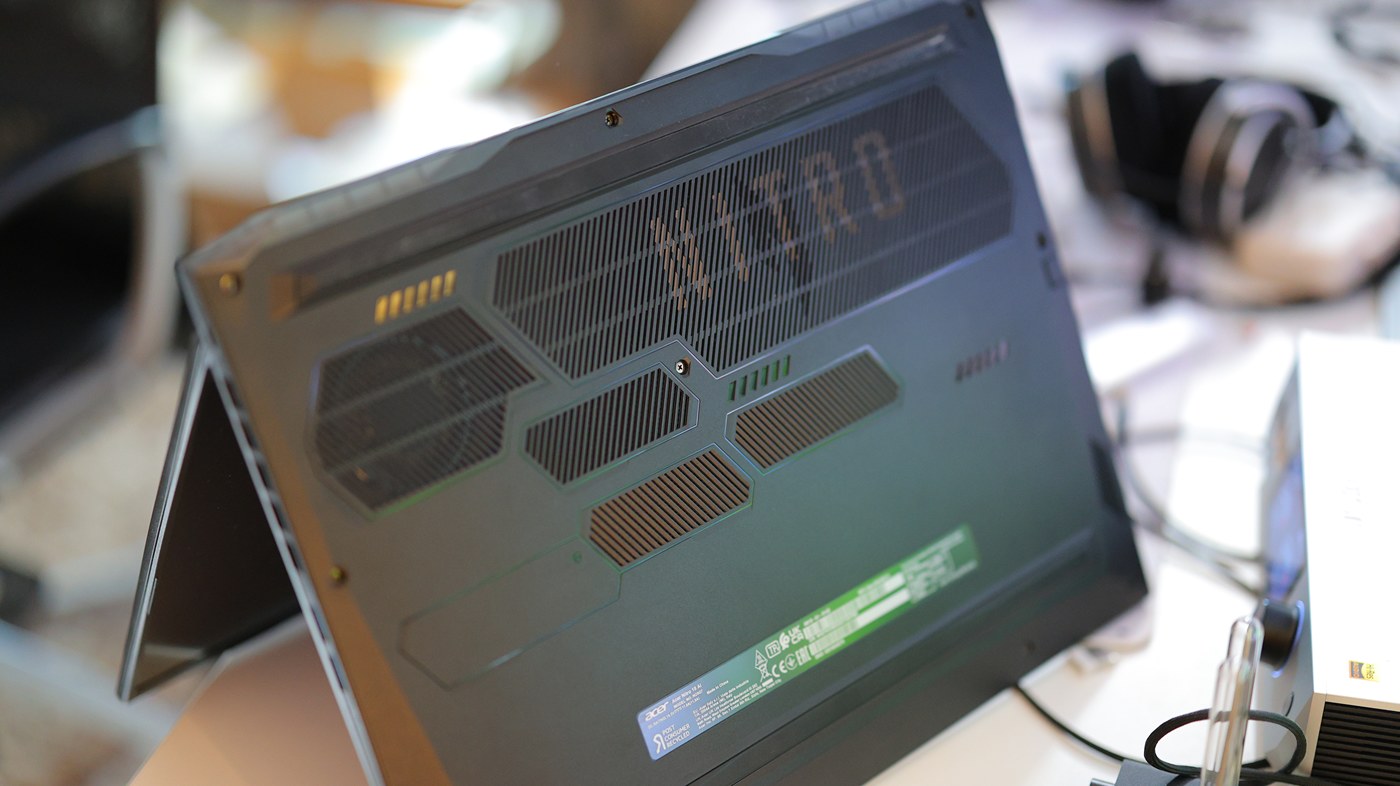
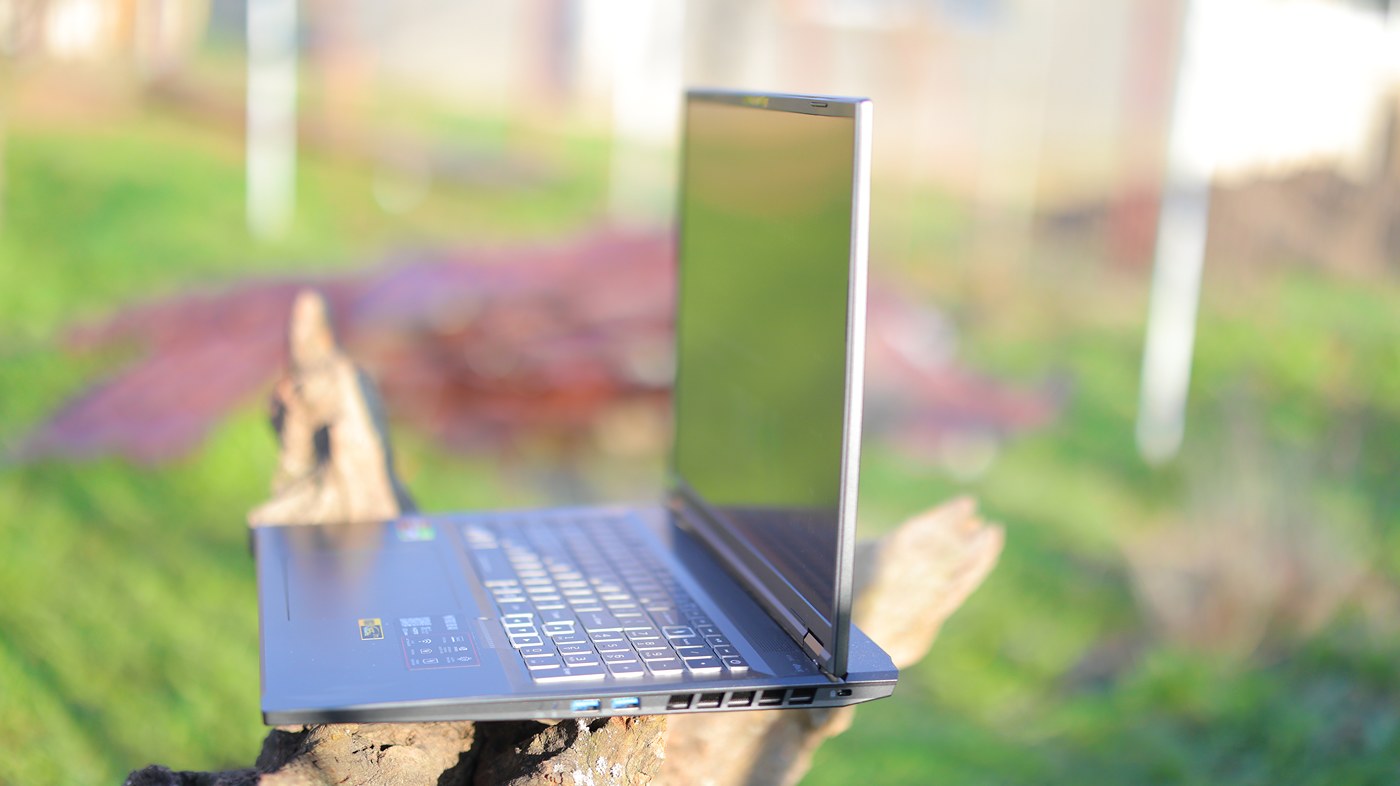
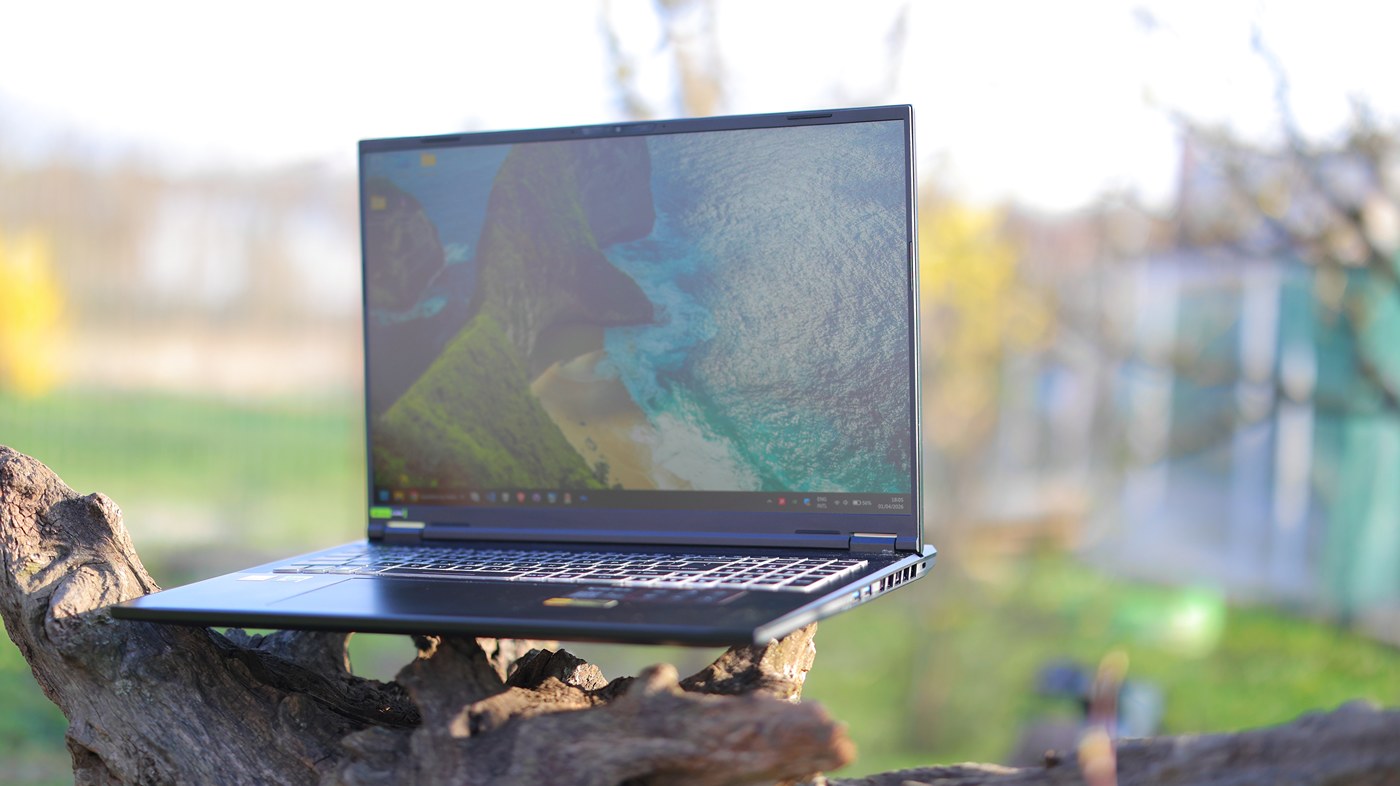
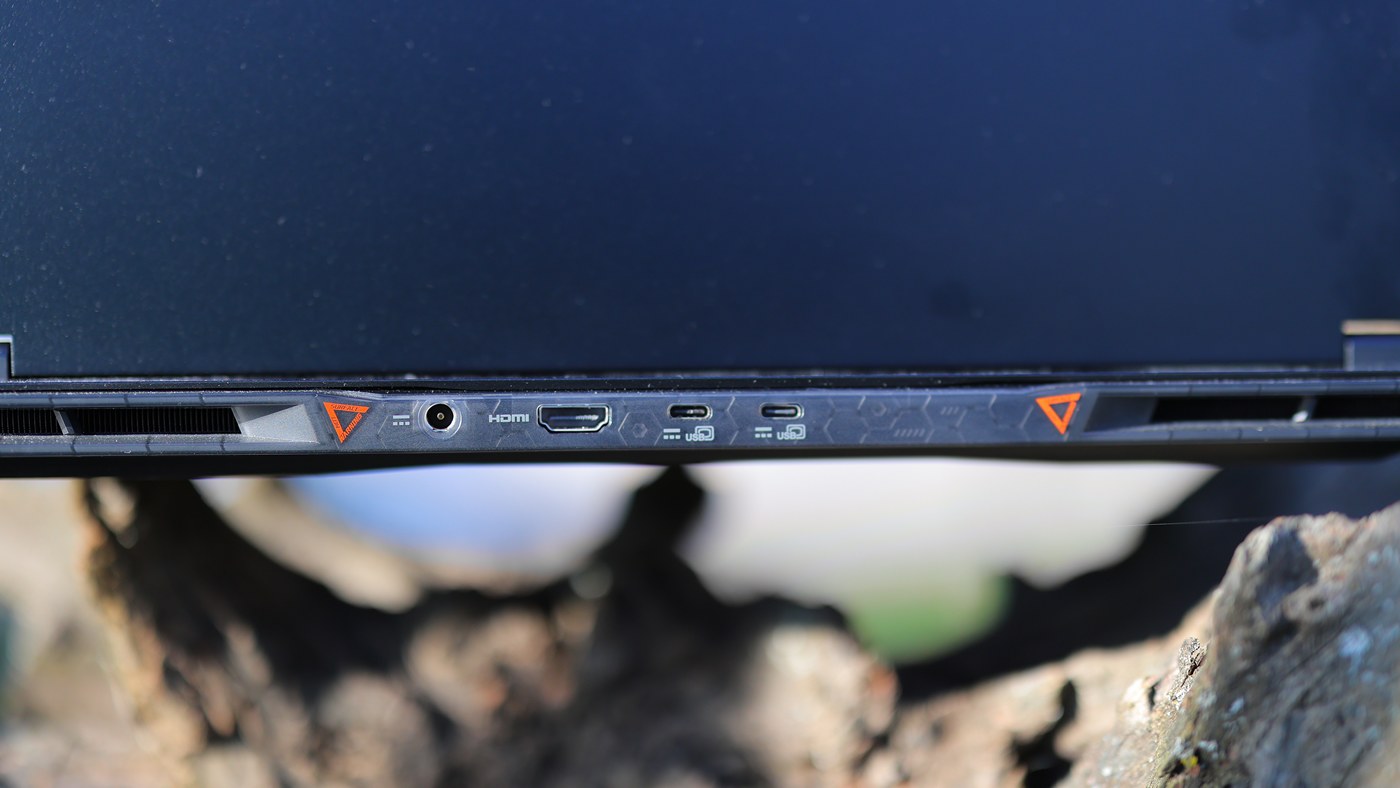
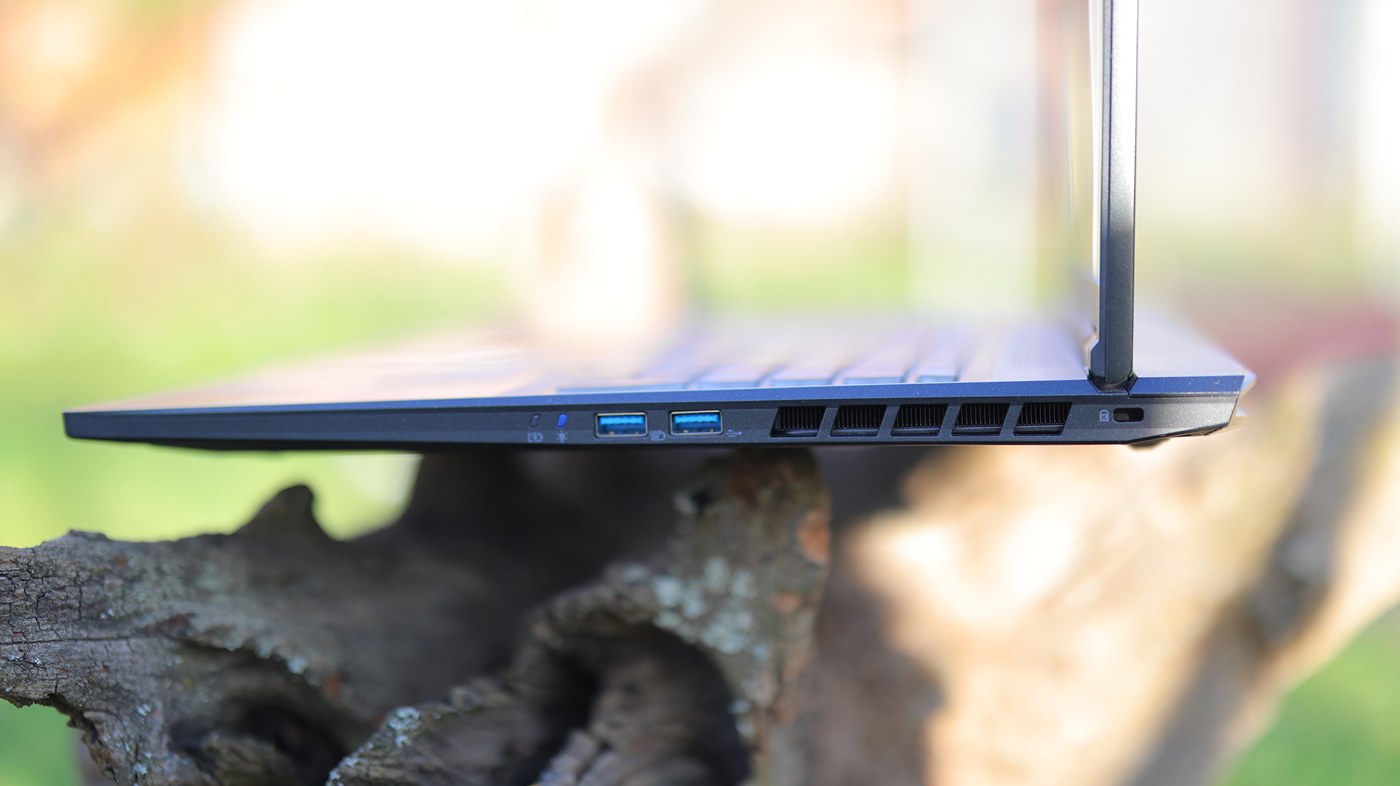
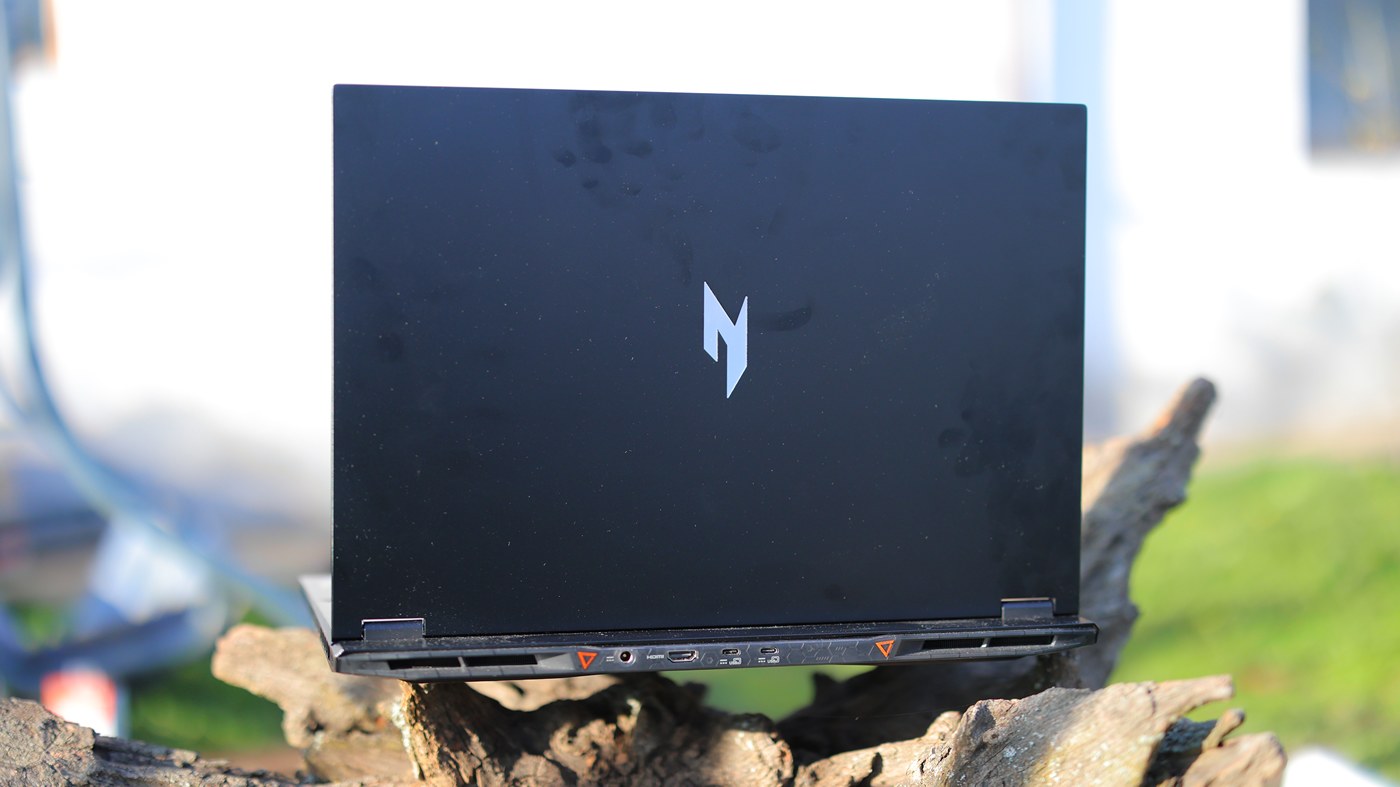
For storage, Acer Nitro 18 AI has 2 SSD slots, comes with one 1TB SSD installed that is of a decent speed, and has a webcam, microphone as well as laptop speakers. The list of ports include two Type-C ports at the back, one HDMi port at the back next to the power input, two USB Type-A ports on the right side and one Ethernet port on the left side. Wifi network comes with Bluetooth 5.3 also, and this laptop has a weight of 3.02 KG, with a power brick of 230 W, and a battery of 90 Wh.
Subjective Usage
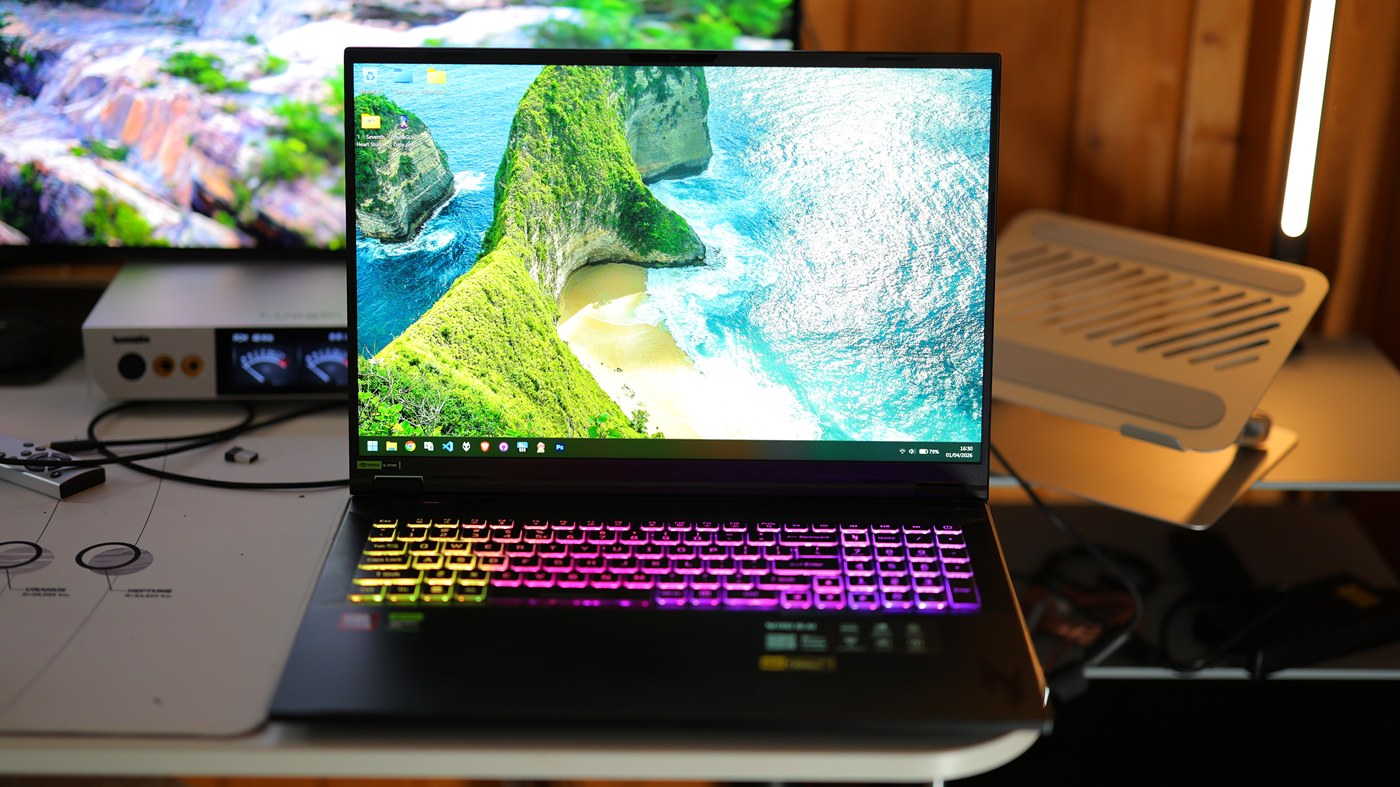
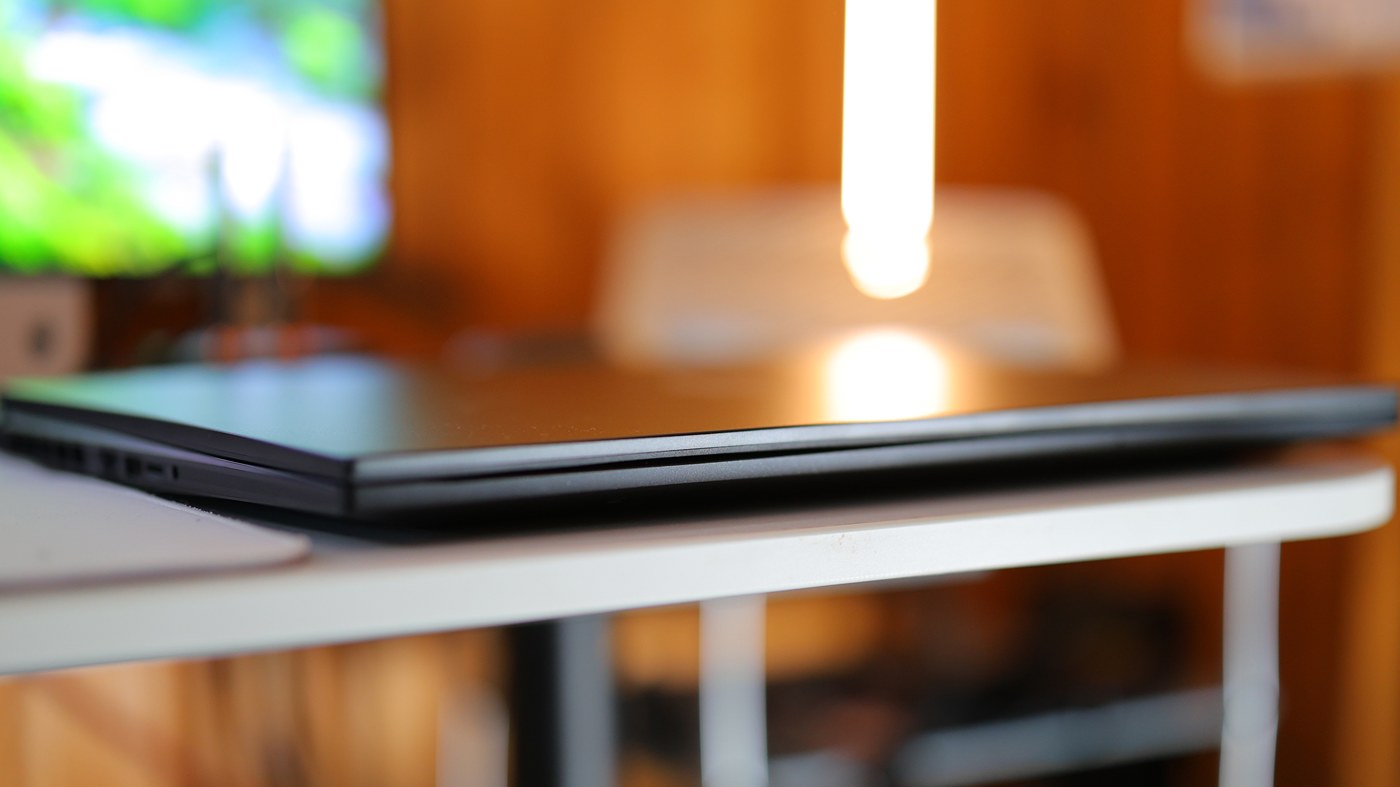
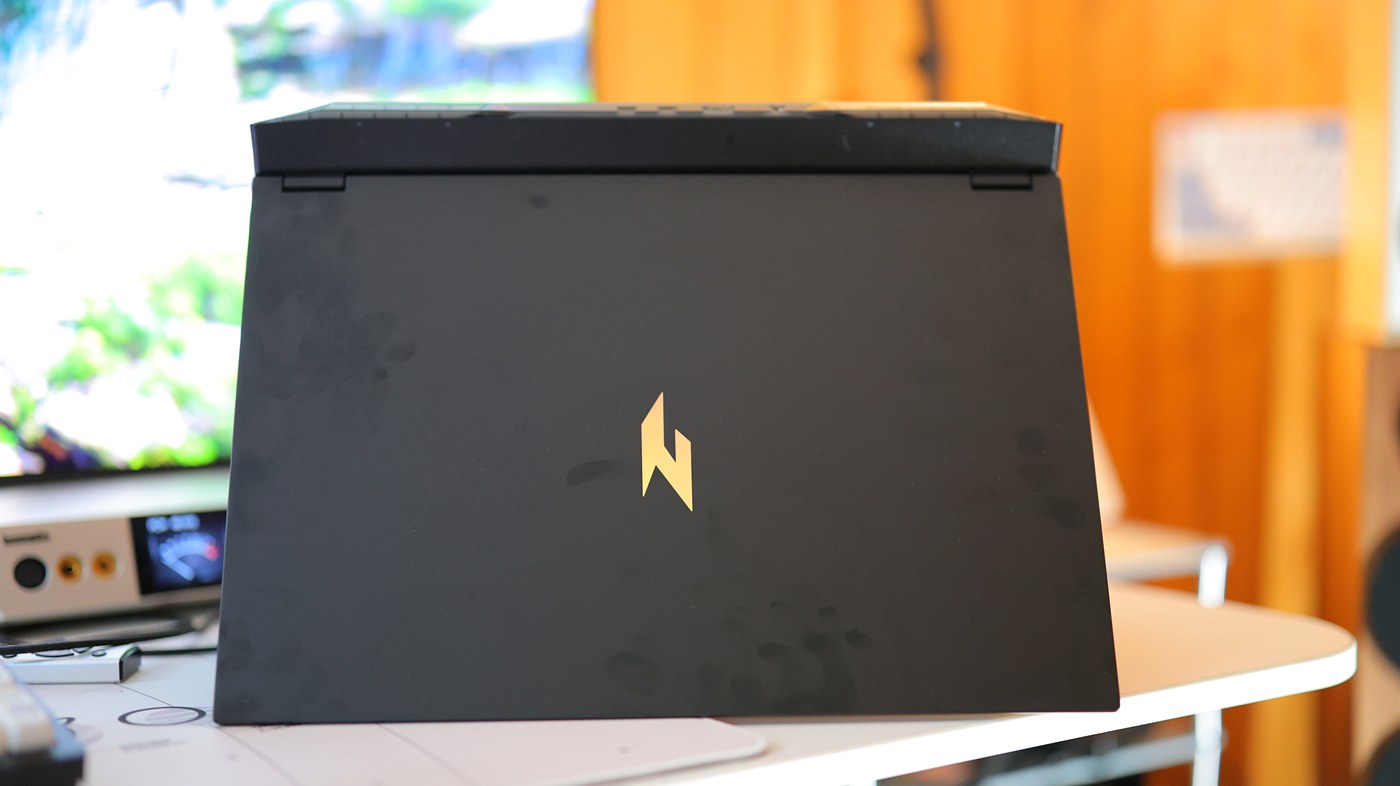
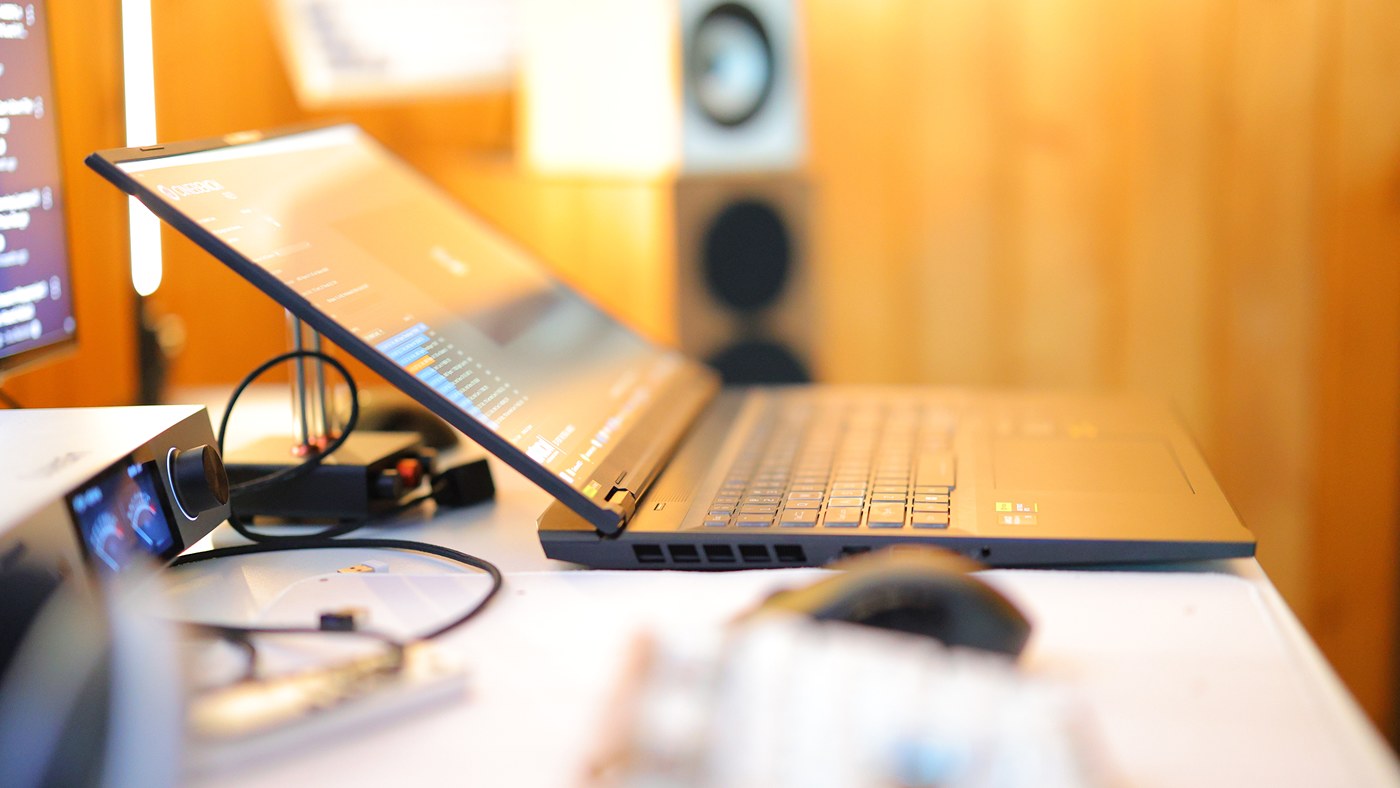
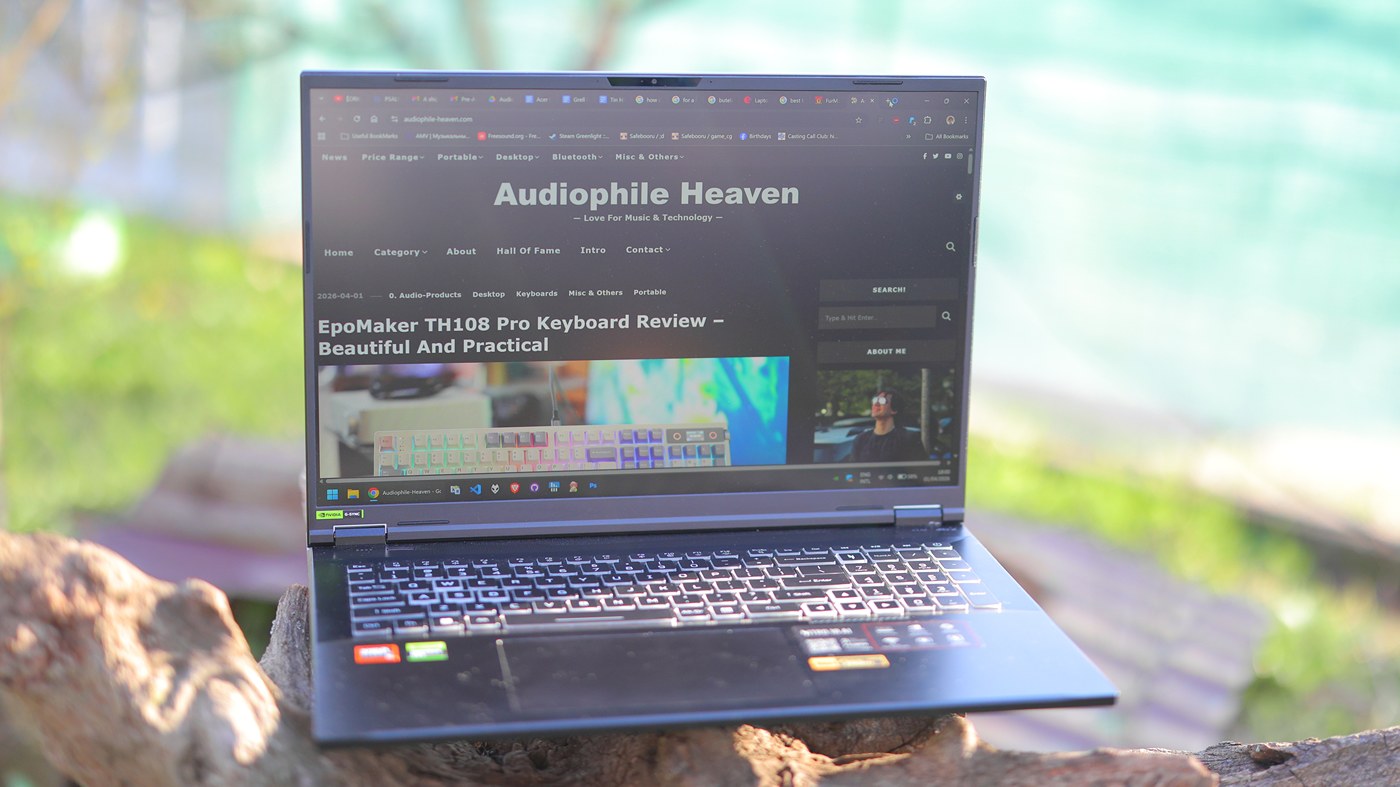
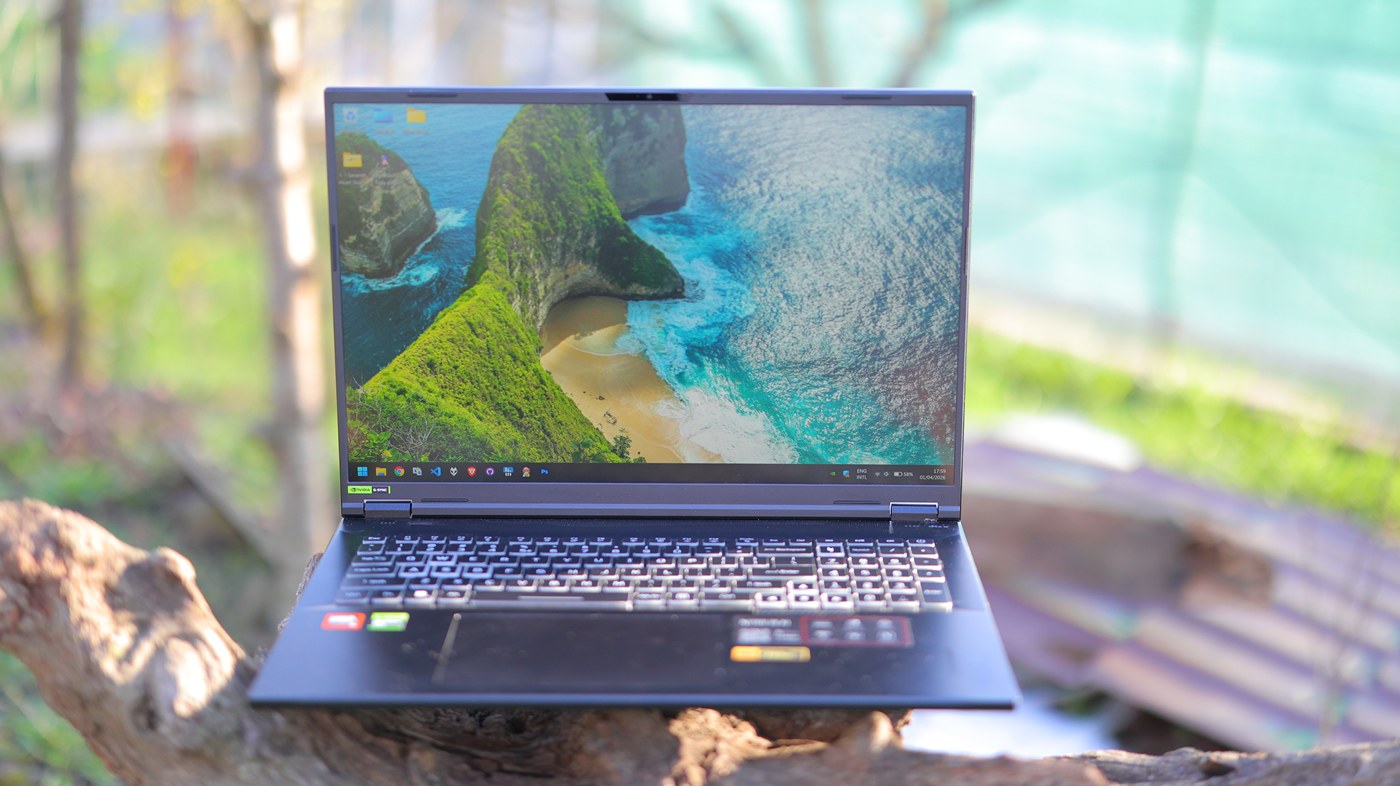
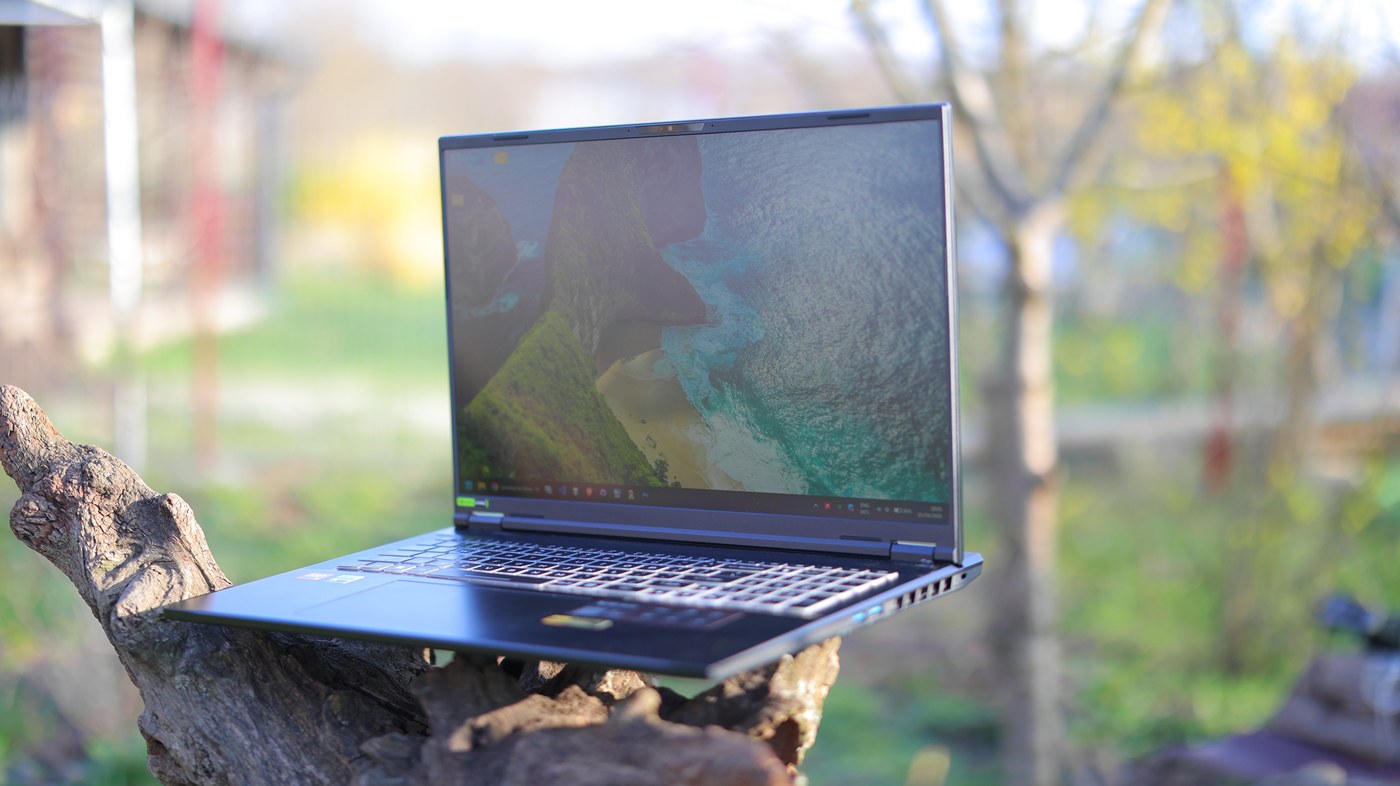
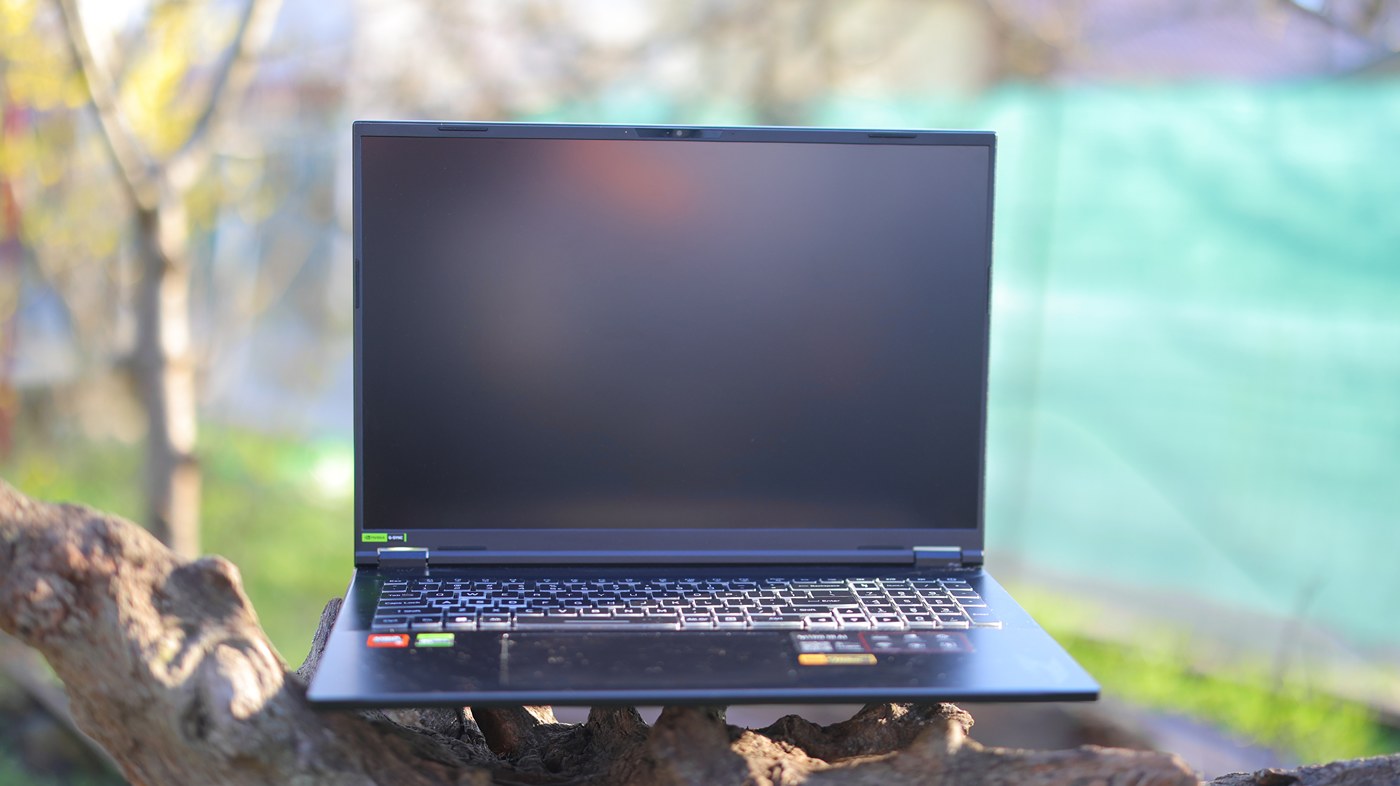
Physical Design – Starting with the chassis, this is an 18″ laptop with a huge chassis, it is heavy at 3 KG, and my unit came with multiple deformations, including the WASD area looking a bit raised compared to the rest of the keyboard which feels rather sad. My unit is quite sturdy, but you can press quite a lot in the middle of the keyboard. Hinges are of a superb quality and really keep the display steady, but the laptop does creak easily under pressure, not on the hinge area, but the whole base, as the top part is made of metal. The whole laptop is a fingerprint magnet, and even for the photos I took for this review, it was impossible to keep it free of fingerprints, it is just impossible to keep it clean and nice. This being said, the logo at the abc and the hinge mechanism are so good that the overall quality is a 50/50 for me. Opening it up and installing an SSD is easy but you do have to remove the screws and also snap open the case which is an anxiety inducing activity. I love the shape so much, angular cuts, keyboard is a bit lower and has those beautiful cuts that lead into it, this would have been so perfect if the keyboard quality was better. You can lean the monitor back a lot, almost 160 degrees, which is far more than most laptops offer. At this grade, the laptop is not stable and the monitor wobbles a lot, but can be useful for certain scenarios.
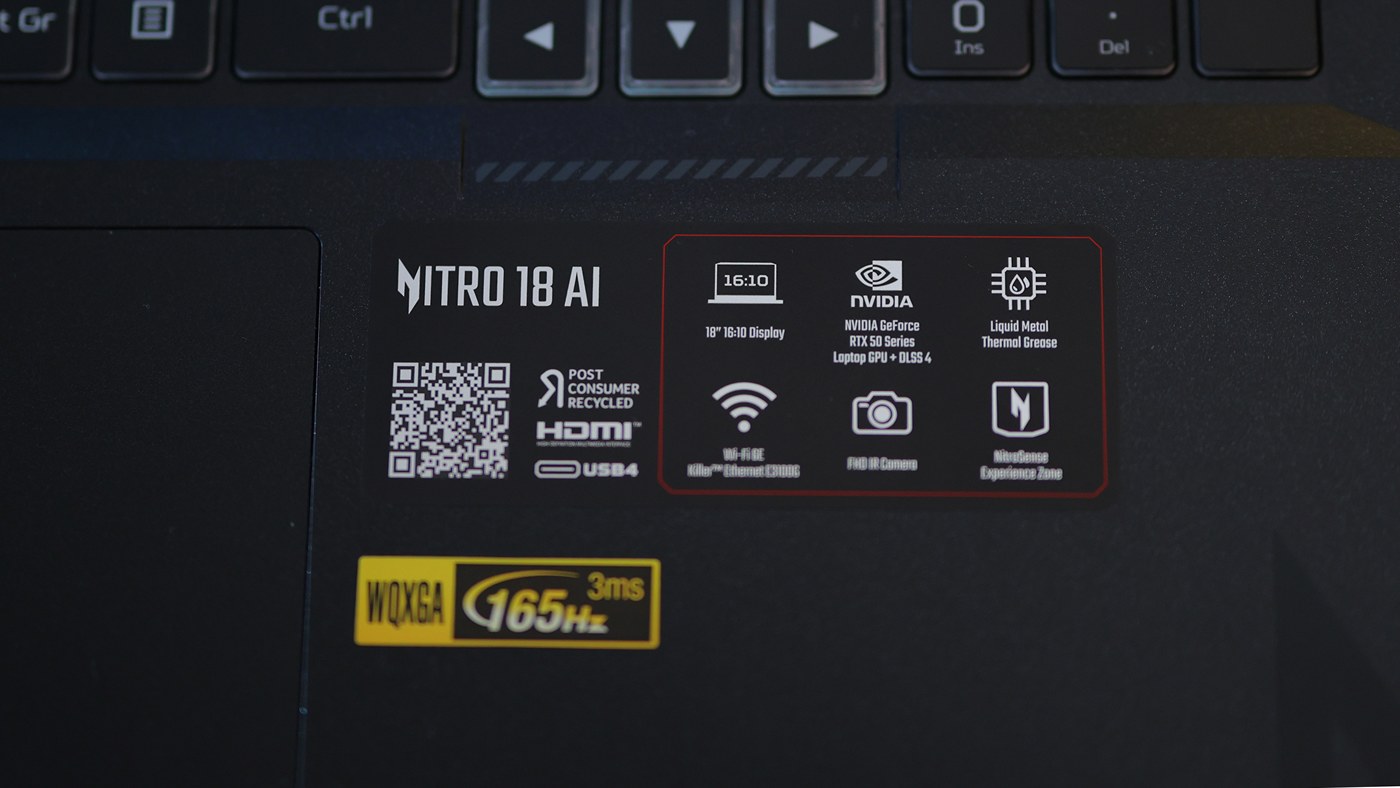
Keyboard and Trackpad – Keyboard and Trackpad quality is meh, with the keyboard being a 100% format, but with weird space saving choices, including some of the worst offenders being that the + and – keys on the number are split, a thing which I almost always misuse. Also numlock is replaced with a Nitro button that is absolutely useless and I hit it way too often, interrupting my workflow. I got used to the rest of the keyboard fairly well, but I just disliked so much that they messed up the numpad area because if you do buy a laptop with a 100% keyboard you most likely want and need that numpad area. Trackpad tracking is absolutely excellent, but that pad is far too large and you can’t type much without your hand touching the pad, which moves your cursor, which means more mistakes and frustration. Switch and keypad quality are just decent, and most 100 USD keyboards will do much better, but with a laptop it is so much more comfortable to use its own embedded keyboard, so that KBD quality is actually important. Speaking of which, I had the chance to finish writing this review after having gotten an Asus G815 which has a far more stable keyboard, which feels far better and on which I don’t mistake quite as much.
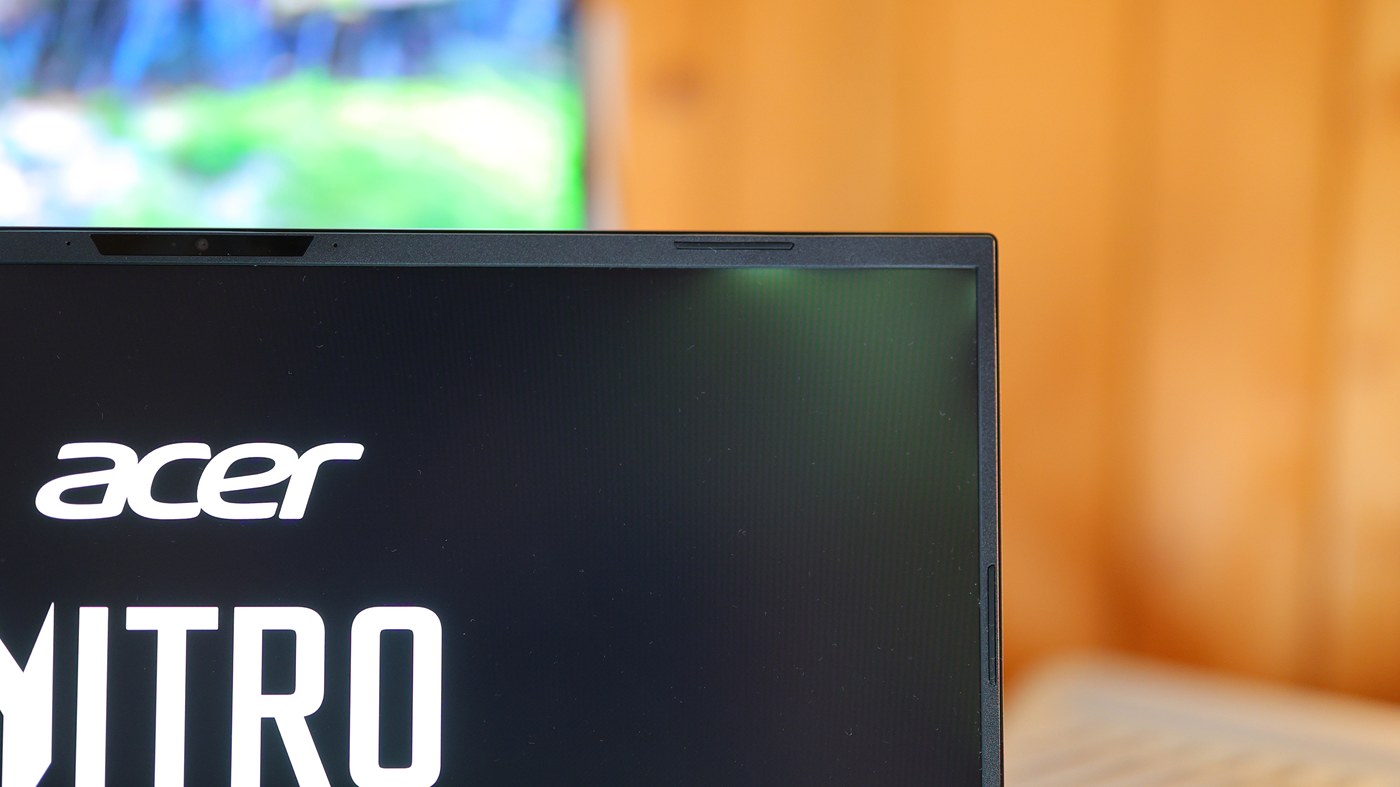
Display Quality – One of the biggest selling points is also this laptop’s biggest shortfalls, because it has a superb display in theory with a 100% adobe RGB coverage, plenty of resolution, very fast refresh rate, and it just would look stunning. The issue is that the installation job is botched and it has horrendous IPS bleeding, to the point where if you look at it in a dark room, or any dark content, or even just normal content, the right corner and left corners are so far more lit up that no professional work is possible. It even gets a different color, not just a bit of extra light, it is so offensive that it is one of the main 3-4 reasons I am returning this laptop. Acer almost had a perfect product, with a good display, it is so sad that they botched the installation so badly. G-Sync is absolutely useless as always, and if you open anything else but games it starts to flicker and eventually crash, so you rely on actual V-Sync and the fast refresh rate to actually use the laptop. If there is anything that I insist you really be careful about, that is to never purchase a laptop with a glossy display. You will be outdoors and reflection will make it useless, so always try to get one with a matte display. As a point of reference, the Asus G815 I am got afterwards, also has lighter screen in the corner by quite a bit, but it is not quite as bad as the Acer.
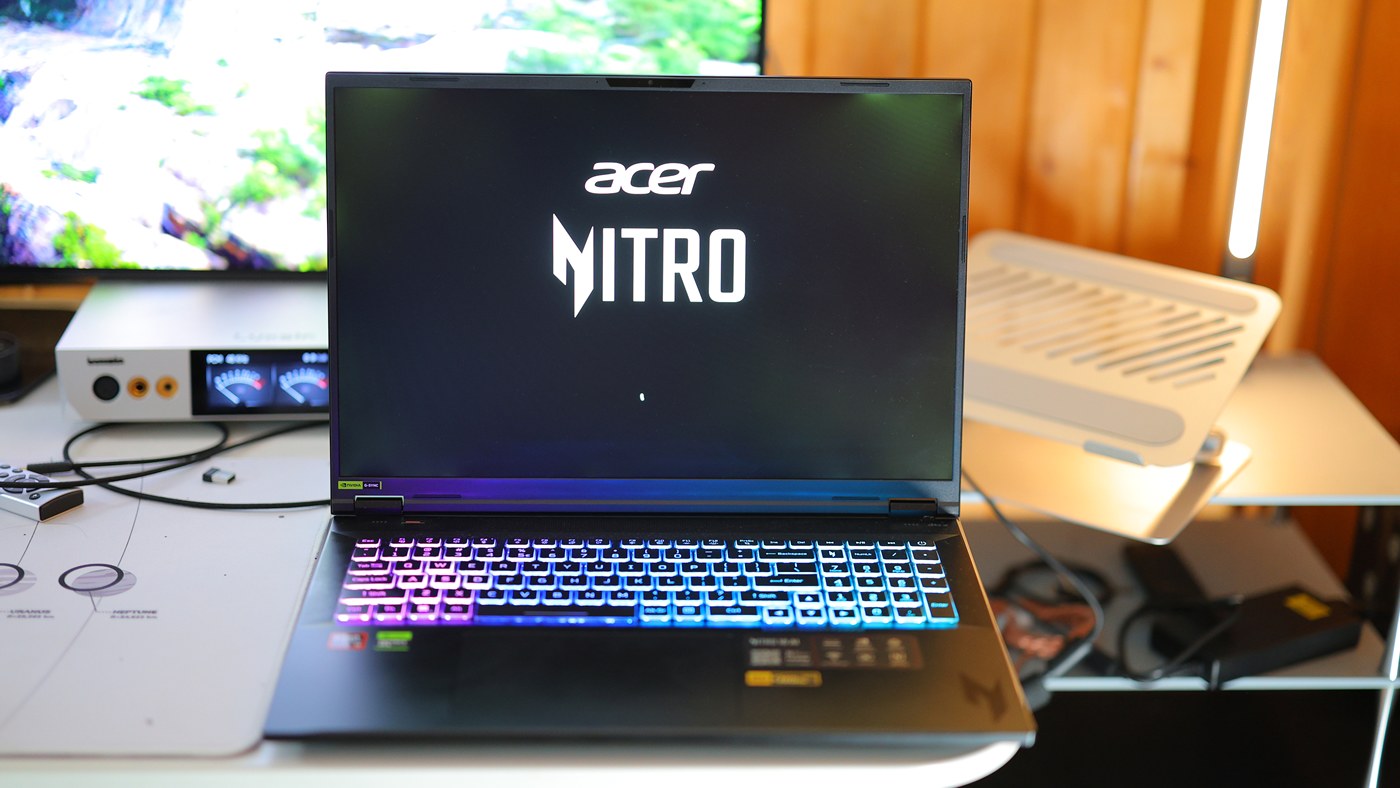
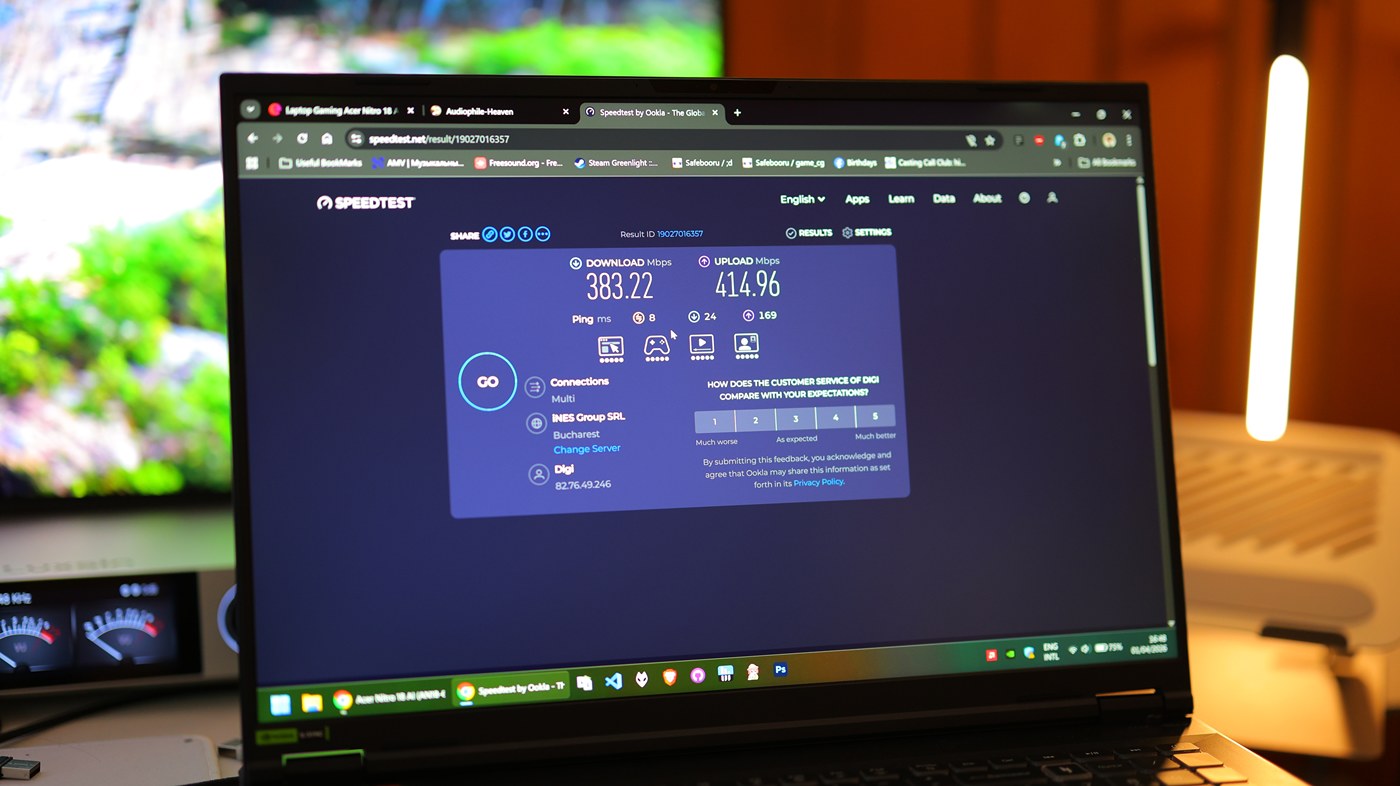
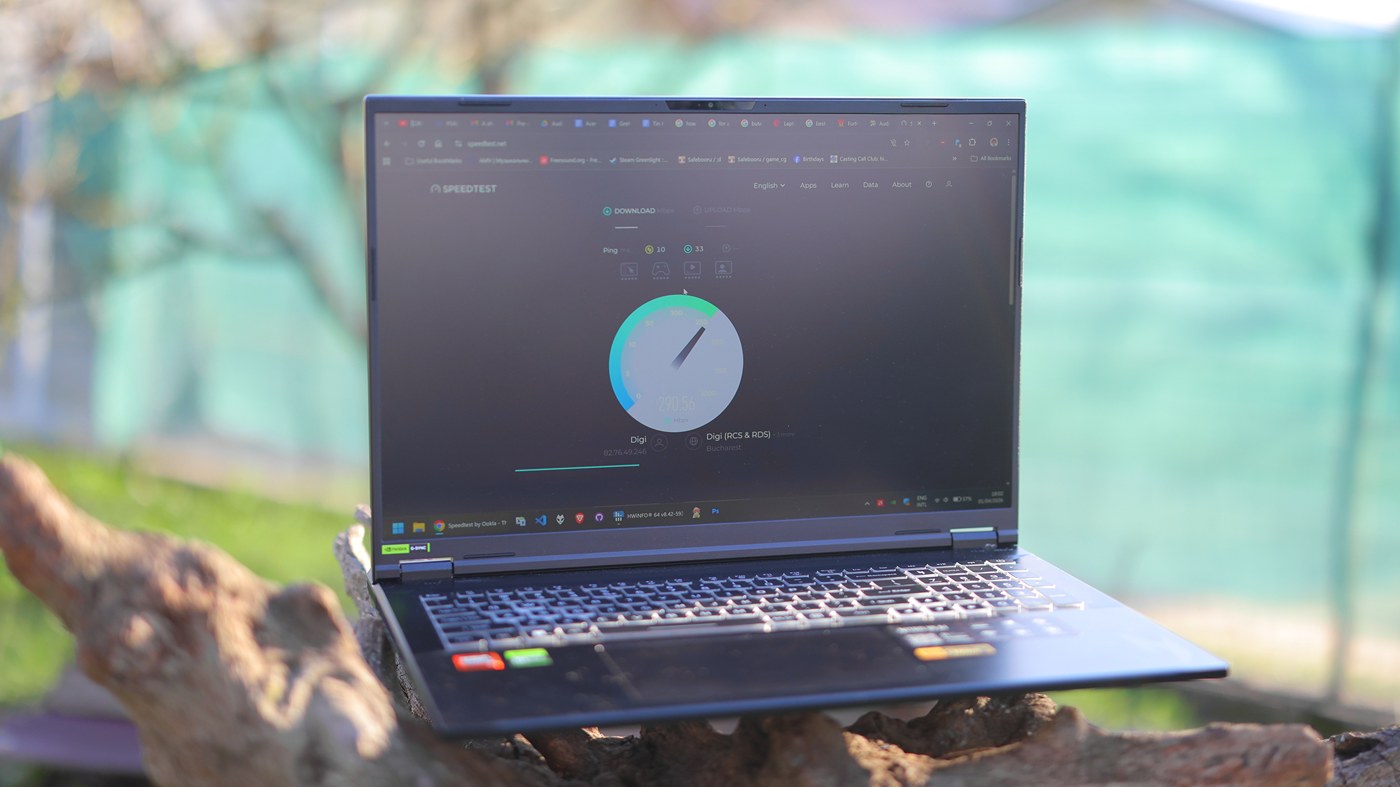
Overall Experience – Actually using the Acer Nitro 18 AI is a great experience, besides the complaints so far, and it runs fairly quiet, has a decent battery life, and runs most programs I need really well. In fact, if you win the display lottery, it is likely one of the best audiophile laptops you can purchase, as it has no coil whine, and cooling system noise is almost zero for most activities. The trick here is that this configuration is very mild for the cooling system which was designed for a much beefier AMD 9955HX CPU and 5080 GPU, so it has such an easy time cooling off the laptop’s AI9 365 and 5060 that it almost never needs to spin up. Overall, if you find one that is built well, it has plenty of connectivity, Wifi speed is top, up to 60 mb/s tested speed, and it works really well with external USB DACs. Speaker quality is abysmal, most smartphones sound better via the speaker output, and you’re far better off with any ~100 USD pair of Chifi IEMS or a portable bluetooth speaker than using the laptop’s embedded speakers. The coil whine part is rather important because Asus G815 does have coil whine on the GPU which sounds like electrocution happens inside of the laptop. Acer has none on dGPU or iGPU.
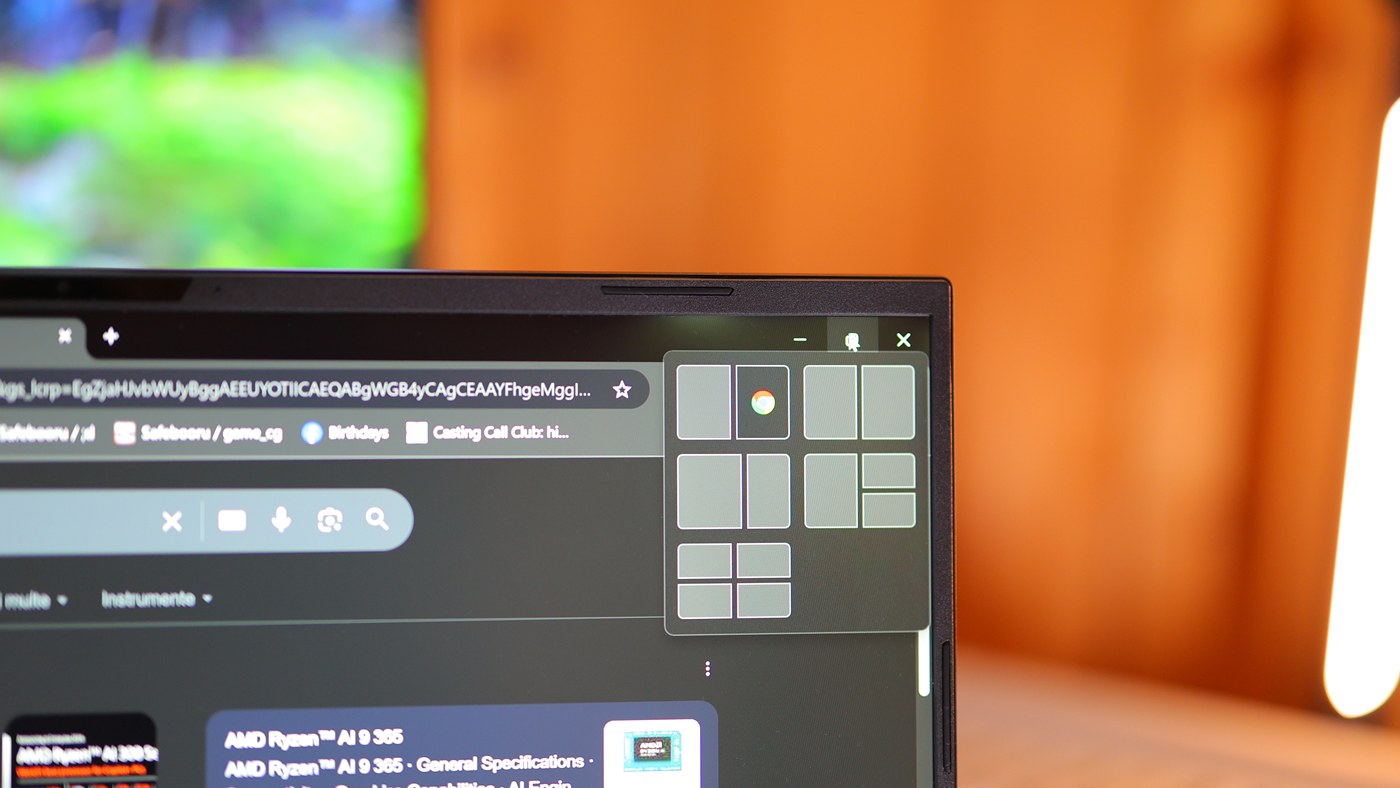
Raw Processing Power – At its core, this AI 9 365 CPU has a ton of power, but more important are the 3 modes that the Acer AI18-61 supports. Out of those modes, 2 are useless and only one is to be used ever. Those include Quiet, Balanced and Turbo. While quiet and balanced are what they mean, turbo just turns on fans very high without much extra processing power. To be honest, Quiet is also kinda useless on the Acer Nitro 18 Ai, because it has plenty of cooling and it is not noisy on balanced either, so it would be best to just use balanced and forget that the other modes exist.
Another interesting point is that the laptop is meant to run on iGPU at all times, besides when gaming, so the amount of RAM you have available is always lower than what you have installed. This is also not dynamic, and it seems that for example if you buy the Acer with 32 GB of RAM, in reality you will always have just 24 GB of RAM, as 8 GB are needed for the iGPU. At any rate, the iGPU is really excellent in quality, so I don’t mind, but just keep in mind that you will need to buy additional RAM if you needed 32 GB at minimum, or that if you do buy 64 GB, you will only have 56 available to use. Max CineBench 23 Multicore is 19807 when it is plugged in, and it will not increase if you use turbo or any power mode beyond balanced. Manual mode just turns on all fans to max but does not increase power beyond this point.
Battery Performance and Life – I was able to get about 3 to 4 hours of actual usage with display brightness set between 50% and max. I would never use a laptop with low display brightness, but around 3-4 hours was great, with multiple re-compiles of Eternal Hour, music playing, and writing reviews as well. When on battery, you can see a drain of around 13W at minimum, if the laptop is doing nothing, but with display brightness at max 100%. You should keep in mind that 100% display brightness in this scenario is not the same as when powered, as the brightness is visibly much lower on battery than it is when the laptop is plugged in. This plugged in scenario only applies to the power brick, as using the type-c power input does not increase that max brightness beyond what the battery offers.
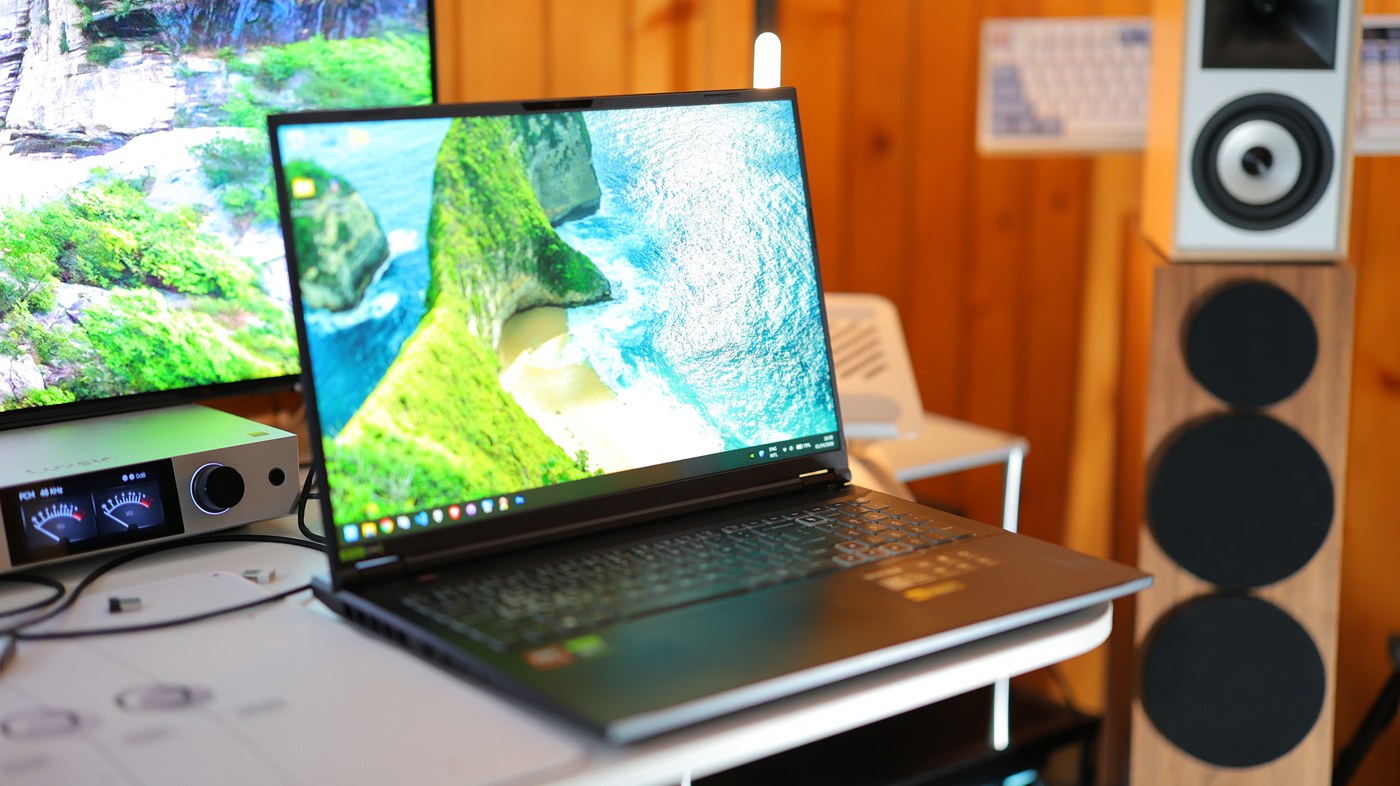
In fact, I think this is one of my main pet peeves with this laptop, as it has that type-c power input, but it can only intake so much that it only charges the battery and that current passes through the battery. This has both the effect of rapidly degrading the battery, and also the performance if type-c power input is not better than on battery, so it is not a viable way of using it when traveling if you want to game or if you want to have to do something more intensive on the CPU. This being said, the degradation in power is FAR more significant for the GPU on battery than it is for the CPU.
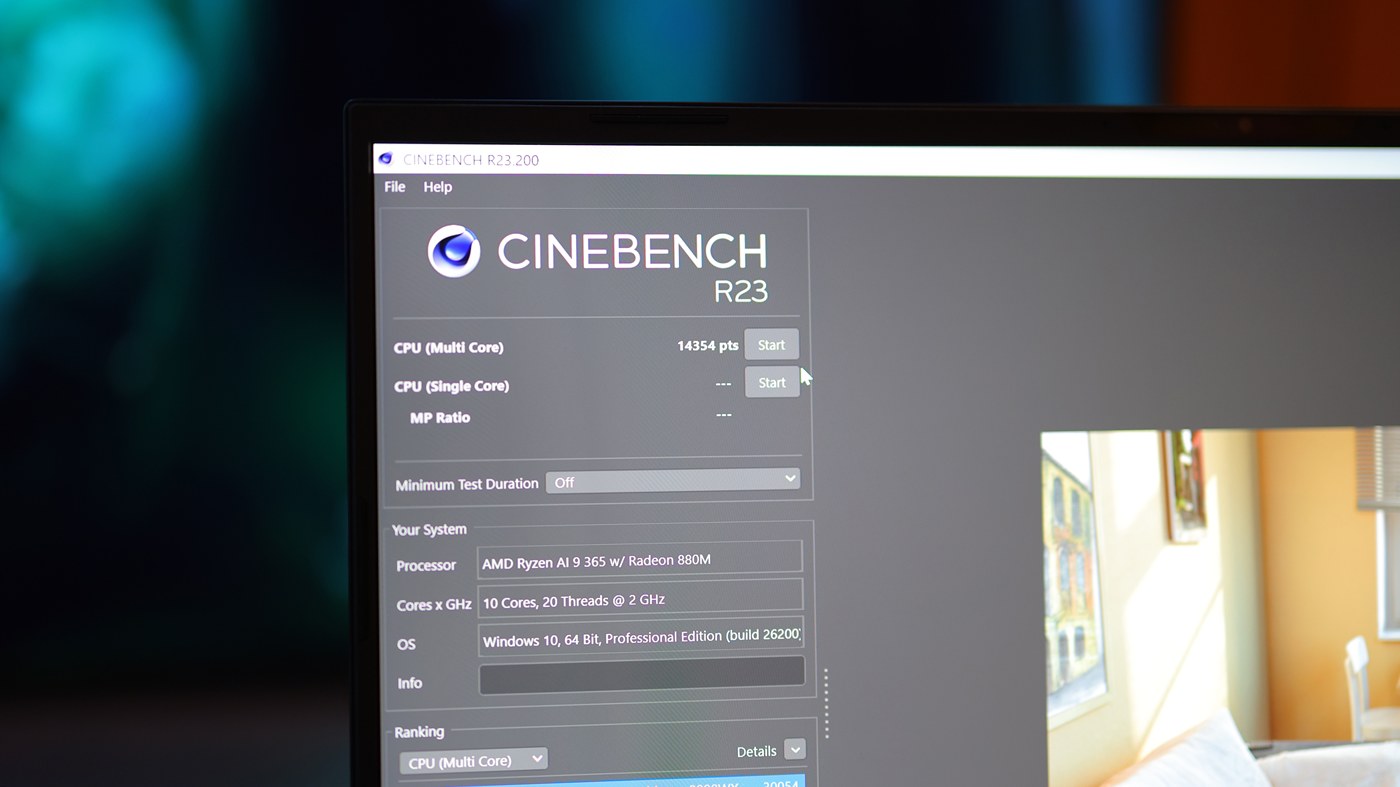
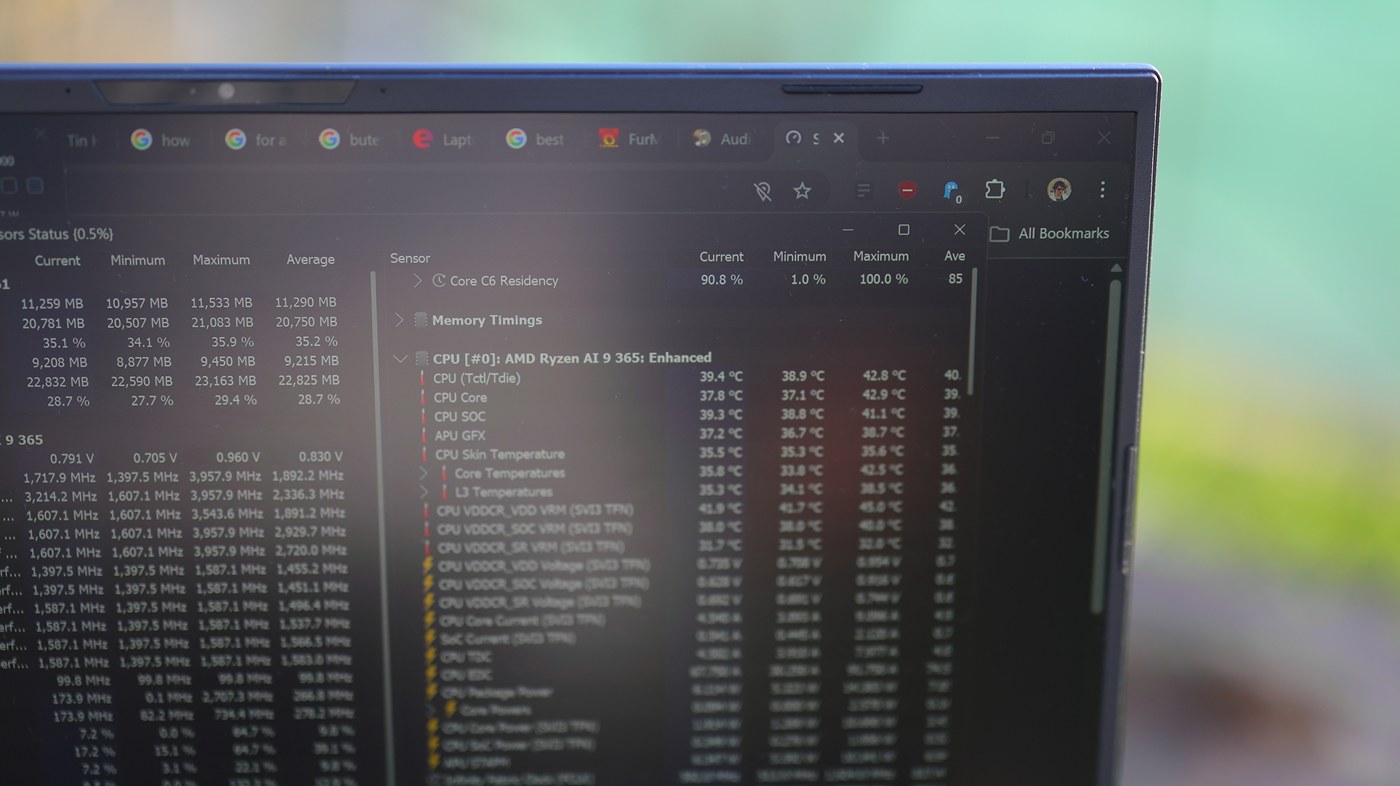
Speaking of which, on battery, Cinebech R23 running max on all cores results in a -70W at first, then -50W after a couple of seconds discharge rate. The score obtained this way is 14354 on battery, which is significantly lower than what AI9 365 can achieve when plugged in, which should be around 18700, which it achieves and goes beyond at 19707, even if i have chrome open with 2-3 tabs and HWmonitor to monitor temps. Even like this, CPU temps never go beyond 80C, most of the time sitting around 70C.
The Asus G815 I got the replace the Acer actually has a FAR worse battery life, can eat far more power, but this is a double edged sword. This means that it performs generally better on battery. This being said, while I did complain that with the Acer I could not really charge it and use it via Type-C, Asus does not even see my external batteries, likely due to them not having a high enough voltage, so basically it needs a real power outlet which is far worse than using the Acer.
Software Support and Compatibility – The only piece of software you would have to care about is Nitrosense which for me is FAR better than anything I had before from Gigabyte, Razer or Asus. This NitroSense allows you to configure dGPU vs iGPU, allows you to set power modes and basically anything you may require. Software is great and does not need replacement.
Stability – For the most part, this is a very stable laptop with no audible dropouts and no stutters. Nvidia’s Auto Optimus, or rather the integrated GPU can handle hi-res playback, medium gaming, and more, while keeping the refresh rate at 165 Hz, so it feels snappy, fast and generally reliable. This being said, you cannot use it with dGPU only as that results in a choppy / stuttery overall system, and if you are trying to do something more int The main issues you will notice with Acer is that it will sometimes stutter and Freeze, even if doing simple, normal things, like just be booting up, and freeze for a couple of seconds when opening chrome or other programs, at least on battery. It feels like the Bios is limiting the power to the CPU often, and while this does make up for a REALLY good battery life, the user experience can be frustrating.
Power Consumption, Loudness and Thermals – This combination of the CPU, display and overall internals results in a very low power consumption both on battery and plugged in, both for casual work and gaming. Basically, this laptop consumes around 13W on battery and similar when powered on if idling, but with ~15 chrome tabs open as well as photoshop. When plugged in, the fan is never idle, and I cannot really check how much power the whole laptop draws, but just the CPU draws 101W at max, with it settling down to 65W after 3-5 seconds.
You really really don’t have to worry about cooling off the Acer Nitro 18 AI, it will be cool even if it sits on the bed with all vent holes covered. This is in fact so true that I find this laptop a pleasure to use from a cooling perspective. On battery, the CPU reaches a maximum temperature of 50.9 C, if Cinebench is running. You cannot heat up the CPU more on battery regardless of what you are doing, so the fans barely spin up when it is running on battery. On power, fan is always spinning and is always making noise.
That cooling system is so good that at idle or even in light loads, this laptop is completely silent. This being said, you better not ever in your entire life touch that max cooling or performance modes because it becomes FAR louder than anything I’ve ever heard. Turning up my system’s 10 140mm fans + RTX 4090 at absolute max is not as loud as this acer laptop if you turn the fans at max speed. As with most laptops, it is best to run it in balanced mode, which is the default. Using the Performance mode only increases temps significantly for a very mild increase in speed, sometimes no increase at all, depending on the task it is doing. All in all, I was extremely happy with the performance levels and noise in balanced mode. It is very pleasing to use a laptop in all environments, if you set it right. For reference, the Asus G815 I am writing this sentence from, will overheat to 102C for CPU if doing Cinebench R23, so other laptops do have it much worse than Acer. If heat is a matter to you, it would be best to not get this Acer.
Gaming And Productivity – I have used this laptop to program my game, write reviews, as well as enjoy music and games. I find it a poor option for gaming, because I am used to a 65″ display, and even relative to other laptops being big, this 18″ display is small for me and my eyes. I actually liked the older 17.3″ display size and shape much better, but no company makes those with the same color gamut, and refresh rates as they do with this 18″ new size. The fact that the keyboard has just two odd choices, lowers productivity so much that when you combine it with the huge trackpad that has poor palm rejection, I find working on the laptop quite frustrating and I eventually decided that I am half half about keeping it or returning it. You cannot game with the trackpad and need a mouse for that. I don’t even want to joke about having a MacBook instead because none of my games nor my programming software runs on a mac, so although macbooks can be great if you use software that runs on them, they are zero for gaming.
Comparisons
Acer Nitro 18 AI AN18-61-R14D vs Khadas Mind 1 (2400 USD vs 799 USD) – Mind 1 is far cheaper when you just purchase the mini PC, but for making it comparable to the Acer nitro 18 AI laptop, you need to purchase at least one keyboard (300 USD for good one, 50 USD for one that is comparable or better than the Acer), one monitor (100 USD for something comparable to the Acer), Trackpad or mouse (50 USD to 300 USD for top of the line Razer Naga V2 PRO, which I would anyways buy for the Acer too), cables (50 USD total), external battery (100 USD). This means that a fully functional laptop-like setup with Khadas Mind 1 mini PC at the core would cost you around 1200 USD, or about half the price of the Acer Nitro 18 AI laptop. Still half the price of the laptop, but with a better quality for the monitor and no physical defects, longer battery life, and a higher quality keyboard that you can easily replace. Packing things is a bit more complicated, but not enough to justify purchasing the Nitro AN18-61. Performance wise, Mind 1 is far more consistent, because it always draws around 65W maximum, so it can be powered by literally any power brick and it does have the same performance regardless what is powering it, which is very different from Acer AN18-61 which has vastly different performance on battery vs usb type-c power input vs power brick input. The overall operation of the Acer is a bit less convenient, having all the power cables at the back is not as convenient as it may seem, and overall, I feel more confident taking the Khadas Mind 1 with me, because i can replace each component as it fails and they are all so much cheaper than owning a laptop where the display already comes with physical issues and you basically have to throw away the entire laptop when something breaks. Indeed, this is a major selling point of a mini PC and taking it portably, it is far easier to configure and you can get away with far better components. For example, having Khadas Mind 1 mini PC and absolutely maxing out the keyboard quality, display, mouse and battery still gets you to a price of 1550 USD, which will be a FAR better experience than typing and working on the AN-18-61. With all of this being said, transporting a laptop is simpler and setting it up is easier. Raw performance, you will likely not notice Mind 1 being slower, owed to the fact that AN18-61 does have odd random slowdowns despite no thermal throttling and no reason for that to happen beyond “???”. The only place where AN 18 61 will be faster is in gaming, as both its iGPU and dGPU will be quite a bit faster than the iGPU of the Mind 1. But even then, it is only faster if plugged in a power outlet via its own brick, while if powered in via type-c or on its own battery, it actually is about as fast as Mind 1 (about same frame rates for the same games, 60 fps in star craft 2 with random disp to 16 fps), which means that penny for penny, you’re getting a better experience from Mind 1 in general while it being much cheaper and easier to replace individual components down the line.
Acer Nitro 18 AI AN18-61-R14D vs Samsung Tab S11 Ultra (2400 USD vs 1619 USD) – Because a lot of people seem to want a tablet, I have to start by mentioning the limiting ports of S11 Ultra, as even if you do buy a USB hub, it will not run well, so using an external keyboard and mouse is limited to bluetooth which will have a very visible delay. Also, AN-18 61 will have far better responsiveness with an external monitor, while S11 Ultra looks awful, has limited resolution and frame rates, with a TON of delay if using a 2nd external monitor. The processing power of the S11 Ultra is incredibly bad, you can barely run most apps, like photoshop and everything runs choppy, you cannot do video editing or gaming. In fact, on Android you can mostly consume, but not do any kind of productivity beyond emails and some light text files. And even then, the keyboard case for Tab S11 Ultra is horrendous compared even to the keyboard of the AN18. Basically, S11 Ultra is at most for holding in your hands to watch movies, where it is much better, display is better, more crisp, no IPS bleed, and it feels really good, while for any kind of actual work, you need a laptop at minimum.
Value and Conclusion
Compared to owning a mini PC, a laptop is far more convenient, and you are not supposed to buy a keyboard, or mouse, or external monitor, or anything really. This means that in theory, value would be great, but with such a low build quality, so many issues, from the monitor to the occasional hiccups, to the power available via type-c power input vs power brick, to the questionable keyboard layout, to the horrendous display IPS bleeding, Acer Nitro 18 AI has potential that is insane, but actual value that is rather poor, as a monitor from Ucolor with the same gamut coverage and size is around 300 USD, you can buy a 90 Wh battery for less than 100 USD, you can get a top of the line keyboard for around 300 USD, and a Khadas mini PC with a dedicated GPU and similar performance for less than the total size of the laptop. The less convenient part is that with the mini PC setup, you are far less flexible and it takes more to open those, plus you need more space, and have cables, but with this laptop you have a very poor build quality for all those components so I have decided to return it and try a different laptop, or eventually settle for a mini PC and give up on the laptop dream.
It was really interesting to review this laptop, this was a personal purchase and I hoped that the experience would be better than with the Khadas Mind 1 Mini PC, but this whole experience just has proven that laptops are still as much of a gamble and their build quality is as bad as it was 15 years ago when I was shopping for one. Acer had the potential to touch the sky if they invested just a bit more in making this a proper unit, if they made the keyboard flush, if they solved the IPS bleed, and if they allowed this laptop to run as well from the Type-C power input as it does from the wall power adapter. You can still purchase it for all the outstanding things it does, including having no coil whine, superb battery life, still top performance for both games and everything else, large and precise trackpad, and it is not a totally bad purchase, just not a good workhorse and especially considering my personal needs.
PROs
- Fairly long battery life even with max brightness and if doing serious programming and complex tasks
- Trackpad is very precise and so good of an experience that I actually often don’t even feel the need to take a mouse with me
- Lots of ports
- Very fast Wifi speed, very reliable and good wifi card, and very good bluetooth support
- Fast Ethernet speed via the wired connection as well
- Two SSD slots that make using it a pleasure
- Large battery with a very long battery life
- Can charge via Type-C inputs at the back, excellent for travel
- Absolutely beautiful display if you win the display lottery
- Large and fairly well made overall
- Even in Quiet mode, performance is as high as most competition achieves with far more noise and at their top
- Excellent choice for casual usage
- Highest 165 Hz refresh rate is available even on battery for casual usage, browsing the internet or watching movies
Cons
- Speaker quality is abysmal, can’t understand how with so much space they included speakers that sound worse than phone speakers
- Display is a lottery, mine has such horrendous backlight bleed that I cannot do any kind of graphic work, corners are lip up 50% more than the center of the display, changes in color and it just looks bad
- Performance is far worse for the Type-C power input or battery, to the point where only the iGPU is available in those modes and refresh rate becomes limited for games
- On my unit, keyboard does not sit flush, and WASD keys are raised a couple of mm which makes it look terrible
- For this price, all the build quality issues and design choices are deliberately making it a bad choice for a workhorse laptop, yet it remains a top choice for casual usage if you get a unit with no defects
- This means that you have to buy it from a place that allows easy returns
- Keyboard quality is not very good, you will not be typing as well from that laptop keyboard as you would from a mechanical keyboard and it just generally feels a bit cheap and flimsy
- Trackpad feel and quality is not very good, it feels flimsy and rattly
- Overall, because it has so many constructional issues, it feels like a cheap laptop, despite having such top cooling, battery life and performance, so as the title says, it falls short just before the finish line
Product Link
Amazon – https://amzn.to/4dXOT7m
--- Please remember to stay safe, and always have fun while listening to music!---
- If you have a dime to spare, please donate, and help us! It would make the day brighter for me and my wife-
Full Playlist used for this review
We listened to more songs than those named in this playlist, but those are excellent for identifying a sonic signature. I recommend trying most of the songs from this playlist, especially if you’re searching for new music! The playlists are different for Spotify, Tidal and Youtube, and based on the songs I enjoy and are available on each!
https://www.youtube.com/playlist?list=PL_cjBXGmwSHSdGcwuc_bKbBDGHL4QvYBu
https://open.spotify.com/playlist/5J3oloz8Riy9LxEGenOjQ0?si=979ba4f082414be7
https://tidal.com/browse/playlist/330fd544-8e5b-4839-bd35-676b2edbb3d5
--- Contact Us ---