VSDinside Stream Dock N1 Review – Futuristic Control For Music And Media Patrol
VSDinside Stream Dock N1 is a 69 USD Stream Pad, or a user-configurable pad with buttons that you can program to do anything you want, usually seen in the setup of streamers and people who do real-time media broadcast, but actually very useful for audiophiles and media consumption, as we will see in our review today.
Introduction
A Stream Deck is an idea first published and capitalized on by Elgato, and it is basically a small keyboard where you can configure what each button does, and with a tiny LCD display below each button, so you can customize what the button shows up on your desk. This has many applications and can be quite fun to play with, and I’ve seen a ton of of our fans and readers using a similar idea to program a little forward / backward / volume control for their music setup, so I decided to review a couple of those stream docks and see if they can be part of your electronic daily life. VDSinside products are available on Amazon and Aliexpress and currently this is our first review exploring one of their products, so we shall see where they stand, considering that their price is usually around a quarter of what the official Stream Deck sells for, and this is considering that even the original Stream Deck is just this to begin with, so there should be very little quality difference between the original stream deck and the VSDinside Stream Dock N1, except for the number of buttons.
As an Amazon Influencer, I earn from qualifying purchases, and using the purchase links in my reviews helps me maintain this website and Youtube Channel. Audiophile-Heaven has no Ads and our Youtube Channel has no midroll ads, and our work is supported by Affiliate Links and Donations. Huge thanks to VSDinside for providing the sample for this review, in exchange for my honest opinion.
Product Link
Amazon – https://amzn.to/48T6FGn
Aliexpress – https://s.click.aliexpress.com/e/_c4380gmF
Build Quality And Design
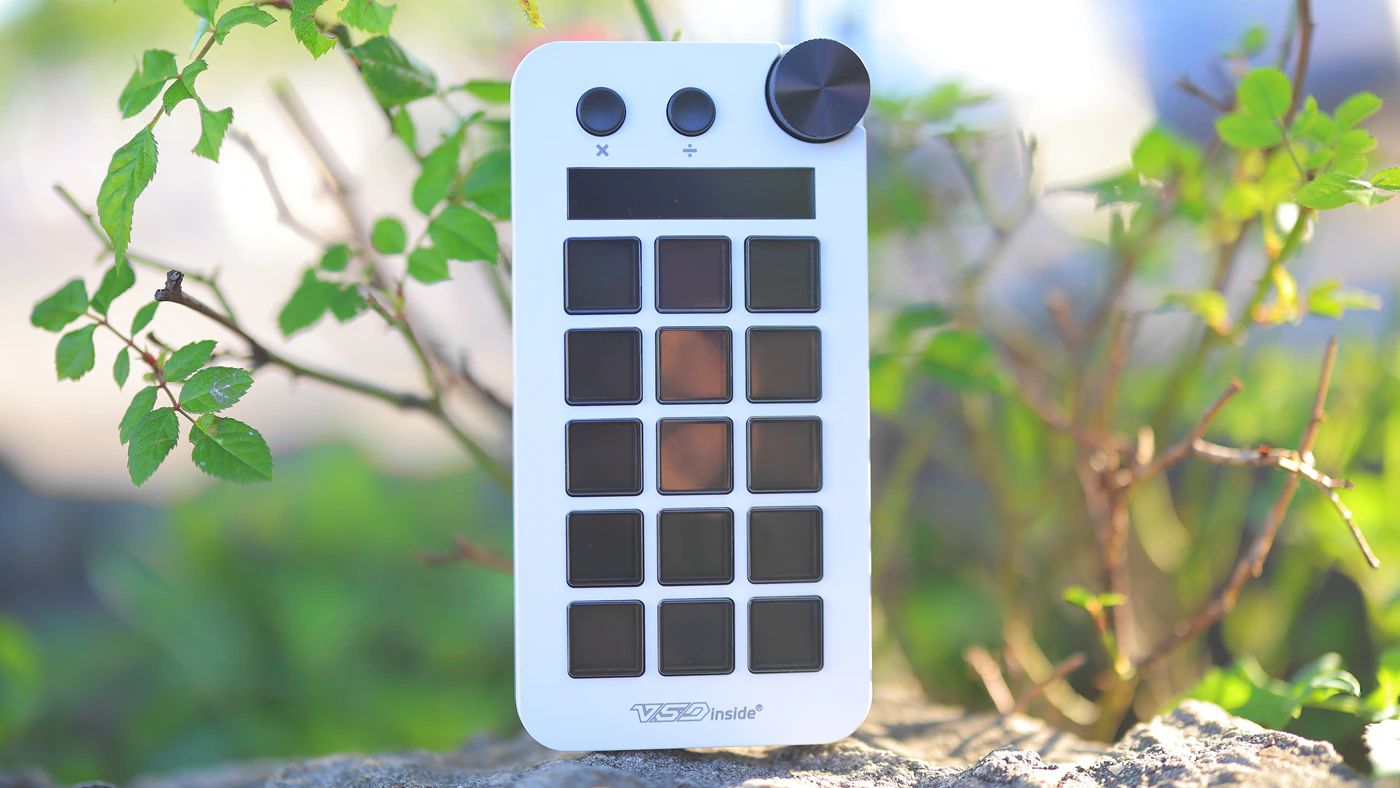
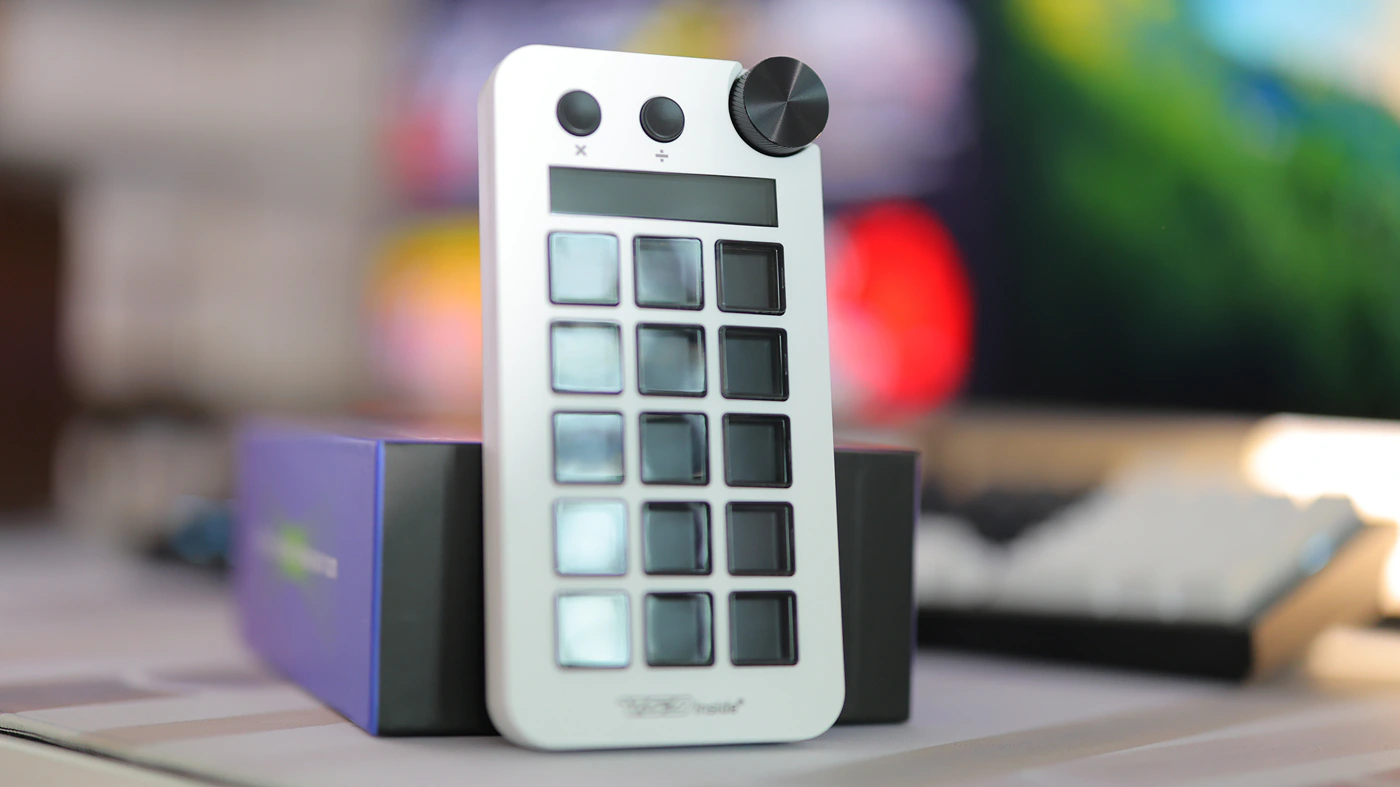
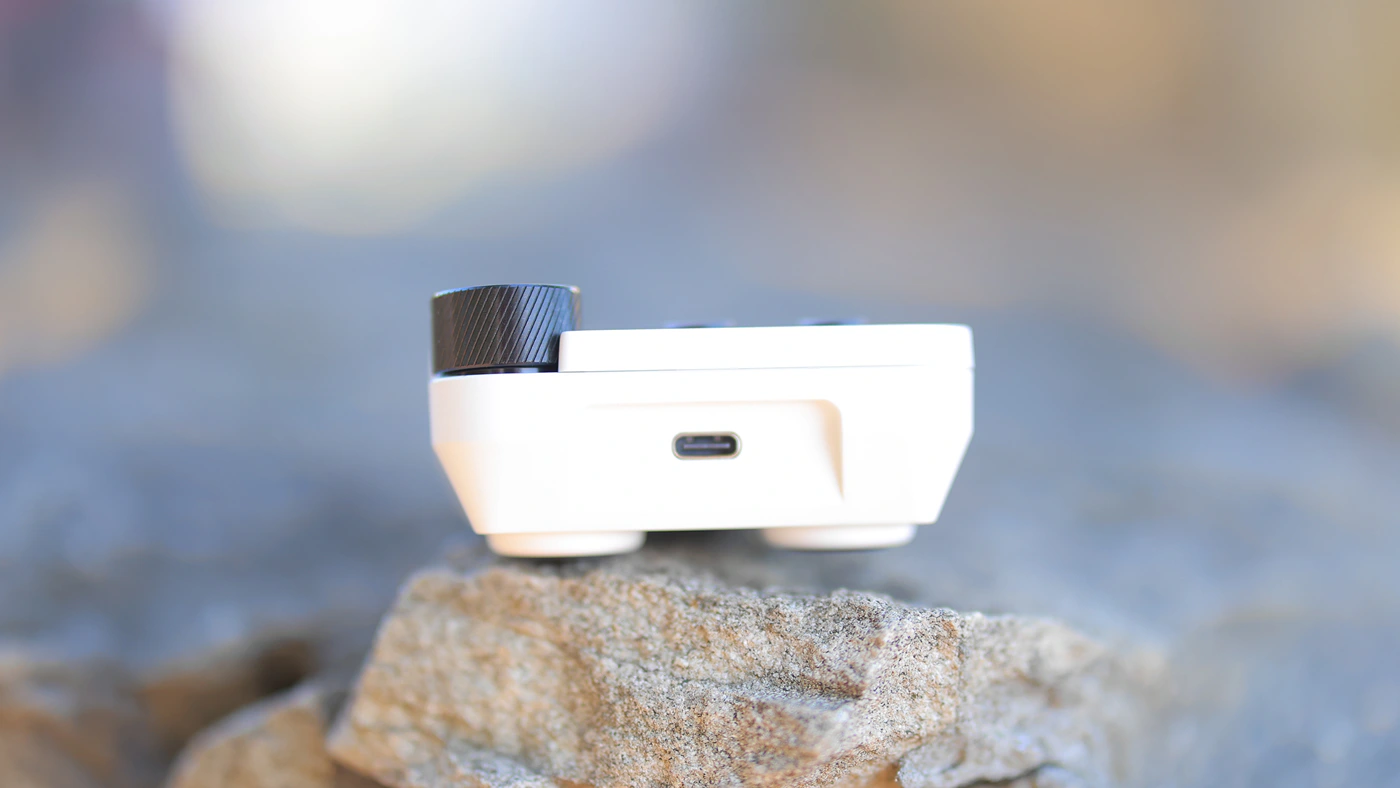
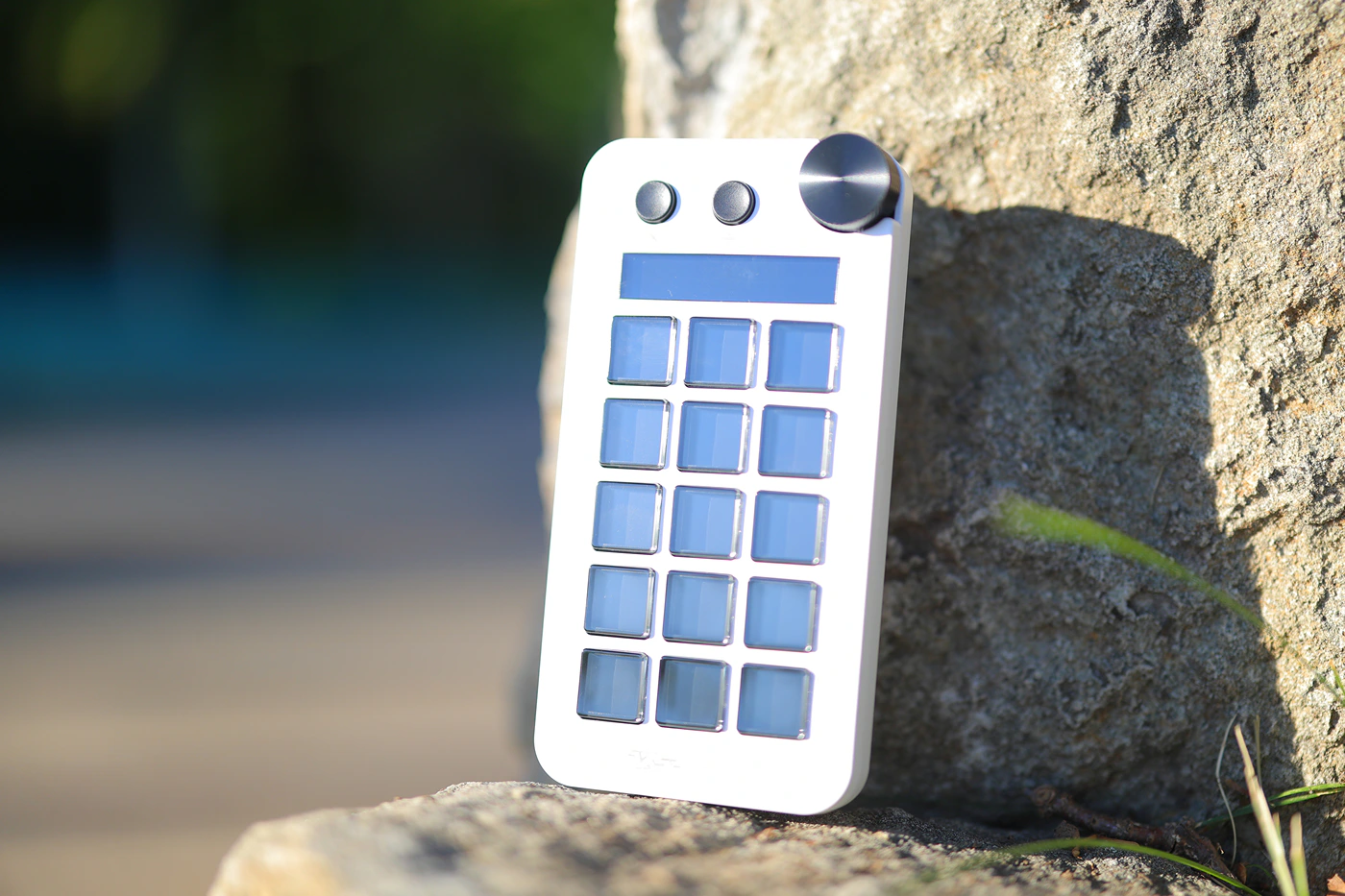
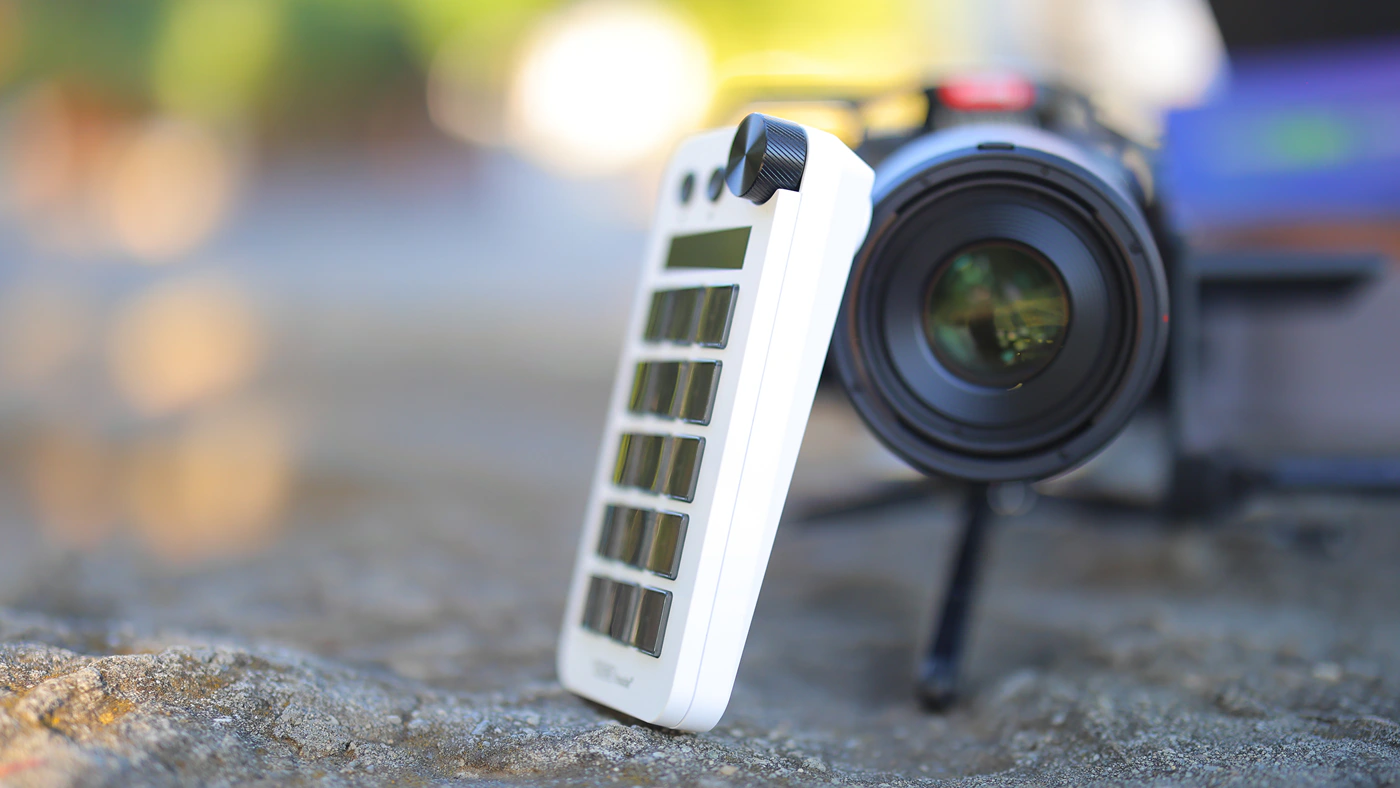
VSDinside Dock n1 is a rather versatile device, it feels tight and well put together, a bit heavy, and does not slide easily on your desk. It has transparent keys and a matte finish, with one volume wheel at the top right corner and two traditional buttons on the left side of that volume wheel. At the center, it has an LCD display. Key response time is not very fast and you have to press each key individually with a bit of a pause in between keys for them to register properly.
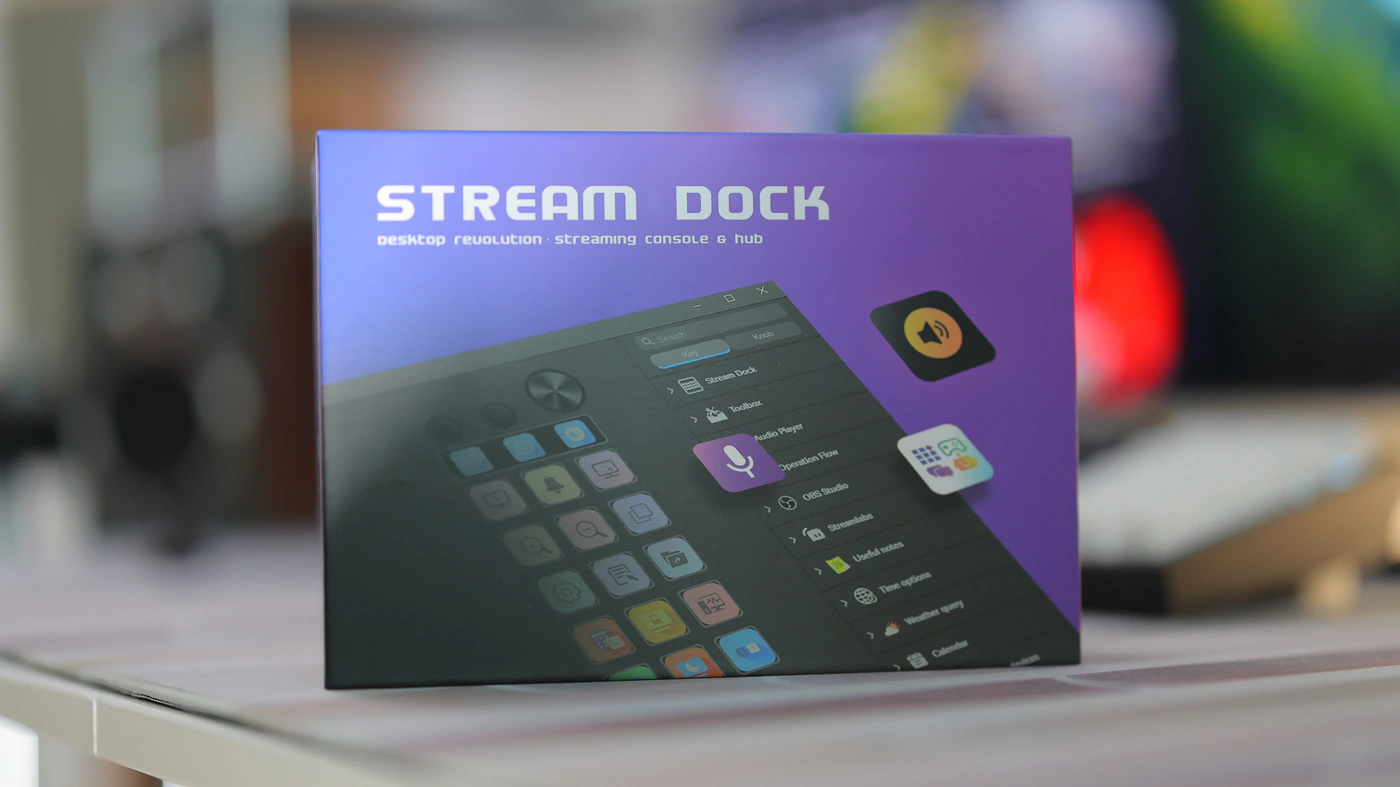
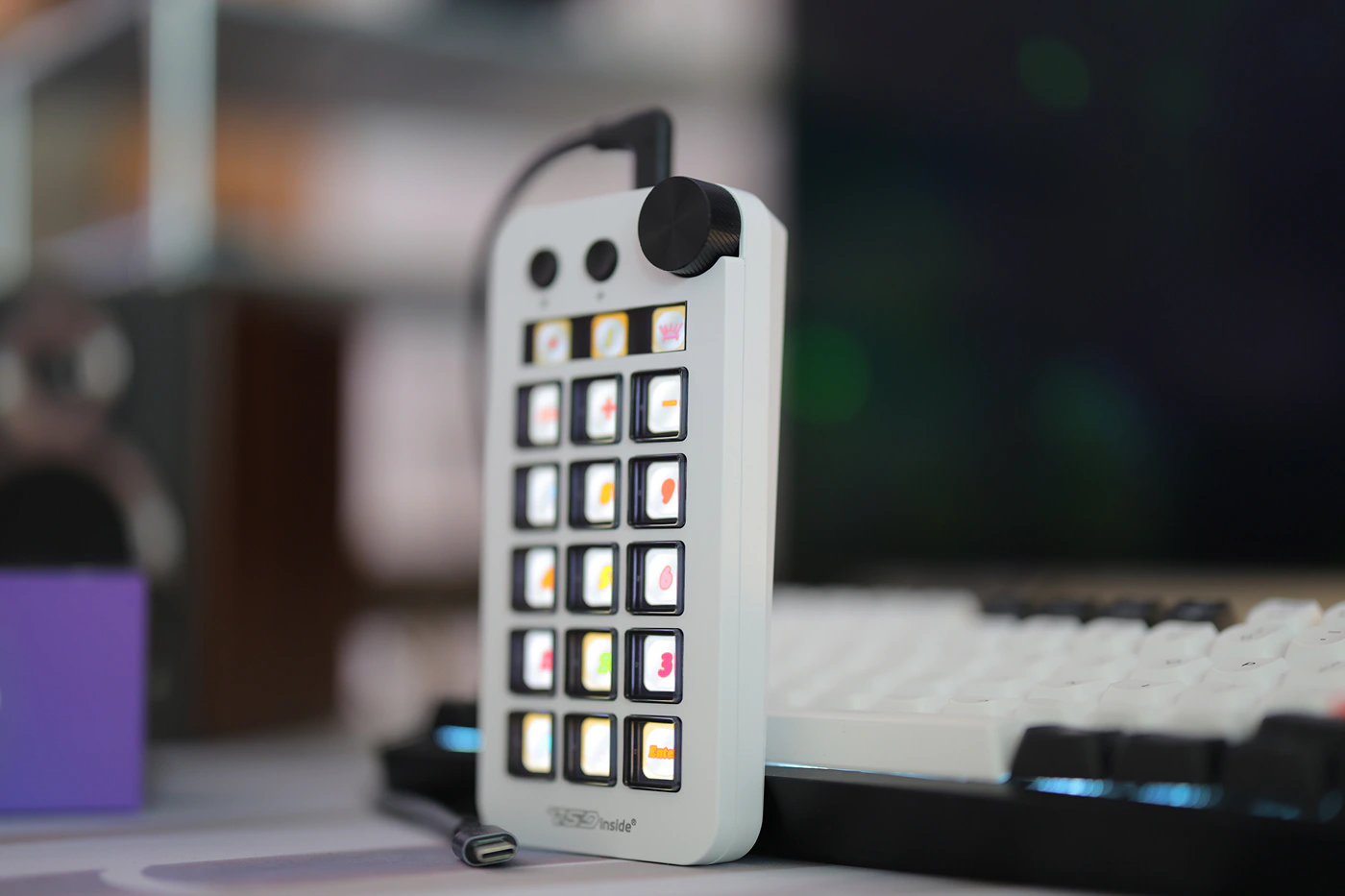
Each button can open up a set of folders inside with multiple controls that you can explore and set up, so you can have a main folder, and leave the bottom row to explore the folders, and set up buttons in each folder for a different usage scenario. You can give each button a gif instead of an image, and even screenshots and images. You can set an operation flow where multiple software are opened with one click. By default, there are multiple pages available including a Window Console, which surprisingly gives access to some advanced features, a Music Production theme, an OSB Live Console, which is the one for streamers and broadcasters, and a Productivity Tools, which is perfect for drawing and photoshop in general.
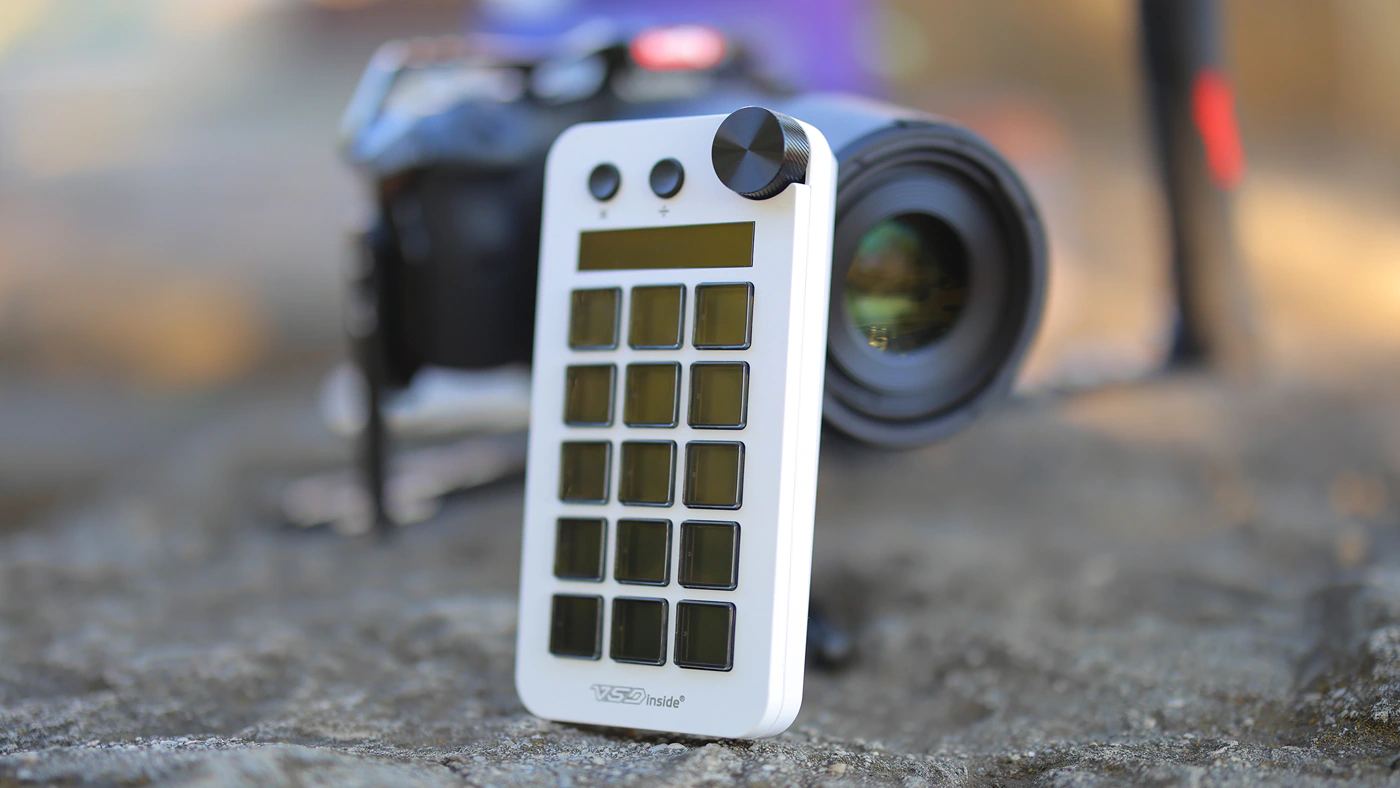
It is quite addictive to see all those icons below your buttons, and to so easily change what each button does, what each button looks like, but this is not a keyboard, so the idea of using it as a numeric pad is the worst, it reacts too slowly from button to button to work as a fast typing num pad. Otherwise, for a music lover, using it to control playback, pause and play and to control the volume, it works perfectly well. It also works well for game development if you want to set up certain functions on certain buttons, and I like this a lot.
Subjective Usage And Quality
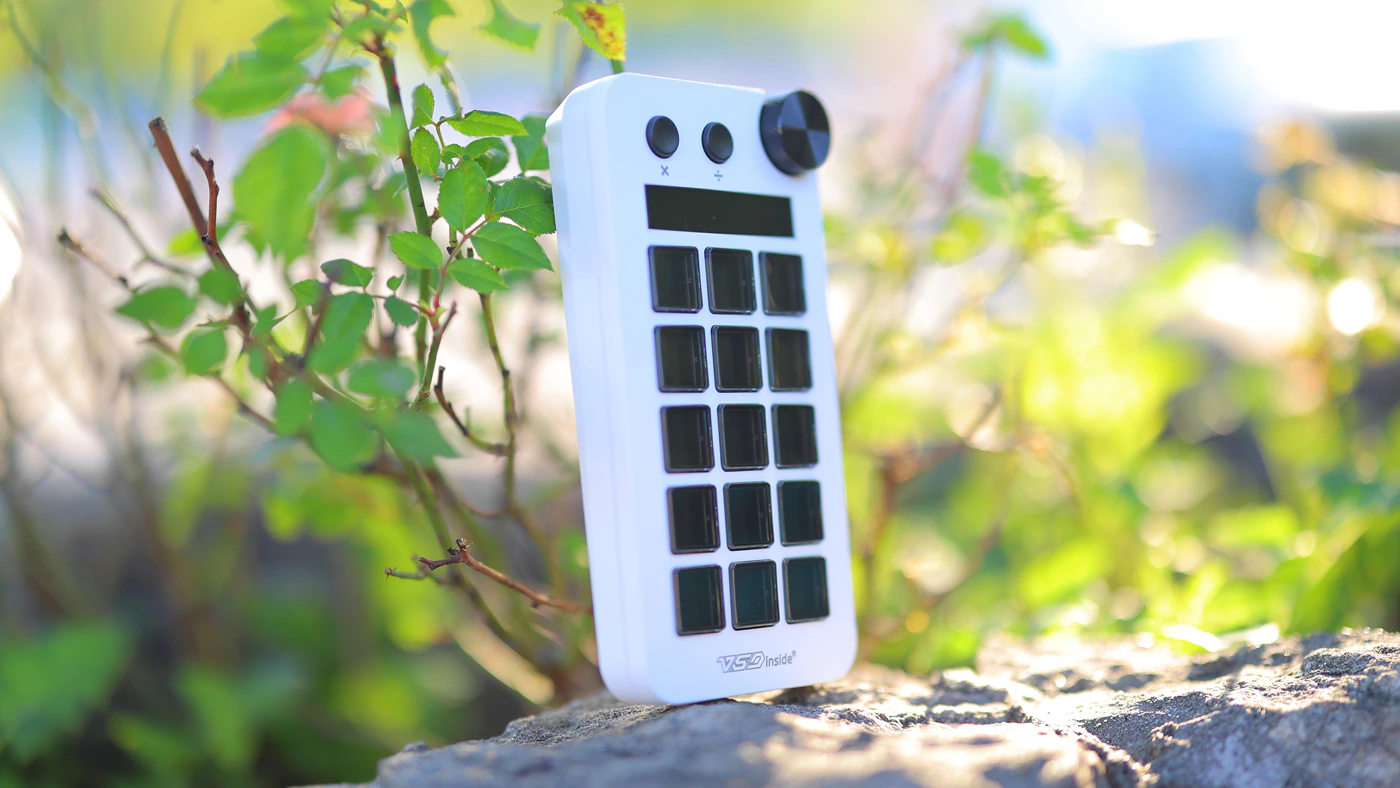
Let’s imagine that you are too lazy to set up the VSDnside Stream Dock N1, and want to use it by default. It will act as a numpad for a keyboard with shiny and beautiful keys, but because it does not have a high angle, you will not see the logos and icons, unless it is positioned below you directly. This seems to be a bit of an issue, each key has a magnifying and amplifying effect for the image below, but the display for each key is very far below so you basically see the image on each key only if it is sitting right below you. This is a similar experience to all streaming decks, just something to take into account as it is different from a keyboard. By default the volume wheel acts as a dimmer for the Stream Dock N 1.
You most likely have not purchased this keypad stream deck to be a desktop numpad, so you need to download the VSDinside software and configure it. This software is very large at half a GB, it is fairly natural to use, but as it offers a deep level of configuration, it will be hard for newcomers. The VSD Craft soft is safe to use, has no viruses, it is snappy and useful, has not crashed once for me and does not eat up resources or slow down my PC. A little disadvantage is that the soft has to be running for the buttons to work, anything new edited over the default state in which the N1 is a num pad only works if the software is running.
Among all the bells and whistles, beautiful icons and sets of management, the most useful is an almost hidden part which is in the Toolbox, and there you have true powers, with Open, Open an app, Hotkey Switch, Hotkey and Website. Those are super useful, you can preload complex functions into each key and for example, just like I do with my mouse, for general work, you can have one key set to CTRL + Shift + T to open back a closed tab in chrome, or CTRL + W to close your current tab. The possibilities are endless, and it accepts long chains of hotkeys, which makes it possible to even assign a button to writing a certain answer, which can be super handy.
Sadly, the hardest part is that for it to really shine, you have to configure everything yourself. While it is FAR simpler to set up and use, and prettier than ultra niche solutions like Azeron Cyborg gamepad, VSDinside N1 is still complicated to set up if you want to take advantage of it. No competition makes it simpler, and you just have to understand what you’re doing to really use it.
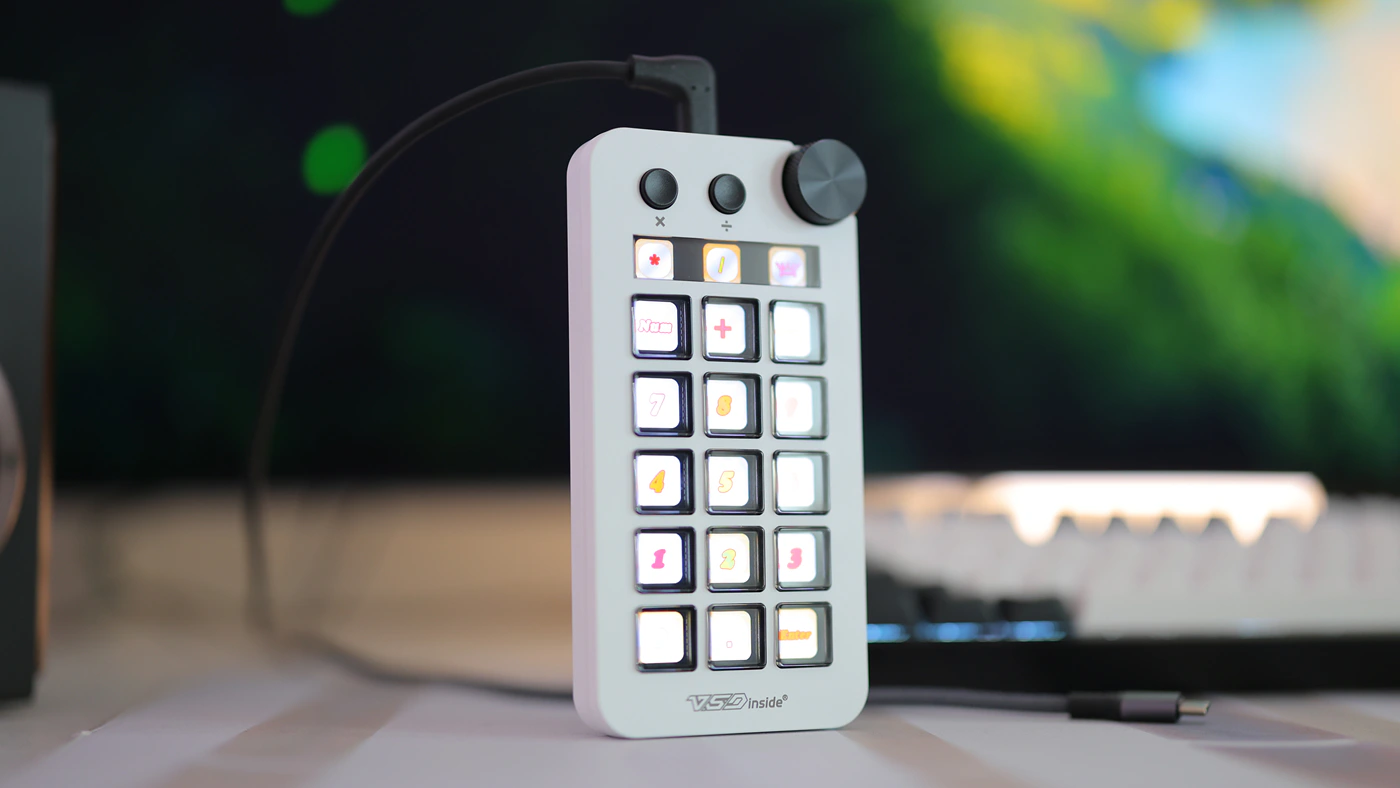
The fun part is that for each of those hotkeys you can assign any icon or gif, and it looks super lively. The downside is that the key press feeling is softer and slower than with a keyboard where you could set keys on the F Row with a hotkey editor, so this is more of a pretty and interesting solution, not necessarily the most powerful or advanced one, just a good balance of looking good, feeling good and being useful for an advanced user. All in all, I like it, the idea is excellent and even if adding it just as a remote for controlling music playback with your choice of button designs, it is really neat. Adding icons is very much drag and drop and any JPG, or Gif just works, while editing hotkeys work brilliantly.
On the bright side, there is a community that builds icons, plugins and other functions that you can experiment with and use, so even if you feel lost, there are users that can help you squeeze more usage from N1 without you having to build and code and find or invent everything yourself.
Value and Conclusion
Considering that this is a stream deck / dock that costs much less than the competition, the value it bears is extremely high, although the value it has to you would depend on how useful it is as an object for you and for your daily activities. For me, it is pretty useful, or at least it would be if I didn’t have volume control on my KeyChron Q6 MAX keyboard as well, and if I didn’t have a 100% keyboard with numpad. Even then, I usually rely on volume control from Luxsin X9, but I find having a few shortcuts available on buttons really handy for video editing and media playback, so all in all, it has its place even for me, but I had to do the thinking part and figure what it can do for me, so you may have to do this as well.
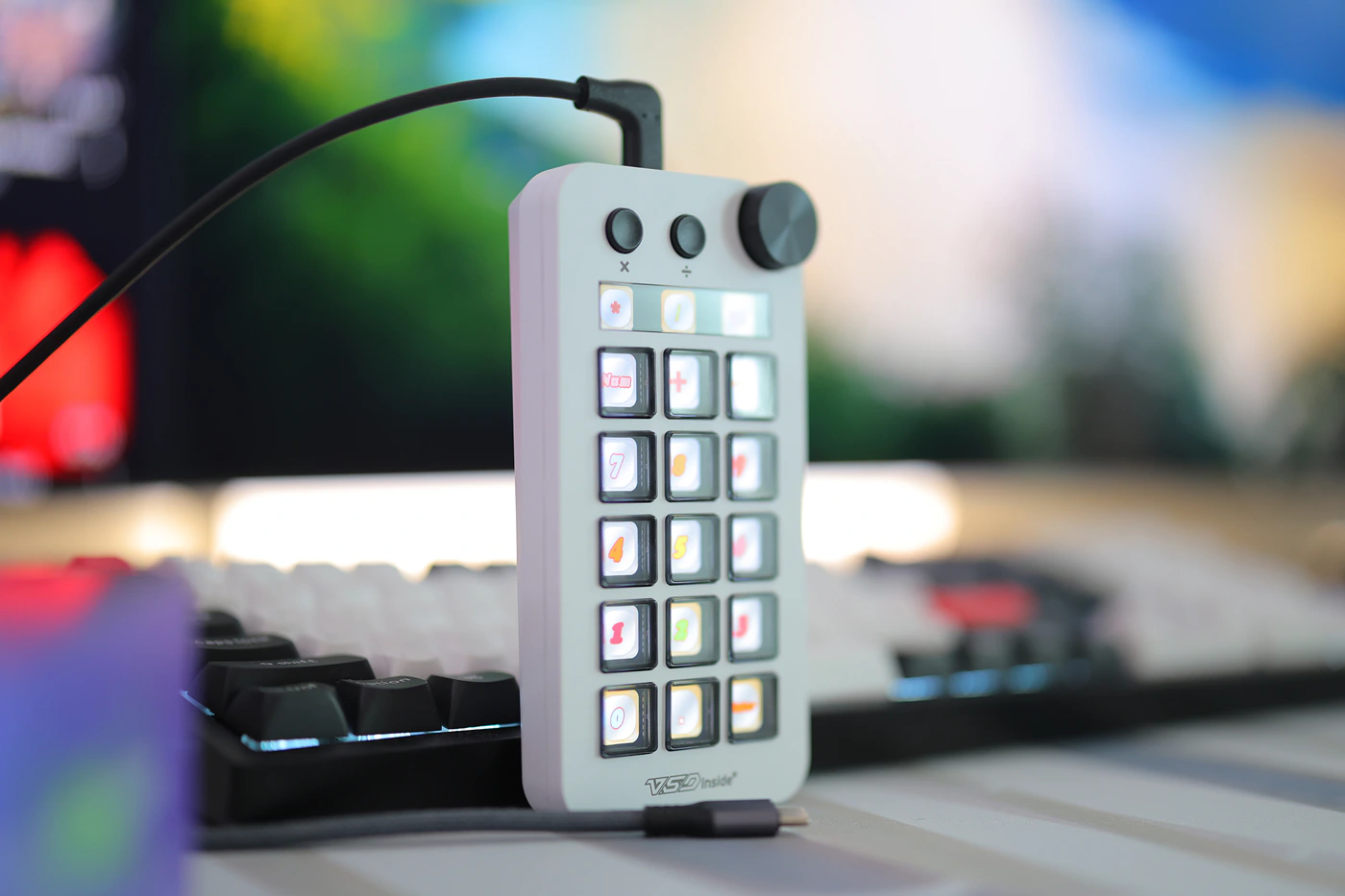
At the end of the day, I believe that the idea of a streaming deck or dock is inherently something you have to figure out and if you ever wanted to have quick access to a numpad or short set of buttons, and if you found yourself wanting to quickly control something, be it media playback, video editing shortcuts, drawing shortcuts, or basically anything that can be programed into a keyboard, the VSDinside Streaming Dock N1 is an excellent vertical choice which can easily replace the numpad for someone who uses a smaller keyboard like an AKKO MU-01 and for streamers it is even better as it allows for fast control of your media playback.
PROs
- Beautiful, simple and reliable
- White color looks really nice
- All buttons can be configured, including the volume wheel
- You can do so much with it, if you have imagination on what you want each button to do
- Excellent value
- Tiny display can turn it into a mini add-on calculator
- You can configure extremely complex hotkeys, assign answers to each button and assign icons to those
- Even assign anime faces and drawings or gifs to each button
Cons
- You have to do the thinking part and tinkering with it, as default profiles were not very useful for me
- Keys are registered slowly, it cannot be used for gaming or quick typing
- Advanced functions, custom icons, hotkeys and basically everything works only if the software is running and you cannot seem to set the N1 to work without the software installed (does not seem to have onboard memory)
Product Link
Amazon – https://amzn.to/48T6FGn
Aliexpress – https://s.click.aliexpress.com/e/_c4380gmF
--- Please remember to stay safe, and always have fun while listening to music!---
- If you have a dime to spare, please donate, and help us! It would make the day brighter for me and my wife-
Full Playlist used for this review
We listened to more songs than those named in this playlist, but those are excellent for identifying a sonic signature. I recommend trying most of the songs from this playlist, especially if you’re searching for new music! The playlists are different for Spotify, Tidal and Youtube, and based on the songs I enjoy and are available on each!
https://www.youtube.com/playlist?list=PL_cjBXGmwSHSdGcwuc_bKbBDGHL4QvYBu
https://open.spotify.com/playlist/5J3oloz8Riy9LxEGenOjQ0?si=979ba4f082414be7
https://tidal.com/browse/playlist/330fd544-8e5b-4839-bd35-676b2edbb3d5
--- Contact Us ---